Sign In Start Free Trial
Account

Add to playlist

Create a Playlist

Modal Close icon
You need to login to use this feature.
  • Book Overview & Buying Apache Spark for Data Science Cookbook
  • Table Of Contents Toc
  • Feedback & Rating feedback
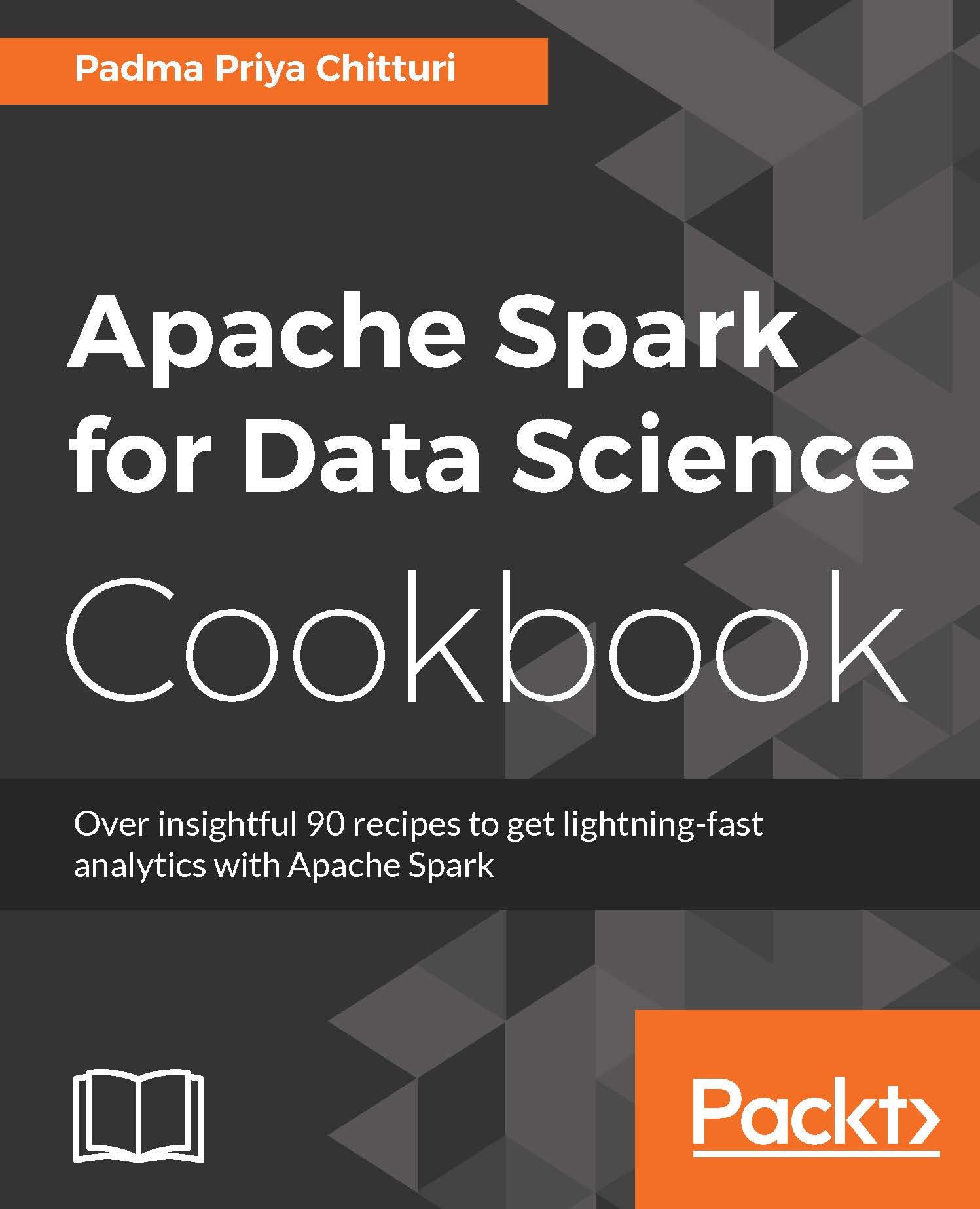
Apache Spark for Data Science Cookbook

Apache Spark for Data Science Cookbook

By : Nagamallikarjuna Inelu, Chitturi
3.5 (4)
close
close
Apache Spark for Data Science Cookbook

Apache Spark for Data Science Cookbook

3.5 (4)
By: Nagamallikarjuna Inelu, Chitturi

Overview of this book

Spark has emerged as the most promising big data analytics engine for data science professionals. The true power and value of Apache Spark lies in its ability to execute data science tasks with speed and accuracy. Spark’s selling point is that it combines ETL, batch analytics, real-time stream analysis, machine learning, graph processing, and visualizations. It lets you tackle the complexities that come with raw unstructured data sets with ease. This guide will get you comfortable and confident performing data science tasks with Spark. You will learn about implementations including distributed deep learning, numerical computing, and scalable machine learning. You will be shown effective solutions to problematic concepts in data science using Spark’s data science libraries such as MLLib, Pandas, NumPy, SciPy, and more. These simple and efficient recipes will show you how to implement algorithms and optimize your work.
Table of Contents (11 chapters)
close
close

Installing Pandas on Linux


In this recipe, we will see how to install Pandas on Linux. Before proceeding with the installation, let's consider the version of Python we're going to use. There are two versions or flavors of Python, namely Python 2.7.x and Python 3.x. Although the latest version, Python 3.x, appears to be the better choice, for scientific, numeric, or data analysis work, Python 2.7 is recommended.

Getting ready

To step through this recipe, you need Ubuntu 14.04 (Linux flavor) installed on the machine. Python comes pre-installed. The python --version command gives the version of Python installed. If the version seems to be 2.6.x, upgrade it to Python 2.7 as follows:

sudo apt-get install python2.7 

How to do it…

  1. Once Python version is available, make sure that the Python .dev files are installed. If not, install them as follows:

          sudo apt-get install python-dev 
    
    
  2. Installing through pip:

          sudo apt-get install python-pip 
          sudo pip install numpy 
    ...
Visually different images
CONTINUE READING
83
Tech Concepts
36
Programming languages
73
Tech Tools
Icon Unlimited access to the largest independent learning library in tech of over 8,000 expert-authored tech books and videos.
Icon Innovative learning tools, including AI book assistants, code context explainers, and text-to-speech.
Icon 50+ new titles added per month and exclusive early access to books as they are being written.
Apache Spark for Data Science Cookbook
notes
bookmark Notes and Bookmarks search Search in title playlist Add to playlist font-size Font size

Change the font size

margin-width Margin width

Change margin width

day-mode Day/Sepia/Night Modes

Change background colour

Close icon Search
Country selected

Close icon Your notes and bookmarks

Confirmation

Modal Close icon
claim successful

Buy this book with your credits?

Modal Close icon
Are you sure you want to buy this book with one of your credits?
Close
YES, BUY

Submit Your Feedback

Modal Close icon
Modal Close icon
Modal Close icon