


-
Book Overview & Buying
-
Table Of Contents

Managing and Visualizing Your BIM Data
By :


Managing and Visualizing Your BIM Data
By:
Overview of this book
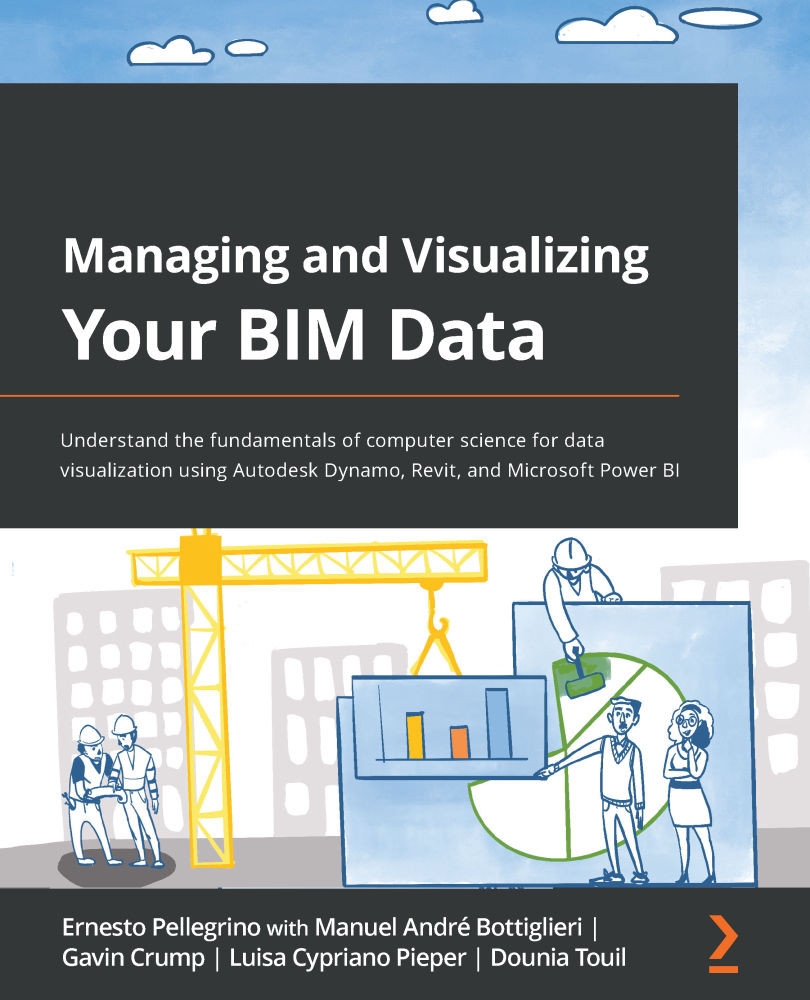
Business intelligence software has rapidly spread its roots in the AEC industry during the last few years. This has happened due to the presence of rich digital data in BIM models whose datasets can be gathered, organized, and visualized through software such as Autodesk Dynamo BIM and Power BI.
Managing and Visualizing Your BIM Data helps you understand and implement computer science fundamentals to better absorb the process of creating Dynamo scripts and visualizing the collected data on powerful dashboards. This book provides a hands-on approach and associated methodologies that will have you productive and up and running in no time. After understanding the theoretical aspects of computer science and related topics, you will focus on Autodesk Dynamo to develop scripts to manage data. Later, the book demonstrates four case studies from AEC experts across the world. In this section, you’ll learn how to get started with Autodesk Dynamo to gather data from a Revit model and create a simple C# plugin for Revit to stream data on Power BI directly. As you progress, you’ll explore how to create dynamic Power BI dashboards using Revit floor plans and make a Power BI dashboard to track model issues.
By the end of this book, you’ll have learned how to develop a script to gather a model’s data and visualize datasets in Power BI easily.
Table of Contents (17 chapters)
Preface


Section 1: Overview of Digitalization and BIM Data
 Free Chapter
Chapter 1: Introducing Units of Digital Information
Chapter 2: Understanding Data Centers
Chapter 3: Warming Up Your Data Visualization Engines

Section 2: Examples and Case Studies from Experts around the World
Chapter 4: Building a Data Bridge between BIM Models and Web-Based Dashboards
Chapter 5: Getting Started with Autodesk Dynamo and Data Gathering
Chapter 6: Importing Revit Plans in Power BI Using Shape Files
Chapter 7: Creating a Revit Model-Check Dashboard Using Dynamo and Power BI
Section 3: Deep Dive into Autodesk Dynamo
Chapter 8: Deep Dive into Dynamo Data Types
Chapter 9: Using Dynamo to Place Family Instances
Chapter 10: Gathering a Revit Model's Data from Multiple Models at Once
Chapter 11: Visualizing Data from Multiple Models in Power BI
Chapter 12: Having Fun with Power BI
Other Books You May Enjoy


