Sign In Start Free Trial
Account

Add to playlist

Create a Playlist

Modal Close icon
You need to login to use this feature.
  • Book Overview & Buying SwiftUI Cookbook
  • Table Of Contents Toc
  • Feedback & Rating feedback
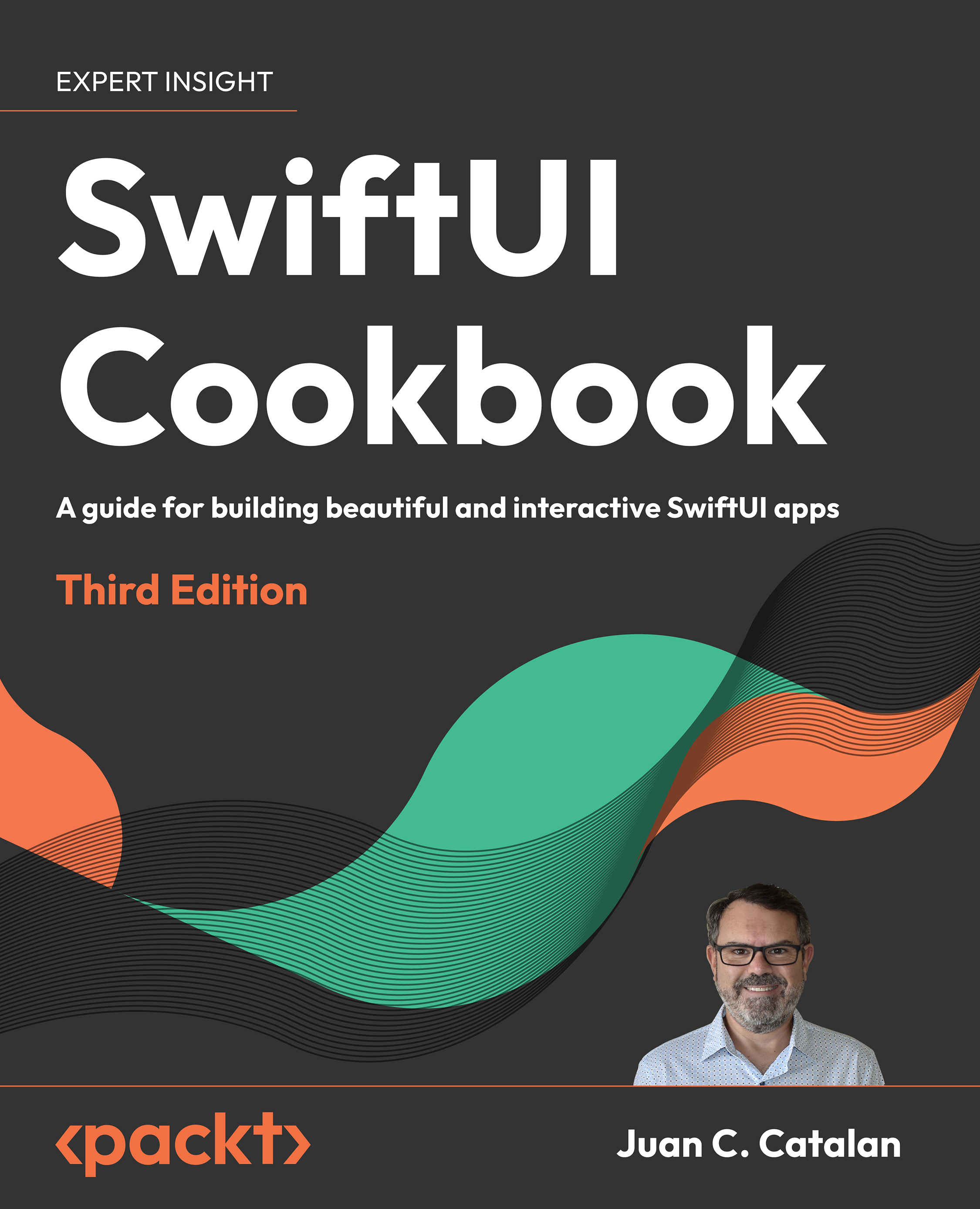
SwiftUI Cookbook

SwiftUI Cookbook - Third Edition

By : Juan C. Catalan
5 (19)
close
close
SwiftUI Cookbook

SwiftUI Cookbook

5 (19)
By: Juan C. Catalan

Overview of this book

SwiftUI is the modern way to build user interfaces for iOS, macOS, and watchOS. It provides a declarative and intuitive way to create beautiful and interactive user interfaces. The new edition of this comprehensive cookbook includes a fully updated repository for SwiftUI 5, iOS 17, Xcode 15, and Swift 5.9. With this arsenal, it teaches you everything you need to know to build beautiful and interactive user interfaces with SwiftUI 5, from the basics to advanced topics like custom modifiers, animations, and state management. In this new edition, you will dive into the world of creating powerful data visualizations with a new chapter on Swift Charts and how to seamlessly integrate charts into your SwiftUI apps. Further, you will be able to unleash your creativity with advanced controls, including multi-column tables and two-dimensional layouts. You can explore new modifiers for text, images, and shapes that give you more control over the appearance of your views. You will learn how to develop apps for multiple platforms, including iOS, macOS, watchOS, and more. With expert insights, real-world examples, and a recipe-based approach, you’ll be equipped to build remarkable SwiftUI apps that stand out in today’s competitive market.
Table of Contents (20 chapters)
close
close
18
Other Books You May Enjoy
19
Index

Using the Basic SwiftUI Views and Controls

SwiftUI was launched during Apple’s Worldwide Developer Conference (WWDC) in June 2019. Since then, its popularity has kept increasing as it has been adopted widely by the Apple developer community. Apple also releases updates every year, adding new and exciting capabilities to SwiftUI.

SwiftUI is a UI framework that ditches UIKit concepts such as Auto Layout for an easier-to-use declarative programming model. SwiftUI is Apple’s preferred way to build user interfaces. It is a platform-agnostic framework that allows the fast and easy creation of applications that work across Apple platforms (iOS, iPadOS, macOS, WatchOS, and tvOS).

There is no question today about the need to learn about SwiftUI. Apple released the fifth iteration of the framework in 2023 and it is adding more features every year. Here are some other compelling reasons to be proficient in SwiftUI:

  • SwiftUI apps can work alongside UIKit apps: You can slowly convert your app’s user interface (UI) to SwiftUI, one screen at a time.
  • Industry adoption: SwiftUI has already been adopted by the industry as it was released four years ago. Just looking at job postings for iOS developers, you’ll find out that most of them require experience with SwiftUI. Learning about SwiftUI is a must for current iOS development jobs. In a few more years, SwiftUI will dominate the app development for all the Apple platforms, the same way that Swift took over from Objective-C a few years ago.
  • Low learning curve: SwiftUI offers a low learning curve for people who have used declarative programming before. It is also a great way to start learning declarative programming for those with little to no experience.
  • Live previews increase speed: SwiftUI live previews provide an instant preview of your UI without having to recompile the whole app. You can quickly prototype apps and make any changes required by your users. This greatly improves the speed of UI development.

This book is designed to be your SwiftUI reference material. Each project focuses on a single concept so that you can understand each concept thoroughly, and then combine multiple concepts to build amazing applications.

In this chapter, we will learn about views and controls, SwiftUI’s visual building blocks for app user interfaces. The following recipes will be covered:

  • Laying out components
  • Dealing with text
  • Using images
  • Adding buttons and navigating with them
  • Beyond buttons: using advanced pickers
  • Applying groups of styles using ViewModifier
  • Separating presentation from content with ViewBuilder
  • Simple graphics using San Francisco Symbols (SF symbol)
  • Integrating UIKit into SwiftUI—the best of both worlds
  • Adding SwiftUI to a legacy UIKit app
  • Exploring more views and controls
Visually different images
CONTINUE READING
83
Tech Concepts
36
Programming languages
73
Tech Tools
Icon Unlimited access to the largest independent learning library in tech of over 8,000 expert-authored tech books and videos.
Icon Innovative learning tools, including AI book assistants, code context explainers, and text-to-speech.
Icon 50+ new titles added per month and exclusive early access to books as they are being written.
SwiftUI Cookbook
notes
bookmark Notes and Bookmarks search Search in title playlist Add to playlist download Download options font-size Font size

Change the font size

margin-width Margin width

Change margin width

day-mode Day/Sepia/Night Modes

Change background colour

Close icon Search
Country selected

Close icon Your notes and bookmarks

Confirmation

Modal Close icon
claim successful

Buy this book with your credits?

Modal Close icon
Are you sure you want to buy this book with one of your credits?
Close
YES, BUY

Submit Your Feedback

Modal Close icon
Modal Close icon
Modal Close icon