Learning a new programming language always starts with "Hello World", no matter how experienced a developer you are (and I won't have anyone tell me any different).
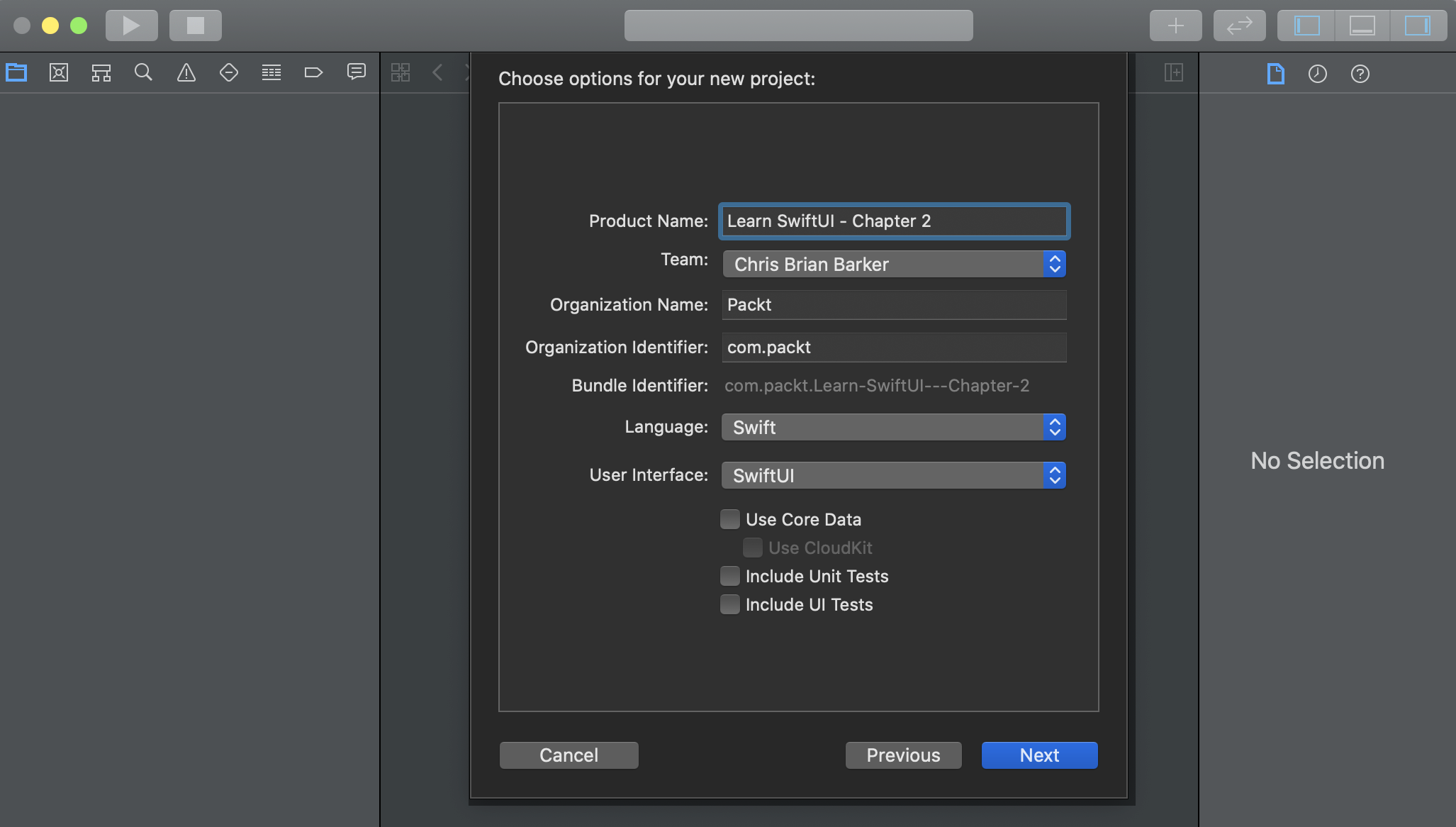
SwiftUI is no different. By default, it will give you some very basic boilerplate code to get you started. If you followed the preceding sections correctly, you'll be presented with the following:
struct ContentView: View {
    var body: some View {
        Text("Hello World")
    }
}
This is your first look at SwiftUI's declarative syntax – looks great, doesn't it? Well, actually, it doesn't look like a lot, but when we break it down, you'll see how powerful it is and how much is actually being done.
Let's start by taking a look at the first couple of lines:
struct ContentView: View {
    var body: some View { }
}
What does this mean? Well, this is your main Content View for the Single View App you're about to create. In terms of UIKit, this is your main UIView, which may sit inside your existing UIViewController or simply be a view on its own. Everything that is going to be displayed on your screen will be returned in this one single view. We can, however, have multiple views being returned inside the body of ContentView, which leads us on to the next part – a TextView:
struct ContentView: View {
    var body: some View {
        TextView("Hello World")
    }
}
As you can see. there is a TextView inside our body that accepts a constructor of the String type. What we've done here is create a label with the text of "Hello World" and added it to our app, all with one line of code!
Notice how I said we were returning a TextView and I mentioned that we can return multiple views within our ContentView body, yet we appear to be missing the return keyword in front of our TextView. This is because SwiftUI (along with Swift 5.2) can now make use of implicit returns from single-expression functions.
Now that we've learned how to successfully return a single View, we can move on to returning more than one View. The next section is important as every element on a page in SwiftUI is of the View type and you will almost never return just a single View for your app.