Sign In Start Free Trial
Account

Add to playlist

Create a Playlist

Modal Close icon
You need to login to use this feature.
  • Book Overview & Buying Linux Shell Scripting Bootcamp
  • Table Of Contents Toc
  • Feedback & Rating feedback
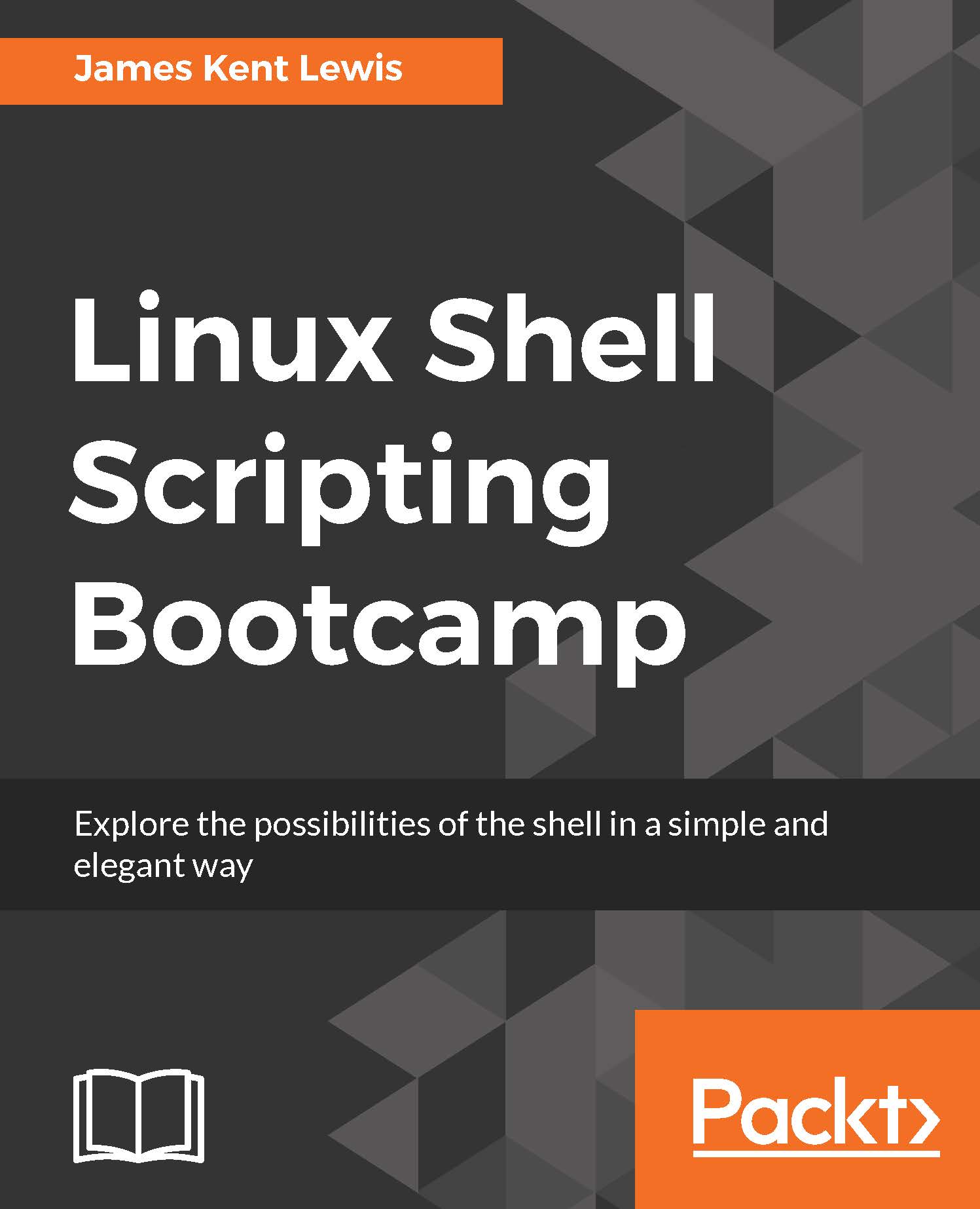
Linux Shell Scripting Bootcamp

Linux Shell Scripting Bootcamp

By : James K Lewis
3.5 (2)
close
close
Linux Shell Scripting Bootcamp

Linux Shell Scripting Bootcamp

3.5 (2)
By: James K Lewis

Overview of this book

Linux Shell Scripting Bootcamp is all about learning the essentials of script creation, validating parameters, and checking for the existence of files and other items needed by the script. We will use scripts to explore iterative operations using loops and learn different types of loop statements, with their differences. Along with this, we will also create a numbered backup script for backup files. Further, you will get well-versed with how variables work on a Linux system and how they relate to scripts. You’ll also learn how to create and call subroutines in a script and create interactive scripts. The most important archive commands, zip and tar, are also discussed for performing backups. Later, you will dive deeper by understanding the use of wget and curl scripts and the use of checksum and file encryption in further chapters. Finally, you will learn how to debug scripts and scripting best practices that will enable you to write a great code every time! By the end of the book, you will be able to write shell scripts that can dig data from the web and process it efficiently.
Table of Contents (12 chapters)
close
close
11
Index

Chapter 6. Automating Tasks with Scripts

This chapter shows how to automate various tasks using scripts.

The topics covered in this chapter are as follows:

  • How to create a script to automate a task.
  • The proper way to use cron to run the script automatically at specific times.
  • How to use ZIP and TAR to perform compressed backups.
  • Source code examples.

The reader will learn how to create automated scripts.

We talked about the sleep command in Chapter 3, Using Loops and the sleep Command. It can be used to create an automated script (that is, one that runs at a specific time with no user intervention) as long as a few guidelines are followed.

This very simple script will reinforce what we covered in Chapter 3 Using Loops and the sleep Command about using the sleep command for automation:

Visually different images
CONTINUE READING
83
Tech Concepts
36
Programming languages
73
Tech Tools
Icon Unlimited access to the largest independent learning library in tech of over 8,000 expert-authored tech books and videos.
Icon Innovative learning tools, including AI book assistants, code context explainers, and text-to-speech.
Icon 50+ new titles added per month and exclusive early access to books as they are being written.
Linux Shell Scripting Bootcamp
notes
bookmark Notes and Bookmarks search Search in title playlist Add to playlist download Download options font-size Font size

Change the font size

margin-width Margin width

Change margin width

day-mode Day/Sepia/Night Modes

Change background colour

Close icon Search
Country selected

Close icon Your notes and bookmarks

Confirmation

Modal Close icon
claim successful

Buy this book with your credits?

Modal Close icon
Are you sure you want to buy this book with one of your credits?
Close
YES, BUY

Submit Your Feedback

Modal Close icon
Modal Close icon
Modal Close icon