
Sign In Start Free Trial
Account

Add to playlist

Create a Playlist

Modal Close icon
You need to login to use this feature.
  • Book Overview & Buying Hands-On Network Programming with C# and .NET Core
  • Table Of Contents Toc
  • Feedback & Rating feedback
Hands-On Network Programming with C# and .NET Core

Hands-On Network Programming with C# and .NET Core

By : Sean Burns
3.6 (8)
close
close
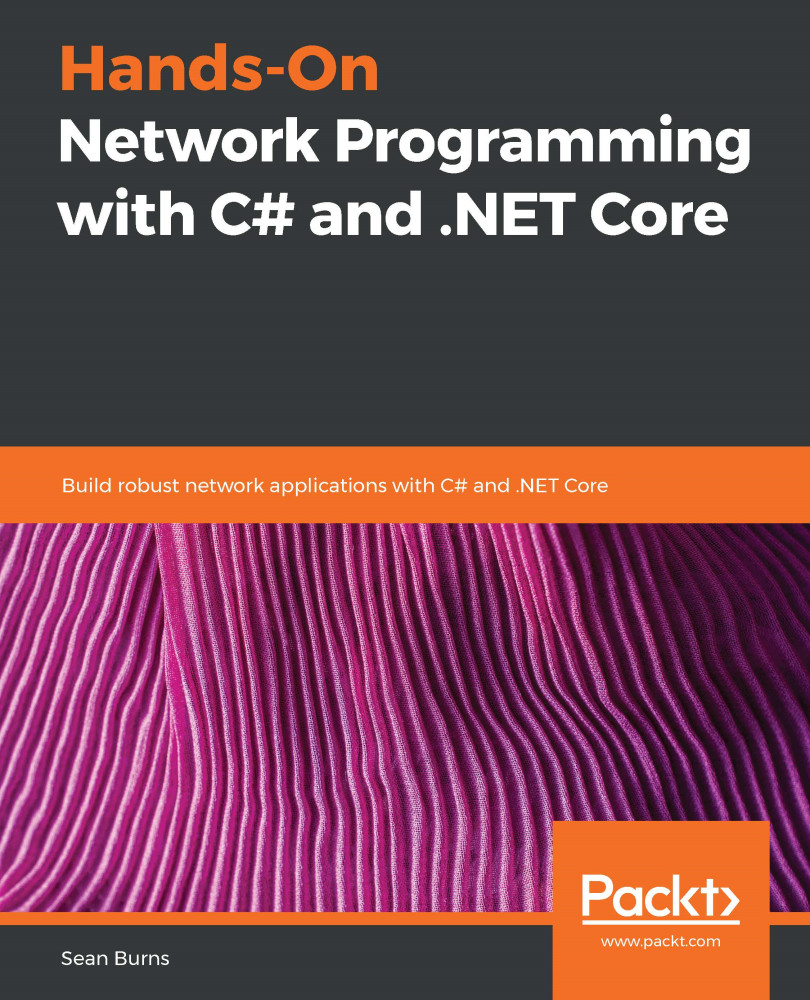
Hands-On Network Programming with C# and .NET Core

Hands-On Network Programming with C# and .NET Core

3.6 (8)
By: Sean Burns

Overview of this book

The C# language and the .NET Core application framework provide the tools and patterns required to make the discipline of network programming as intuitive and enjoyable as any other aspect of C# programming. With the help of this book, you will discover how the C# language and the .NET Core framework make this possible. The book begins by introducing the core concepts of network programming, and what distinguishes this field of programming from other disciplines. After this, you will gain insights into concepts such as transport protocols, sockets and ports, and remote data streams, which will provide you with a holistic understanding of how network software fits into larger distributed systems. The book will also explore the intricacies of how network software is implemented in a more explicit context, by covering sockets, connection strategies such as Transmission Control Protocol (TCP) and User Datagram Protocol (UDP), asynchronous processing, and threads. You will then be able to work through code examples for TCP servers, web APIs served over HTTP, and a Secure Shell (SSH) client. By the end of this book, you will have a good understanding of the Open Systems Interconnection (OSI) network stack, the various communication protocols for that stack, and the skills that are essential to implement those protocols using the C# programming language and the .NET Core framework.
Table of Contents (26 chapters)
close
close
Lock Free Chapter
1
Section 1: Foundations of Network Architecture
6
Section 2: Communicating Over Networks
10
Section 3: Application Protocols and Connection Handling
15
Section 4: Security, Stability, and Scalability
21
Section 5: Advanced Subjects

Asynchronous programming for asynchronous data sources

If you're not familiar with asynchronous programming then what we're about to talk about may seem a little confusing at first, but I promise that in practice, it's actually quite simple. All it means is performing individual computational tasks out of order, or out of sync. It allows engineers to defer blocking the execution of their program to wait for a long-running task until they absolutely have to. To make this clear, let's look at an example.

Let's imagine we have a method that must have step A send a request for a massive amount of data, with step B performing long-running calculations locally, and finally, C returns the two results as a single response. If we were to read the response from our network request synchronously, then the time it takes to complete our method would be the total of...

Visually different images
CONTINUE READING
83
Tech Concepts
36
Programming languages
73
Tech Tools
Icon Unlimited access to the largest independent learning library in tech of over 8,000 expert-authored tech books and videos.
Icon Innovative learning tools, including AI book assistants, code context explainers, and text-to-speech.
Icon 50+ new titles added per month and exclusive early access to books as they are being written.
Hands-On Network Programming with C# and .NET Core
notes
bookmark Notes and Bookmarks search Search in title playlist Add to playlist font-size Font size

Change the font size

margin-width Margin width

Change margin width

day-mode Day/Sepia/Night Modes

Change background colour

Close icon Search
Country selected

Close icon Your notes and bookmarks

Confirmation

Modal Close icon
claim successful

Buy this book with your credits?

Modal Close icon
Are you sure you want to buy this book with one of your credits?
Close
YES, BUY

Submit Your Feedback

Modal Close icon
Modal Close icon
Modal Close icon