Sign In Start Free Trial
Account

Add to playlist

Create a Playlist

Modal Close icon
You need to login to use this feature.
  • Book Overview & Buying Mastering Windows Server 2019
  • Table Of Contents Toc
  • Feedback & Rating feedback
Mastering Windows Server 2019

Mastering Windows Server 2019 - Second Edition

By : Jordan Krause
4.3 (45)
close
close
Mastering Windows Server 2019

Mastering Windows Server 2019

4.3 (45)
By: Jordan Krause

Overview of this book

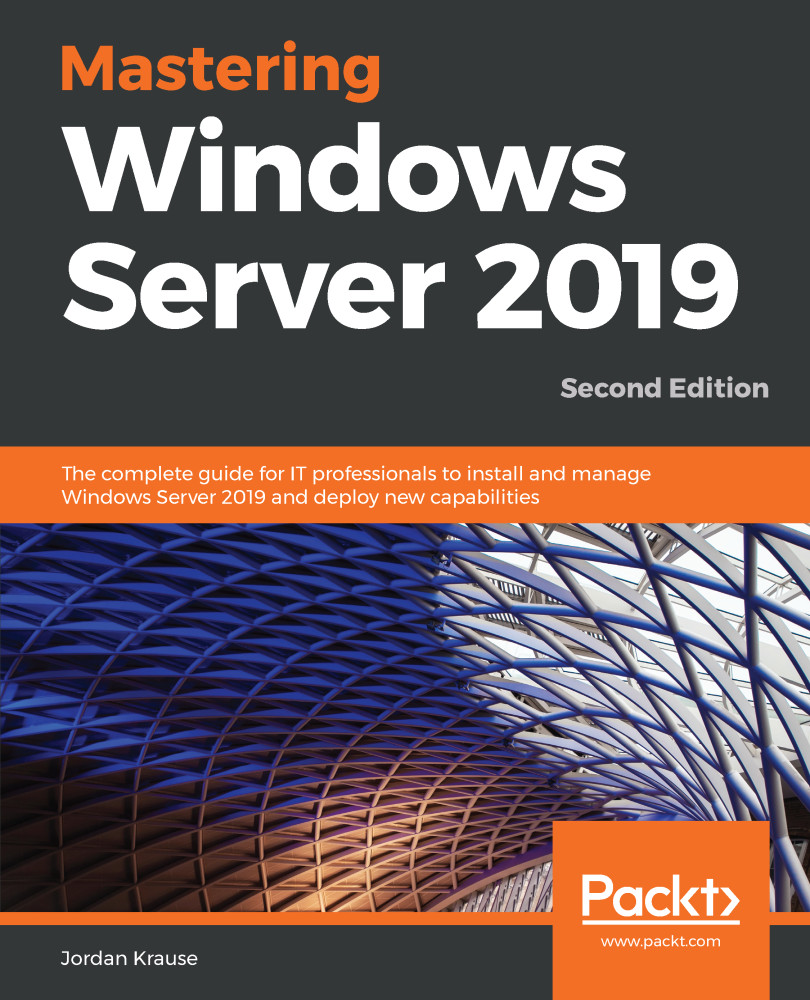
Mastering Windows Server 2019 – Second Edition covers all of the essential information needed to implement and utilize this latest-and-greatest platform as the core of your data center computing needs. You will begin by installing and managing Windows Server 2019, and by clearing up common points of confusion surrounding the versions and licensing of this new product. Centralized management, monitoring, and configuration of servers is key to an efficient IT department, and you will discover multiple methods for quickly managing all of your servers from a single pane of glass. To this end, you will spend time inside Server Manager, PowerShell, and even the new Windows Admin Center, formerly known as Project Honolulu. Even though this book is focused on Windows Server 2019 LTSC, we will still discuss containers and Nano Server, which are more commonly related to the SAC channel of the server platform, for a well-rounded exposition of all aspects of using Windows Server in your environment. We also discuss the various remote access technologies available in this operating system, as well as guidelines for virtualizing your data center with Hyper-V. By the end of this book, you will have all the ammunition required to start planning for, implementing, and managing Windows.
Table of Contents (15 chapters)
close
close

Get in touch

Feedback from our readers is always welcome.

General feedback: Email [email protected] and mention the book’s title in the subject of your message. If you have questions about any aspect of this book, please email us at [email protected].

Errata: Although we have taken every care to ensure the accuracy of our content, mistakes do happen. If you have found a mistake in this book, we would be grateful if you reported this to us. Please visit http://www.packtpub.com/submit-errata, click Submit Errata, and fill in the form.

Piracy: If you come across any illegal copies of our works in any form on the internet, we would be grateful if you would provide us with the location address or website name. Please contact us at [email protected] with a link to the material.

If you are interested in becoming an author: If there is a topic that you have expertise in and you are interested in either writing or contributing to a book, please visit http://authors.packtpub.com.

Share your thoughts

Once you’ve read Mastering Windows Server 2022, Fourth Edition, we’d love to hear your thoughts! Please click here to go straight to the Amazon review page for this book and share your feedback.

Your review is important to us and the tech community and will help us make sure we’re delivering excellent quality content.

Visually different images
CONTINUE READING
83
Tech Concepts
36
Programming languages
73
Tech Tools
Icon Unlimited access to the largest independent learning library in tech of over 8,000 expert-authored tech books and videos.
Icon Innovative learning tools, including AI book assistants, code context explainers, and text-to-speech.
Icon 50+ new titles added per month and exclusive early access to books as they are being written.
Mastering Windows Server 2019
notes
bookmark Notes and Bookmarks search Search in title playlist Add to playlist font-size Font size

Change the font size

margin-width Margin width

Change margin width

day-mode Day/Sepia/Night Modes

Change background colour

Close icon Search
Country selected

Close icon Your notes and bookmarks

Confirmation

Modal Close icon
claim successful

Buy this book with your credits?

Modal Close icon
Are you sure you want to buy this book with one of your credits?
Close
YES, BUY

Submit Your Feedback

Modal Close icon
Modal Close icon
Modal Close icon