


-
Book Overview & Buying
-
Table Of Contents

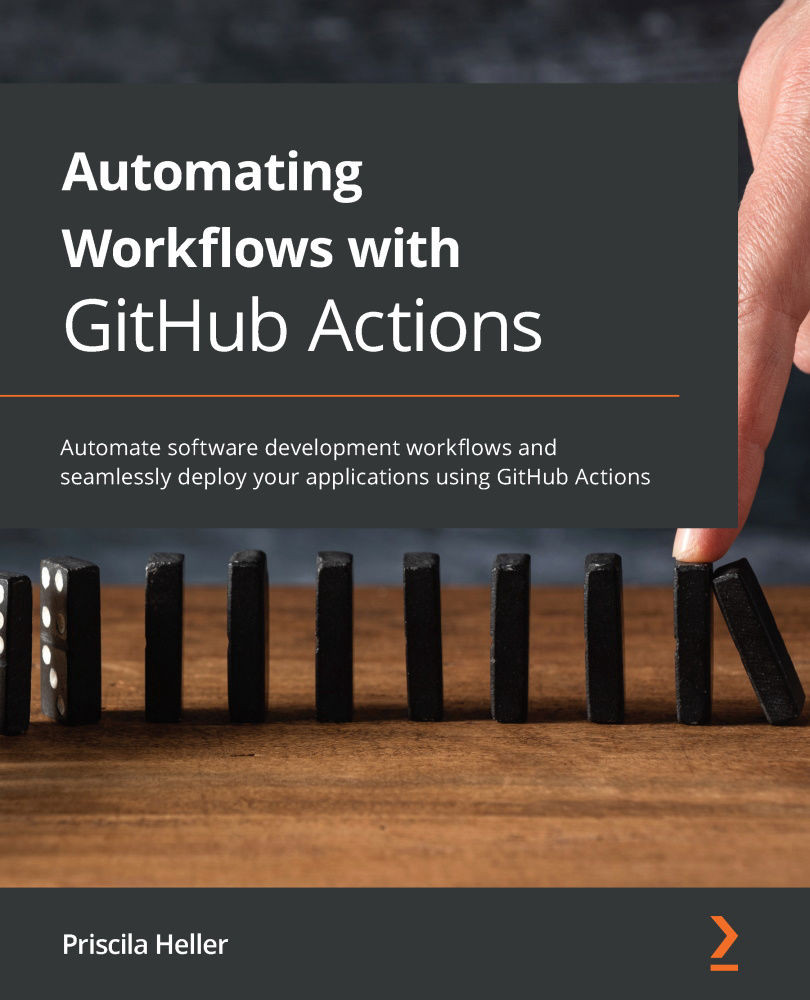
Automating Workflows with GitHub Actions
By :


Automating Workflows with GitHub Actions
By:
Overview of this book
GitHub Actions is one of the most popular products that enables you to automate development tasks and improve your software development workflow. Automating Workflows with GitHub Actions uses real-world examples to help you automate everyday tasks and use your resources efficiently.
This book takes a practical approach to helping you develop the skills needed to create complex YAML files to automate your daily tasks. You'll learn how to find and use existing workflows, allowing you to get started with GitHub Actions right away. Moving on, you'll discover complex concepts and practices such as self-hosted runners and writing workflow files that leverage other platforms such as Docker as well as programming languages such as Java and JavaScript. As you advance, you'll be able to write your own JavaScript, Docker, and composite run steps actions, and publish them in GitHub Marketplace! You'll also find instructions to migrate your existing CI/CD workflows into GitHub Actions from platforms like Travis CI and GitLab. Finally, you'll explore tools that'll help you stay informed of additions to GitHub Actions along with finding technical support and staying engaged with the community.
By the end of this GitHub book, you'll have developed the skills and experience needed to build and maintain your own CI/CD pipeline using GitHub Actions.
Table of Contents (14 chapters)
Preface


Section 1:Introduction and Overview of Technologies Used with GitHub Actions
 Free Chapter
Chapter 1: Learning the Foundations for GitHub Actions
Chapter 2: Deep Diving into GitHub Actions
Section 2: Advanced Concepts and Hands-On Exercises to Create Actions
Chapter 3: A Closer Look at Workflows
Chapter 4: Working with Self-Hosted Runners
Chapter 5: Writing Your Own Actions
Chapter 6: Marketplace – Finding Existing Actions and Publishing Your Own

Section 3: Customizing Existing Actions, Migrations, and the Future of GitHub Actions
Chapter 7: Migrations
Chapter 8: Contributing to the Community and Finding Help
Chapter 9: The Future of GitHub Actions
Other Books You May Enjoy


