


-
Book Overview & Buying
-
Table Of Contents

-
Feedback & Rating

AWS Certified Solutions Architect – Professional Exam Guide (SAP-C02)
By :


AWS Certified Solutions Architect – Professional Exam Guide (SAP-C02)
By:
Overview of this book
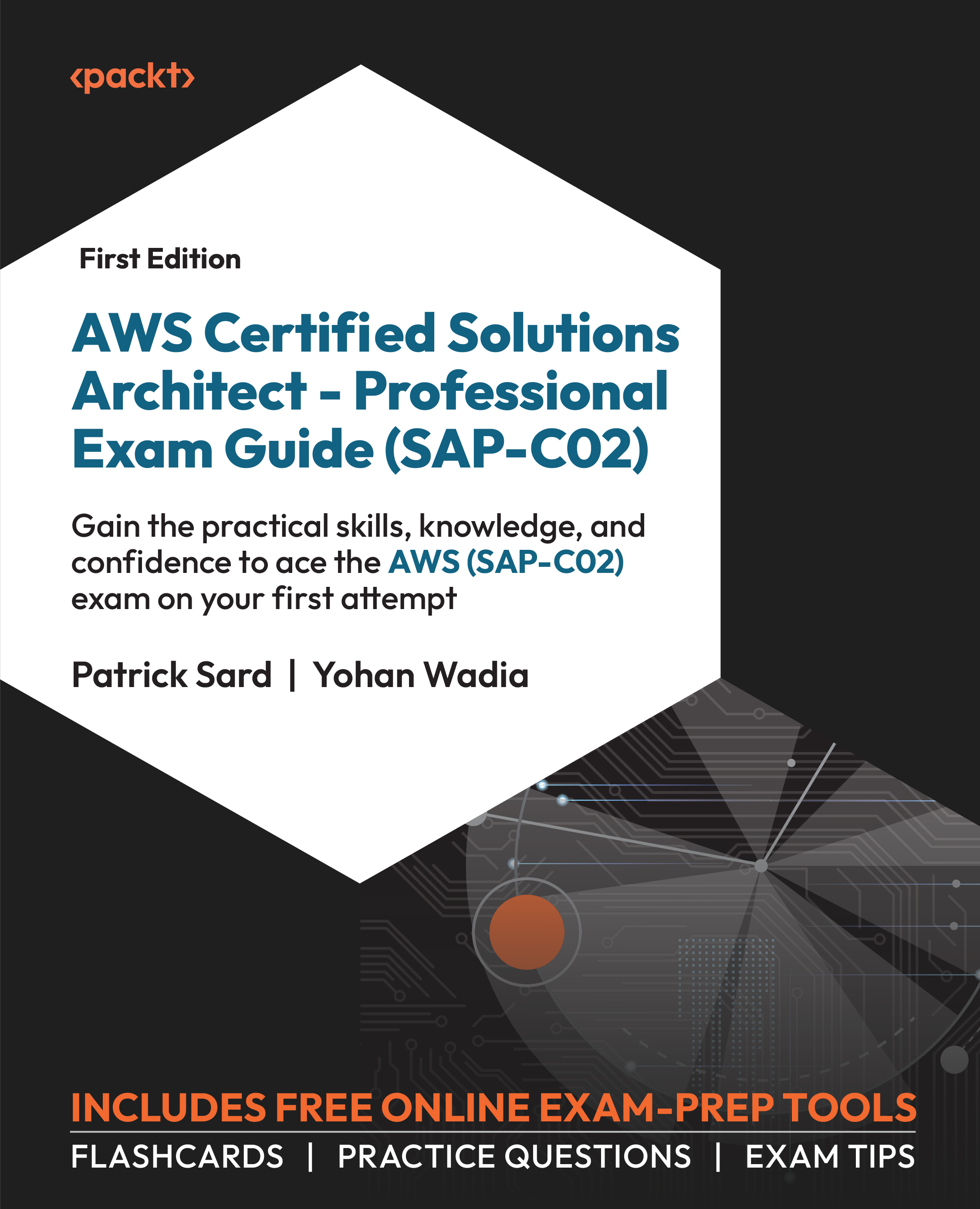
Known for its difficulty and ranking among the highest-paying IT certifications, the AWS Certified Solutions Architect Professional (SAP-C02) certification demands significant hands-on experience for success. This comprehensive guide reinforces your knowledge and enhances your skills in various solution architectures and services. Additionally, you’ll gain lifetime access to supplementary practice resources such as mock exams, flashcards, and exam tips from experts.
Aligned with exam objectives, this AWS certification study guide helps you assess your knowledge through timed mock tests that simulate exam conditions. Beyond exam preparation, you’ll develop advanced skills in designing distributed systems on AWS cloud and become proficient in providing architectural recommendations for complex application implementation, and enhancing infrastructure efficiency. As you advance, you’ll gain insights into how to foster unique thinking and factor diverse considerations while architecting solutions. You’ll also get to grips with designing multi-tier applications, deploying enterprise-grade operations, and migrating complex applications to AWS.
By the end of this book, you’ll be able to design and deploy innovative solutions on AWS, unlocking new opportunities and driving success in the dynamic world of cloud computing.
Table of Contents (23 chapters)
Preface


Chapter 1: Determining an Authentication and Access Control Strategy for Complex Organizations
 Free Chapter
Chapter 2: Designing Networks for Complex Organizations
Chapter 3: Designing a Multi-Account AWS Environment for Complex Organizations
Chapter 4: Ensuring Cost Optimization
Chapter 5: Determining Security Requirements and Controls
Chapter 6: Meeting Reliability Requirements
Chapter 7: Ensuring Business Continuity
Chapter 8: Meeting Performance Objectives
Chapter 9: Establishing a Deployment Strategy
Chapter 10: Designing for Cost Efficiency
Chapter 11: Improving Operational Excellence
Chapter 12: Improving Reliability
Chapter 13: Improving Performance
Chapter 14: Improving Security

Chapter 15: Improving Deployment
Chapter 16: Exploring Opportunities for Cost Optimization
Chapter 17: Selecting Existing Workloads and Processes to Migrate
Chapter 18: Selecting Migration Tools and Services
Chapter 19: Determining a New Architecture for Existing Workloads
Chapter 20: Determining Opportunities for Modernization and Enhancements
Chapter 21: Accessing the Online Practice Resources
Other Books You May Enjoy
Customer Reviews



