


-
Book Overview & Buying
-
Table Of Contents

Linux Kernel Programming - Second Edition
By :


Linux Kernel Programming
By:
Overview of this book
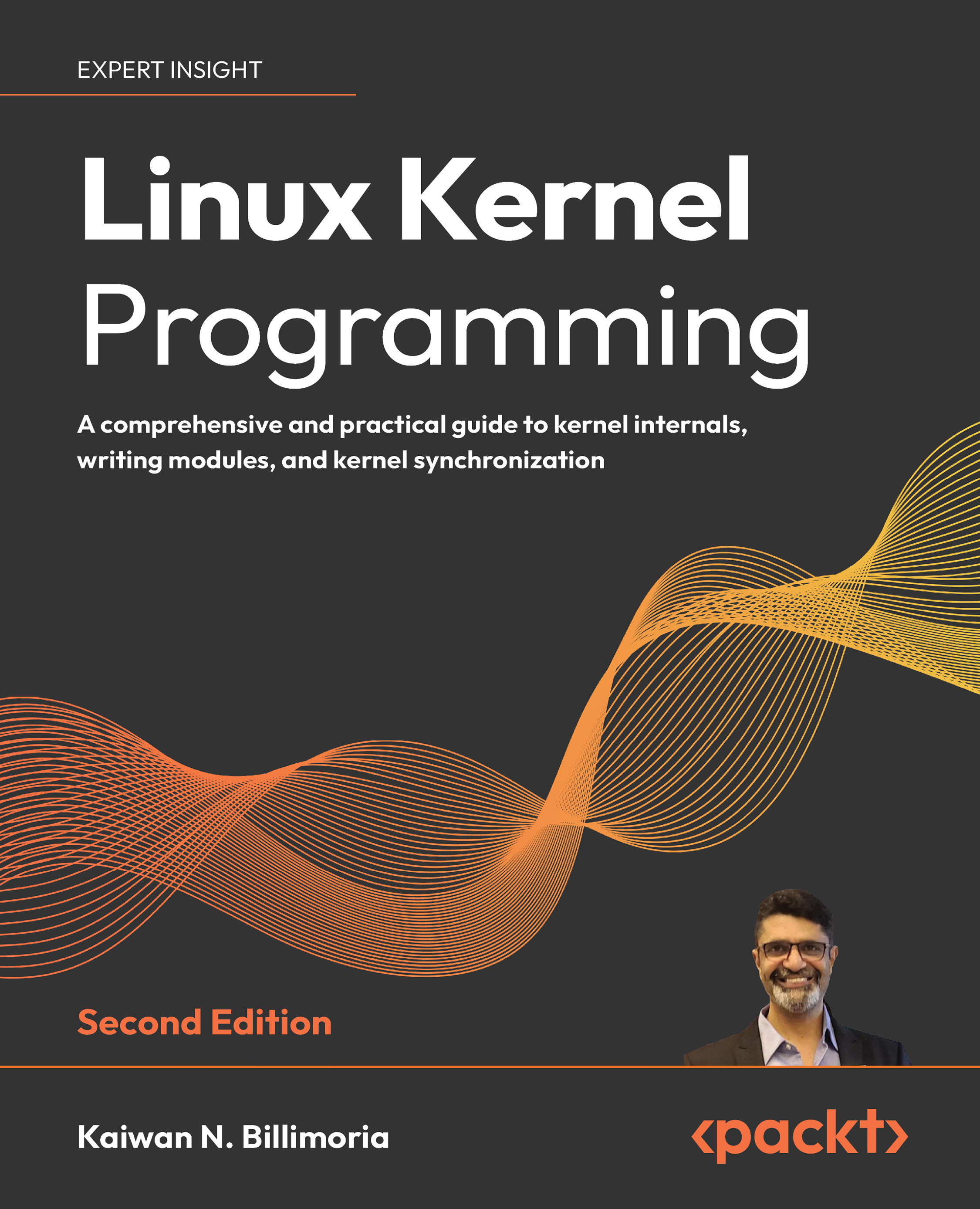
The 2nd Edition of Linux Kernel Programming is an updated, comprehensive guide for those new to Linux kernel development. Built around the latest 6.1 Long-Term Support (LTS) Linux kernel, which is maintained until December 2026, this edition explores its key features and enhancements. Additionally, with the Civil Infrastructure Project extending support for the 6.1 Super LTS (SLTS) kernel until August 2033, this book will remain relevant for years to come.
You'll begin this exciting journey by learning how to build the kernel from source. Step by step, you will then learn how to write your first kernel module by leveraging the kernel's powerful Loadable Kernel Module (LKM) framework. With this foundation, you will delve into key kernel internals topics including Linux kernel architecture, memory management, and CPU (task) scheduling. You'll finish with understanding the deep issues of concurrency, and gain insight into how they can be addressed with various synchronization/locking technologies (for example, mutexes, spinlocks, atomic/refcount operators, rw-spinlocks and even lock-free technologies such as per-CPU and RCU).
By the end of this book, you'll build a strong understanding of the fundamentals to writing the Linux kernel and kernel module code that can straight away be used in real-world projects and products.
Table of Contents (17 chapters)
Preface


Linux Kernel Programming – A Quick Introduction

 Free Chapter
Building the 6.x Linux Kernel from Source – Part 1
Building the 6.x Linux Kernel from Source – Part 2
Writing Your First Kernel Module – Part 1
Writing Your First Kernel Module – Part 2
Kernel Internals Essentials – Processes and Threads
Memory Management Internals – Essentials
Kernel Memory Allocation for Module Authors – Part 1
Kernel Memory Allocation for Module Authors – Part 2
The CPU Scheduler – Part 1
The CPU Scheduler – Part 2
Kernel Synchronization – Part 1
Kernel Synchronization – Part 2
Unlock Your Exclusive Benefits
Other Books You May Enjoy
Index


