Sign In Start Free Trial
Account

Add to playlist

Create a Playlist

Modal Close icon
You need to login to use this feature.
  • Book Overview & Buying Windows 11 for Enterprise Administrators
  • Table Of Contents Toc
Windows 11 for Enterprise Administrators

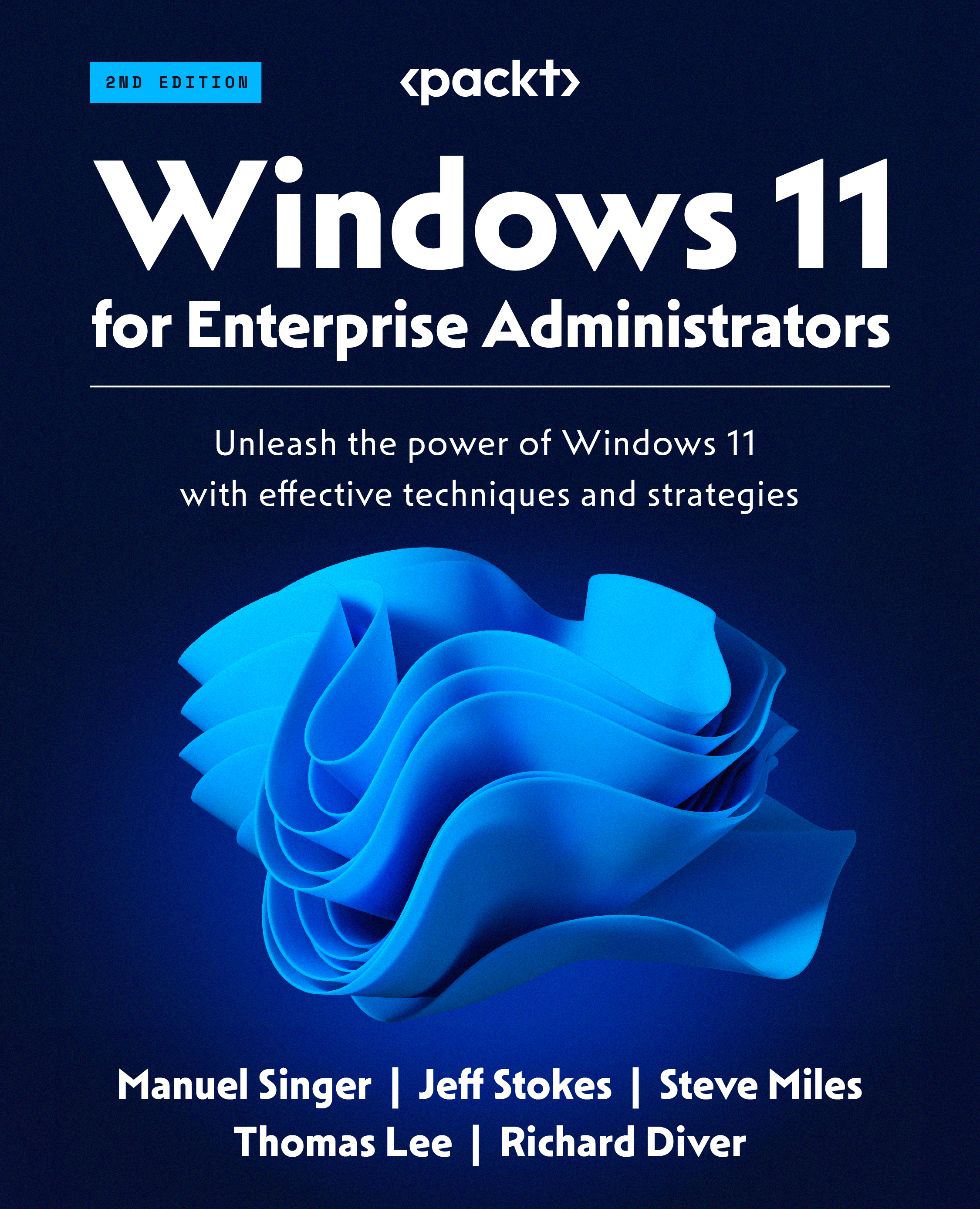
Windows 11 for Enterprise Administrators - Second Edition

By : Manuel Singer, Jeff Stokes, Steve Miles, Thomas Lee, Richard Diver
5 (2)
close
close
Windows 11 for Enterprise Administrators

Windows 11 for Enterprise Administrators

5 (2)
By: Manuel Singer, Jeff Stokes, Steve Miles, Thomas Lee, Richard Diver

Overview of this book

Windows 11 comes with a plethora of new security measures, customizability, and accessibility features that can help your organization run more smoothly. But, without a proper introduction to this new version of Windows, it’s easy to miss the most important improvements, along with configuration options that will make migrating to Windows 11 frictionless. Windows 11 for Enterprise Administrators helps you understand the installation process, configuration methods, deployment scenarios, and management strategies. You’ll delve into configuring Remote Server Administration Tools for remote Windows Server and Azure Active Directory management. This edition emphasizes PowerShell's role in automating administrative tasks, and its importance in Windows 11 and Windows Server management. It also provides comprehensive insights into Windows 11 updates, including Version 21H2 and 22H2, contrasting them with Windows 10, ensuring your knowledge stays current with the latest enhancements in the Windows ecosystem. By the end of this book, you'll be well-equipped with Windows 11's vital technologies and potentials, enabling you to adeptly oversee and implement these attributes within your company.
Table of Contents (13 chapters)
close
close
9
Chapter 9: Advanced Configurations

Security mitigation

For the significance of Windows 11’s security focus, one simply needs to look at the news. It seems every day that another story emerges of a company or organization that has had ransomware installed and then been blackmailed into paying for an encryption key to regain access to their own data. A review of the work needed to protect from these types of attacks is worth the time.

Additionally, software products working in tandem with antivirus solutions, such as data loss prevention (DLP) software or even intrusion detection software/systems (IDS) can be used to protect organizations and their data from accidental or even intentional theft by third parties or rogue employees. The typical goal of an organization is to prevent their data from ending up on WikiLeaks, so any steps that can be taken toward that end are a good target for the enterprise administrator.

While prevention is all well and good, what about the aftermath of a detected intrusion? Are...

CONTINUE READING
83
Tech Concepts
36
Programming languages
73
Tech Tools
Icon Unlimited access to the largest independent learning library in tech of over 8,000 expert-authored tech books and videos.
Icon Innovative learning tools, including AI book assistants, code context explainers, and text-to-speech.
Icon 50+ new titles added per month and exclusive early access to books as they are being written.
Windows 11 for Enterprise Administrators
notes
bookmark Notes and Bookmarks search Search in title playlist Add to playlist font-size Font size

Change the font size

margin-width Margin width

Change margin width

day-mode Day/Sepia/Night Modes

Change background colour

Close icon Search
Country selected

Close icon Your notes and bookmarks

Confirmation

Modal Close icon
claim successful

Buy this book with your credits?

Modal Close icon
Are you sure you want to buy this book with one of your credits?
Close
YES, BUY

Submit Your Feedback

Modal Close icon
Modal Close icon
Modal Close icon