Sign In Start Free Trial
Account

Add to playlist

Create a Playlist

Modal Close icon
You need to login to use this feature.
  • Book Overview & Buying Mastering Endpoint Management using Microsoft Intune Suite
  • Table Of Contents Toc
Mastering Endpoint Management using Microsoft Intune Suite

Mastering Endpoint Management using Microsoft Intune Suite

By : Saurabh Sarkar, Rahul Singh
close
close
Mastering Endpoint Management using Microsoft Intune Suite

Mastering Endpoint Management using Microsoft Intune Suite

By: Saurabh Sarkar, Rahul Singh

Overview of this book

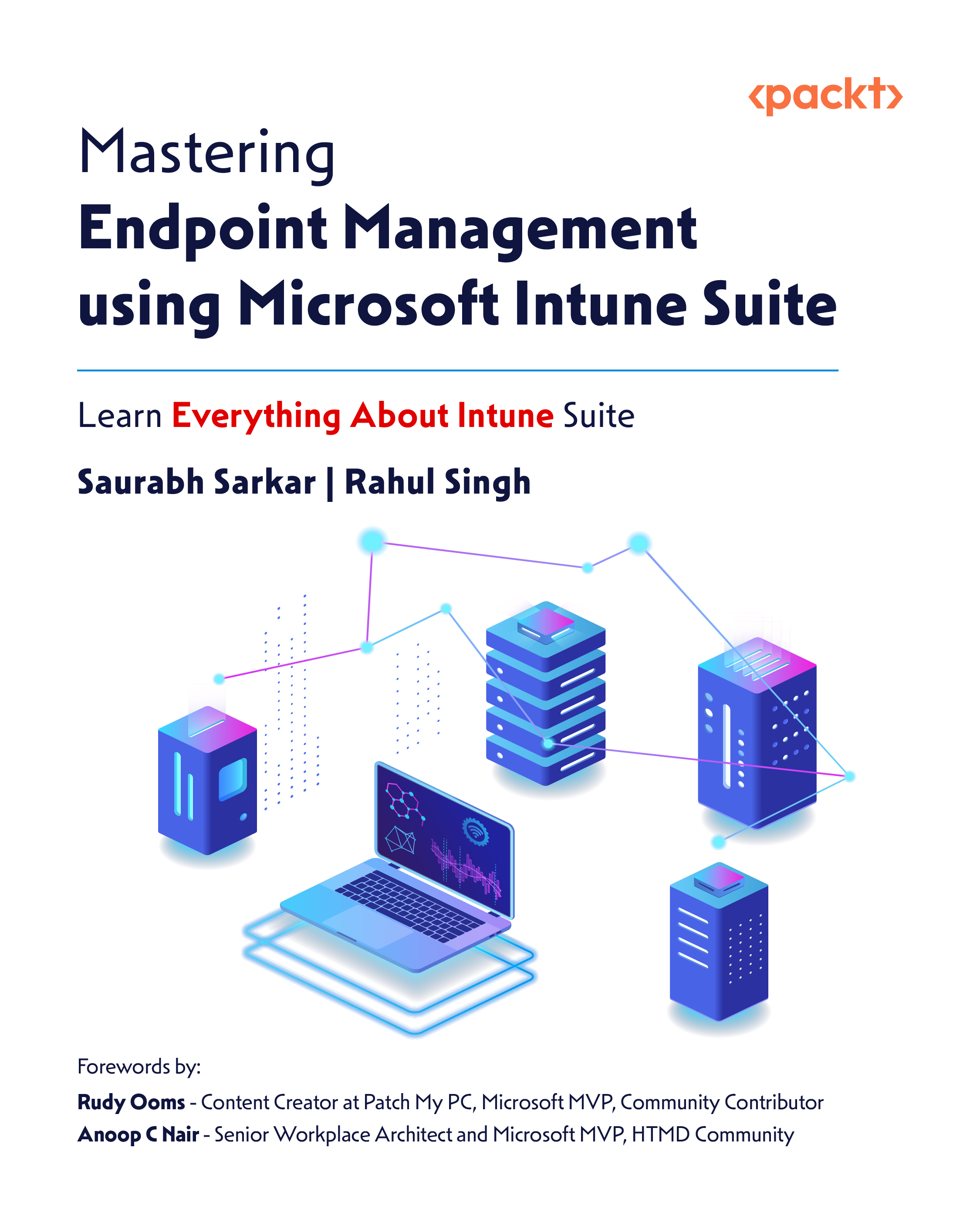
Mastering Endpoint Management using Microsoft Intune Suite is one of the first books focused solely on Microsoft’s premium Intune features, offering hands-on, in-depth coverage for IT admins, security professionals, and endpoint engineers. Co-authored by a Microsoft Intune Product Manager and a Principal Consultant who is also a Microsoft Certified Trainer (MCT), this book walks you through real-world implementation using backend architecture diagrams, registry insights, and troubleshooting techniques. You’ll start with cloud public key infrastructure (PKI), learning how to simplify certificate-based authentication. Then you’ll move on to endpoint privilege management (EPM) to enforce least-privilege access at scale. You will learn about Enterprise App Management, which helps you how to modernize app delivery, as well as Advanced Analytics, which reveals how to use Kusto Query Language (KQL) and Security Copilot for actionable insights. The book also covers Remote Help for secure support and Microsoft Tunnel for enabling BYOD access, and concludes with a curated list of essential Intune learning resources. By the end of this Intune book, you will have the practical expertise to implement, manage, and troubleshoot Intune Suite confidently in real-world enterprise environments.

Table of Contents (11 chapters)
close
close
9
Other Books You May Enjoy
10
Index

When to Use EPM—and When Not To

Now that we’ve covered the purpose and functionality of EPM, it’s important to understand the appropriate scenarios for its use which has been explained in this section below:

Primary Application Deployment Strategy

The preferred method for deploying applications should always be through Microsoft Intune using the “Required” intent, ensuring that essential applications are automatically installed on user devices. If there is uncertainty about whether a user needs a particular application, it should be deployed using the “Available” intent, allowing users to install it on demand via the Company Portal.

When to Use EPM

EPM should be leveraged in specific cases where:

  • A user needs to install an application that has not been pre-provisioned and is not commonly used across the organization.
  • A user requires temporary elevation to run tools in an administrative context for legitimate troubleshooting or diagnostic...
CONTINUE READING
83
Tech Concepts
36
Programming languages
73
Tech Tools
Icon Unlimited access to the largest independent learning library in tech of over 8,000 expert-authored tech books and videos.
Icon Innovative learning tools, including AI book assistants, code context explainers, and text-to-speech.
Icon 50+ new titles added per month and exclusive early access to books as they are being written.
Mastering Endpoint Management using Microsoft Intune Suite
notes
bookmark Notes and Bookmarks search Search in title playlist Add to playlist font-size Font size

Change the font size

margin-width Margin width

Change margin width

day-mode Day/Sepia/Night Modes

Change background colour

Close icon Search
Country selected

Close icon Your notes and bookmarks

Confirmation

Modal Close icon
claim successful

Buy this book with your credits?

Modal Close icon
Are you sure you want to buy this book with one of your credits?
Close
YES, BUY

Submit Your Feedback

Modal Close icon
Modal Close icon
Modal Close icon