Sign In Start Free Trial
Account

Add to playlist

Create a Playlist

Modal Close icon
You need to login to use this feature.
  • Book Overview & Buying GitHub Actions Cookbook
  • Table Of Contents Toc
  • Feedback & Rating feedback
GitHub Actions Cookbook

GitHub Actions Cookbook

By : Michael Kaufmann
4.8 (5)
close
close
GitHub Actions Cookbook

GitHub Actions Cookbook

4.8 (5)
By: Michael Kaufmann

Overview of this book

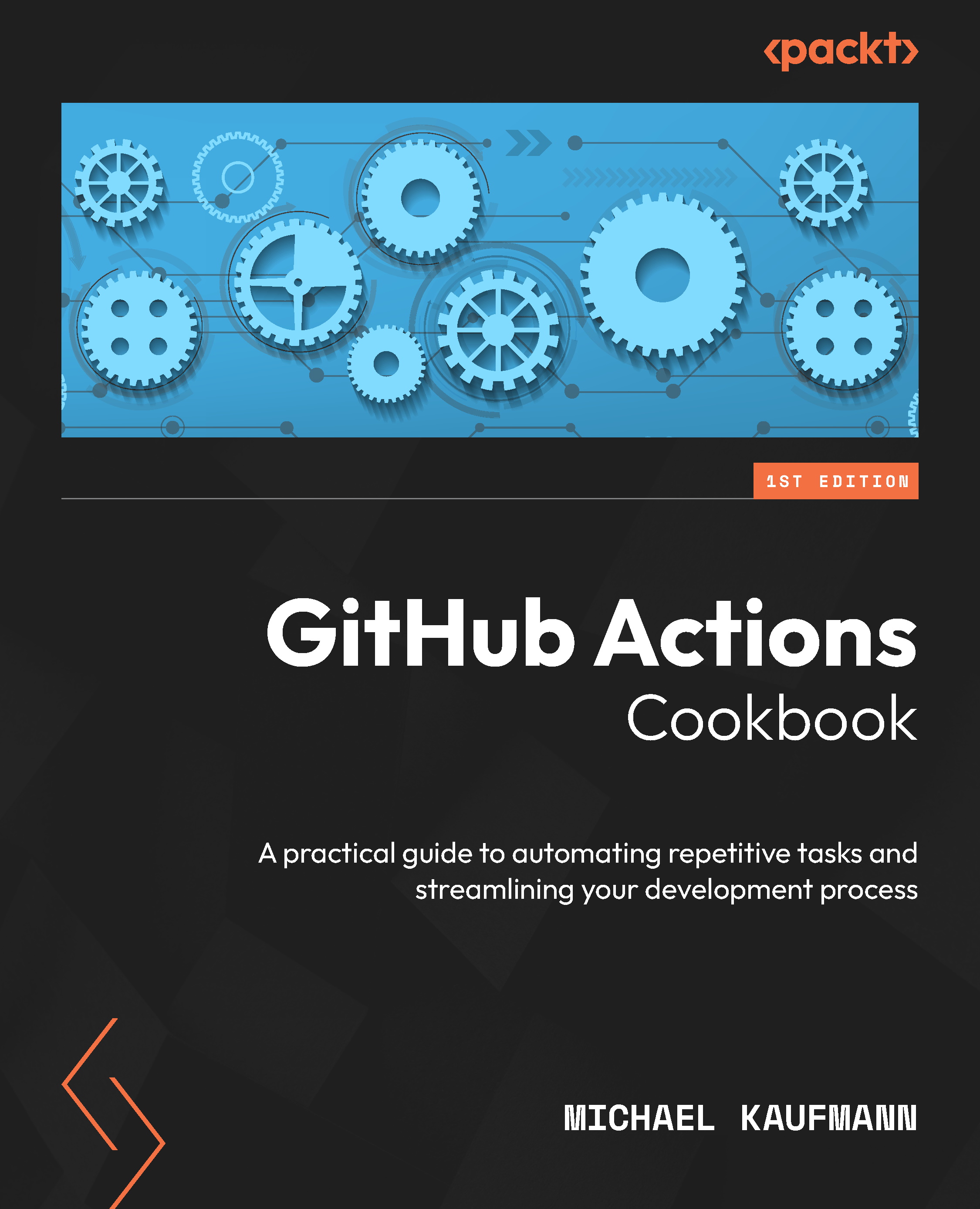
Say goodbye to tedious tasks! GitHub Actions is a powerful workflow engine that automates everything in the GitHub ecosystem, letting you focus on what matters most. This book explains the GitHub Actions workflow syntax, the different kinds of actions, and how GitHub-hosted and self-hosted workflow runners work. You’ll get tips on how to author and debug GitHub Actions and workflows with Visual Studio Code (VS Code), run them locally, and leverage the power of GitHub Copilot. The book uses hands-on examples to walk you through real-world use cases that will help you automate the entire release process. You’ll cover everything, from automating the generation of release notes to building and testing your software and deploying securely to Azure, Amazon Web Services (AWS), or Google Cloud using OpenID Connect (OIDC), secrets, variables, environments, and approval checks. The book goes beyond CI/CD by demonstrating recipes to execute IssueOps and automate other repetitive tasks using the GitHub CLI, GitHub APIs and SDKs, and GitHub Token. You’ll learn how to build your own actions and reusable workflows to share building blocks with the community or within your organization. By the end of this GitHub book, you'll have gained the skills you need to automate tasks and work with remarkable efficiency and agility.
Table of Contents (10 chapters)
close
close

Creating a Docker container action

In this recipe, you will create a simple Docker container action from a Dockerfile and use it in a continuous integration (CI) workflow that will run the action from within the workflow every time you change something.

Getting ready…

Create a new repository called DockerActionRecipe. Make it public so that you don’t consume any action minutes and initialize it with a README file (see Figure 3.1):

Figure 3.1 – Creating a new repository for the Docker container action

Clone the repository locally and open it in VS Code or GitHub Codespaces.

How to do it…

  1. Create a new file called Dockerfile in the root of the repository. Add the following content to the file:
    # Container image that runs your code
    FROM alpine:latest
    CMD echo "Hello World"

    This will create an image based on the latest Alpine image and add a layer that writes “Hello World” to the console.

  2. ...
Visually different images
CONTINUE READING
83
Tech Concepts
36
Programming languages
73
Tech Tools
Icon Unlimited access to the largest independent learning library in tech of over 8,000 expert-authored tech books and videos.
Icon Innovative learning tools, including AI book assistants, code context explainers, and text-to-speech.
Icon 50+ new titles added per month and exclusive early access to books as they are being written.
GitHub Actions Cookbook
notes
bookmark Notes and Bookmarks search Search in title playlist Add to playlist download Download options font-size Font size

Change the font size

margin-width Margin width

Change margin width

day-mode Day/Sepia/Night Modes

Change background colour

Close icon Search
Country selected

Close icon Your notes and bookmarks

Confirmation

Modal Close icon
claim successful

Buy this book with your credits?

Modal Close icon
Are you sure you want to buy this book with one of your credits?
Close
YES, BUY

Submit Your Feedback

Modal Close icon
Modal Close icon
Modal Close icon