


-
Book Overview & Buying
-
Table Of Contents

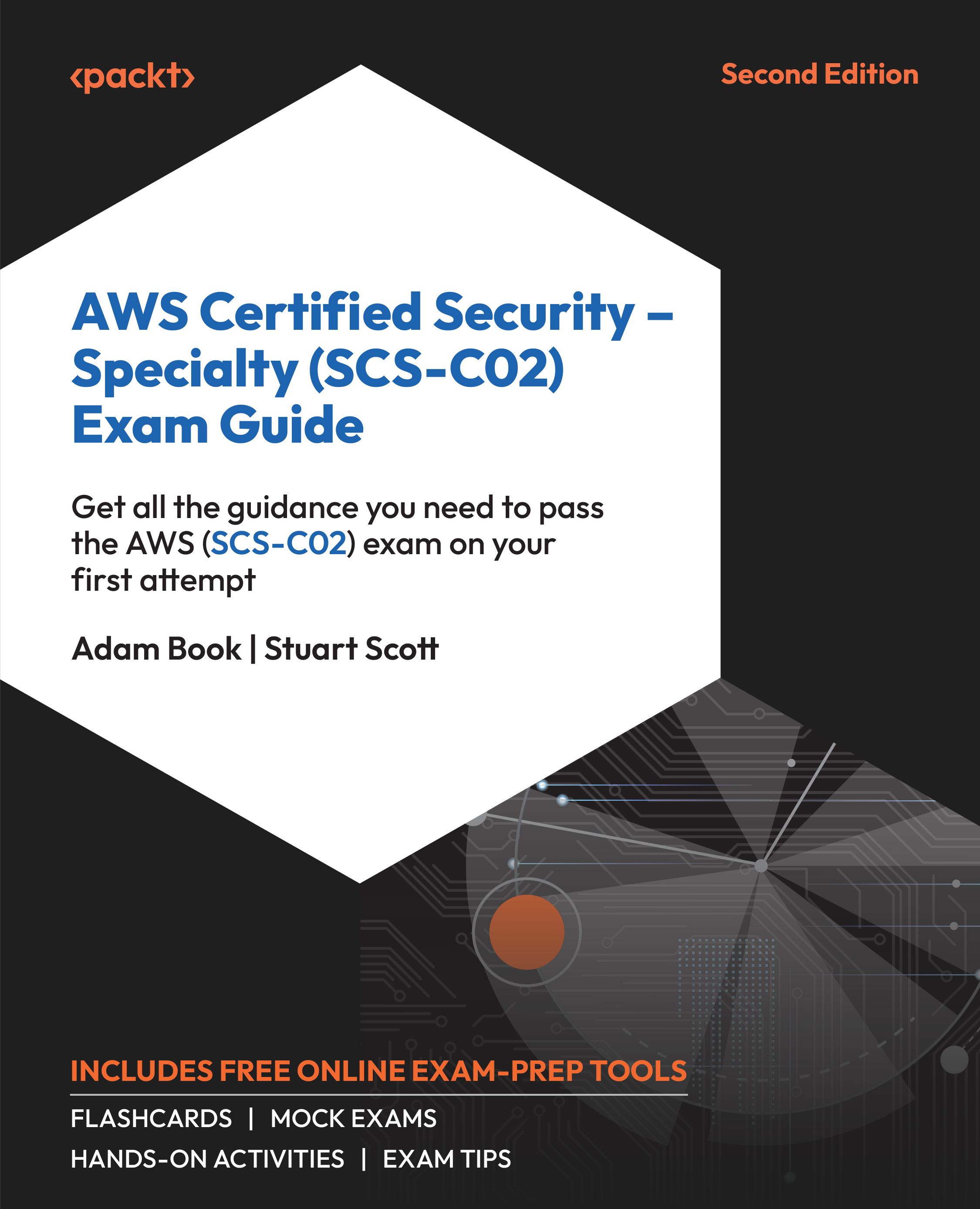
AWS Certified Security – Specialty (SCS-C02) Exam Guide - Second Edition
By :


AWS Certified Security – Specialty (SCS-C02) Exam Guide
By:
Overview of this book
The AWS Certified Security – Specialty exam validates your expertise in advanced cloud security, a crucial skill set in today's cloud market. With the latest updates and revised study material, this second edition provides an excellent starting point for your exam preparation.
You’ll learn the fundamentals of core services, which are essential prerequisites before delving into the six domains covered in the exam. The book addresses various security threats, vulnerabilities, and attacks, such as DDoS attacks, offering insights into effective mitigation strategies at different layers. You’ll learn different tools available in Amazon Web Services (AWS) to secure your Virtual Private Cloud and allow the correct traffic to travel securely to your workloads. As you progress, you’ll explore the intricacies of AWS EventBridge and IAM services. Additionally, you’ll get lifetime access to supplementary online resources, including mock exams with exam-like timers, detailed solutions, interactive flashcards, and invaluable exam tips, all accessible across various devices such as PCs, tablets, and smartphones.
Ultimately, armed with the knowledge and skills acquired from this AWS security guide, you'll be well-prepared to pass the exam and design secure AWS solutions with confidence.
Table of Contents (29 chapters)
Preface


Chapter 1: AWS Shared Responsibility Model
Chapter 2: Fundamental AWS Services

Chapter 3: Understanding Attacks on Cloud Environments
Section 2:Incident Response
Chapter 4: Incident Response
Chapter 5: Managing Your Environment with AWS Config
Chapter 6: Event Management with Security Hub and GuardDuty
Section 3:Logging and Monitoring
Chapter 7: Logs Generated by AWS Services
Chapter 8: CloudWatch and CloudWatch Metrics
Chapter 9: Parsing Logs and Events with AWS Native Tools
Section 4:Infrastructure Security
Chapter 10: Configuring Infrastructure Security
Chapter 11: Securing EC2 Instances
Chapter 12: Managing Key Infrastructure
Chapter 13: Access Management
Section 5:Identity and Access Management
Chapter 14: Working with Access Policies
Chapter 15: Federated and Mobile Access
Chapter 16: Using Active Directory Services to Manage Access
Section 6:Data Protection
Chapter 17: Protecting Data in Flight and at Rest
Chapter 18: Securely Connecting to Your AWS Environment
Chapter 19: Using Certificates and Certificate Services in AWS
Chapter 20: Managing Secrets Securely in AWS
Chapter 21: Accessing the Online Practice Resources
Other Books You May Enjoy


