


-
Book Overview & Buying
-
Table Of Contents

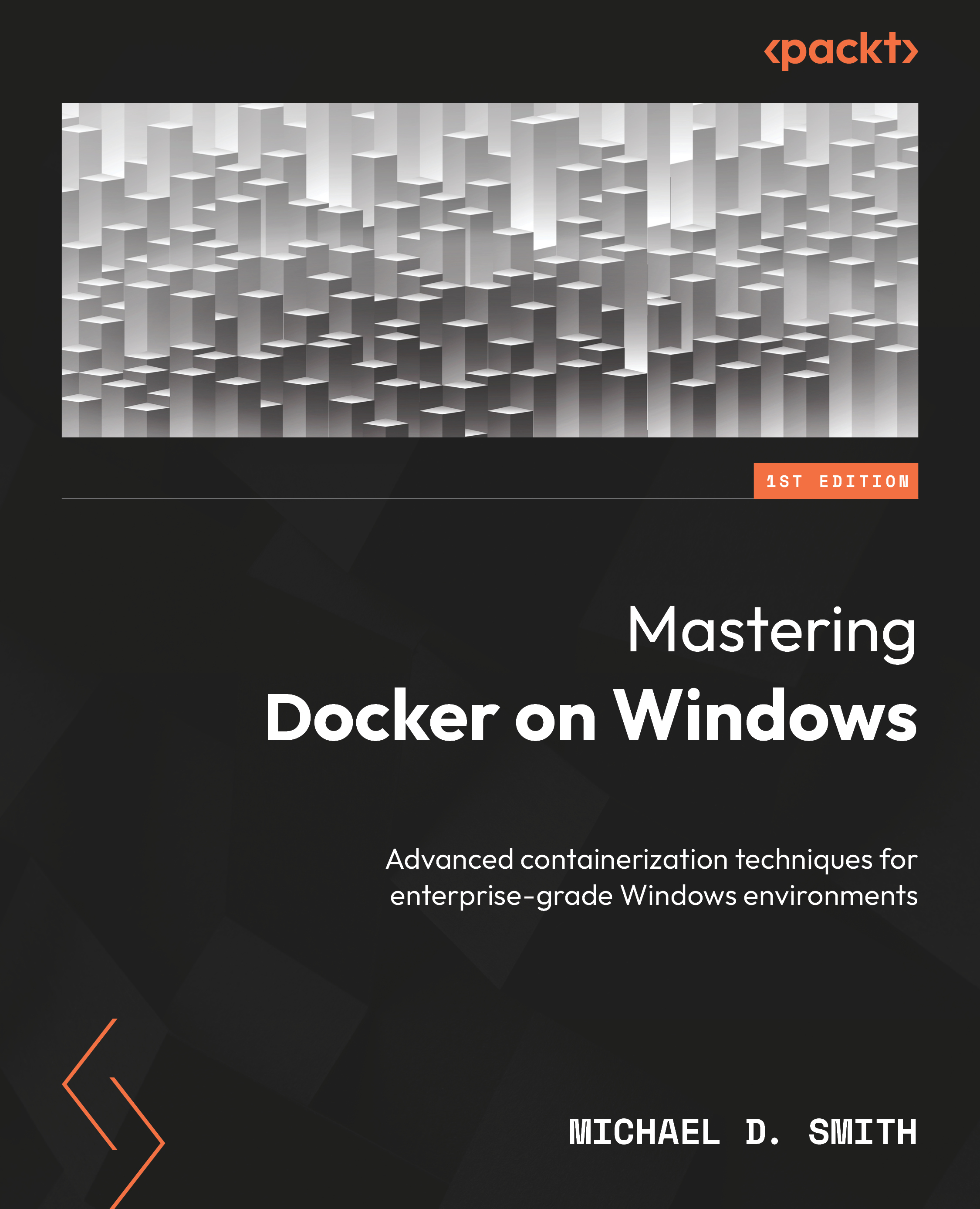
Mastering Docker on Windows
By :


Mastering Docker on Windows
By:
Overview of this book
Mastering Docker on Windows is your comprehensive guide to deploying, securing, and scaling containers in enterprise-grade Windows environments. Tailored for developers, DevOps engineers, and IT professionals, this book dives deep into Docker’s advanced features, focusing on Windows 11.
Starting with installation and setup, you’ll learn how to manage images, networks, and volumes on Windows. The book explores multi-container orchestration with Docker Compose, container security best practices, and performance optimization techniques to ensure your applications run efficiently and securely in production.
You’ll also explore advanced topics such as running Docker in hybrid cloud environments and deploying AI/ML models using the Docker GenAI stack. Through practical examples and step-by-step tutorials, you’ll gain the skills to troubleshoot, monitor, and fine-tune Docker environments at scale. Throughout the book, you’ll build and evolve a small but realistic application stack that carries across chapters.
Whether you're modernizing enterprise Windows workloads or building scalable, cloud-native applications, this book provides hands-on strategies and expert insights to help you master Docker on Windows. It’s ideal for readers with basic Docker experience who want to elevate their skills for real-world, enterprise success.
Table of Contents (17 chapters)
Preface


 Free Chapter
Part 1: Getting Started with Docker on Windows 11
Chapter 1: Installing and Managing Docker on Windows 11
Chapter 2: Implementing Docker Networking on Windows 11
Chapter 3: Managing Docker Volumes and Data Persistence
Part 2: Advanced Docker Techniques on Windows
Chapter 4: Orchestrating Multi-Container Applications with Docker Compose
Chapter 5: Docker Security and Best Practices on Windows

Chapter 6: Optimizing Docker for Performance on Windows
Chapter 7: Docker GenAI Stack on Windows
Part 3: Docker in Real-World Use Cases
Chapter 8: Implementing Docker for Enterprise Workloads on Windows
Chapter 9: Docker and Hybrid Cloud Integration
Chapter 10: Troubleshooting Docker in Production Environments
Chapter 11: Unlock Your Exclusive Benefits
Other Books You May Enjoy
Index


