Sign In Start Free Trial
Account

Add to playlist

Create a Playlist

Modal Close icon
You need to login to use this feature.
  • Book Overview & Buying Web Application Development with R Using Shiny Second Edition
  • Table Of Contents Toc
  • Feedback & Rating feedback
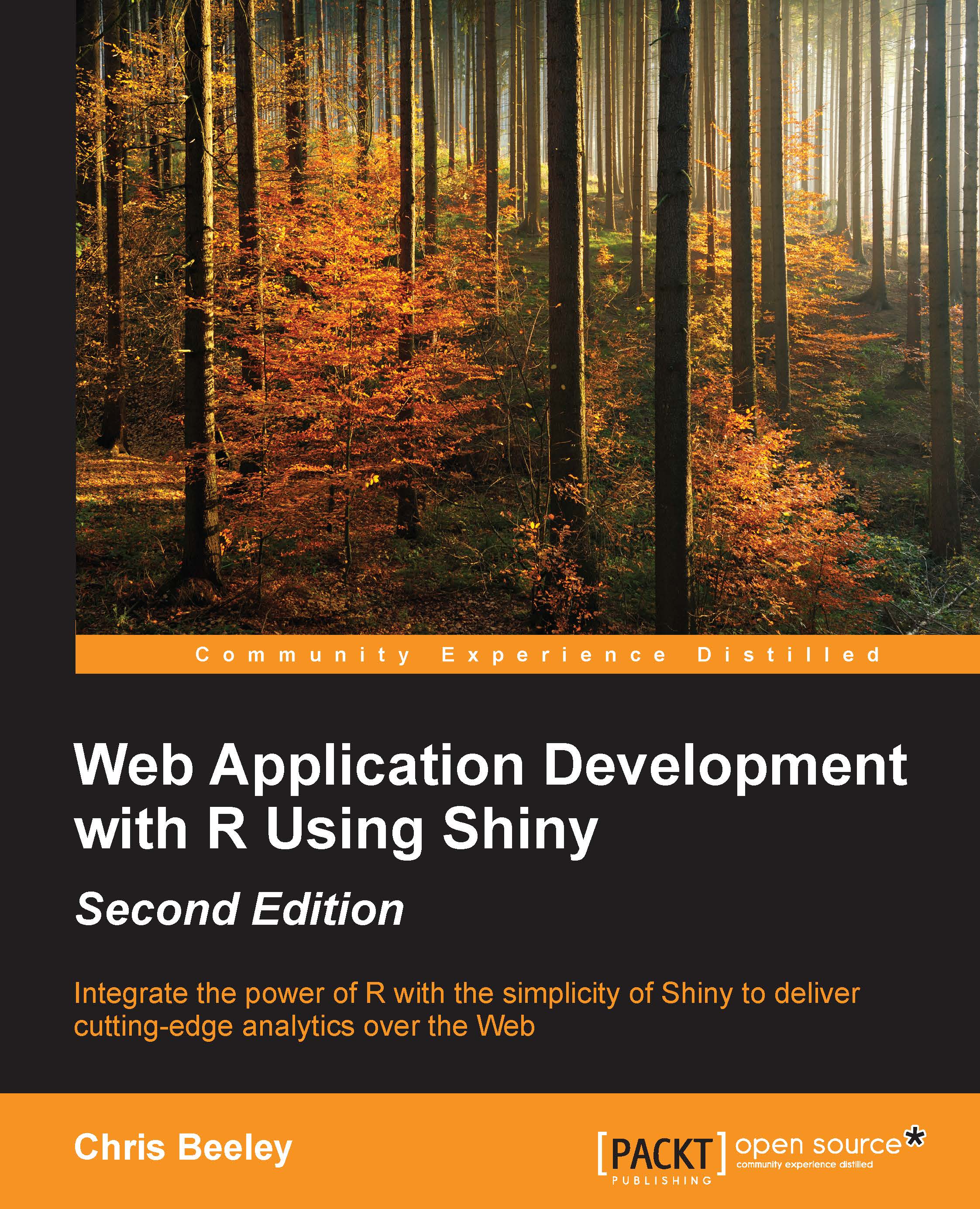
Web Application Development with R Using Shiny Second Edition

Web Application Development with R Using Shiny Second Edition - Second Edition

By : Chris Beeley
3.5 (10)
close
close
Web Application Development with R Using Shiny Second Edition

Web Application Development with R Using Shiny Second Edition

3.5 (10)
By: Chris Beeley

Overview of this book

R is a highly flexible and powerful tool for analyzing and visualizing data. Most of the applications built using various libraries with R are desktop-based. But what if you want to go on the web? Here comes Shiny to your rescue! Shiny allows you to create interactive web applications using the excellent analytical and graphical capabilities of R. This book will guide you through basic data management and analysis with R through your first Shiny application, and then show you how to integrate Shiny applications with your own web pages. Finally, you will learn how to finely control the inputs and outputs of your application, along with using other packages to build state-of-the-art applications, including dashboards.
Table of Contents (9 chapters)
close
close
8
Index

Custom HTML links in Shiny


This application makes use of data downloaded from a website I use a lot in my daily work, Patient Opinion (patientopinion.org.uk/). Patient Opinion lets users of health services tell their stories, and my organization makes extensive use of it to gather feedback about our services and improve them. This application uses data downloaded from the site and allows users to see the rate at which stories are posted that relate to different parts of the organization. A custom HTML button will take them straight from the application and onto the search page on Patient Opinion for that service area.

ui.R

Let's take a look at the ui.R file first:

#################################
### custom HTML output - ui.R ###
#################################

library(shiny)
shinyUI(fluidPage(
  tags$head(HTML("<link href='http://fonts.googleapis.com/css?family=Jura' rel='stylesheet' type='text/css'>")),

  h2("Custom HTML", style = "font-family: 'Jura'; color: green; font-size:...
Visually different images
CONTINUE READING
83
Tech Concepts
36
Programming languages
73
Tech Tools
Icon Unlimited access to the largest independent learning library in tech of over 8,000 expert-authored tech books and videos.
Icon Innovative learning tools, including AI book assistants, code context explainers, and text-to-speech.
Icon 50+ new titles added per month and exclusive early access to books as they are being written.
Web Application Development with R Using Shiny Second Edition
notes
bookmark Notes and Bookmarks search Search in title playlist Add to playlist download Download options font-size Font size

Change the font size

margin-width Margin width

Change margin width

day-mode Day/Sepia/Night Modes

Change background colour

Close icon Search
Country selected

Close icon Your notes and bookmarks

Confirmation

Modal Close icon
claim successful

Buy this book with your credits?

Modal Close icon
Are you sure you want to buy this book with one of your credits?
Close
YES, BUY

Submit Your Feedback

Modal Close icon
Modal Close icon
Modal Close icon