Sign In Start Free Trial
Account

Add to playlist

Create a Playlist

Modal Close icon
You need to login to use this feature.
  • Book Overview & Buying Learning Responsive Data Visualization
  • Table Of Contents Toc
  • Feedback & Rating feedback
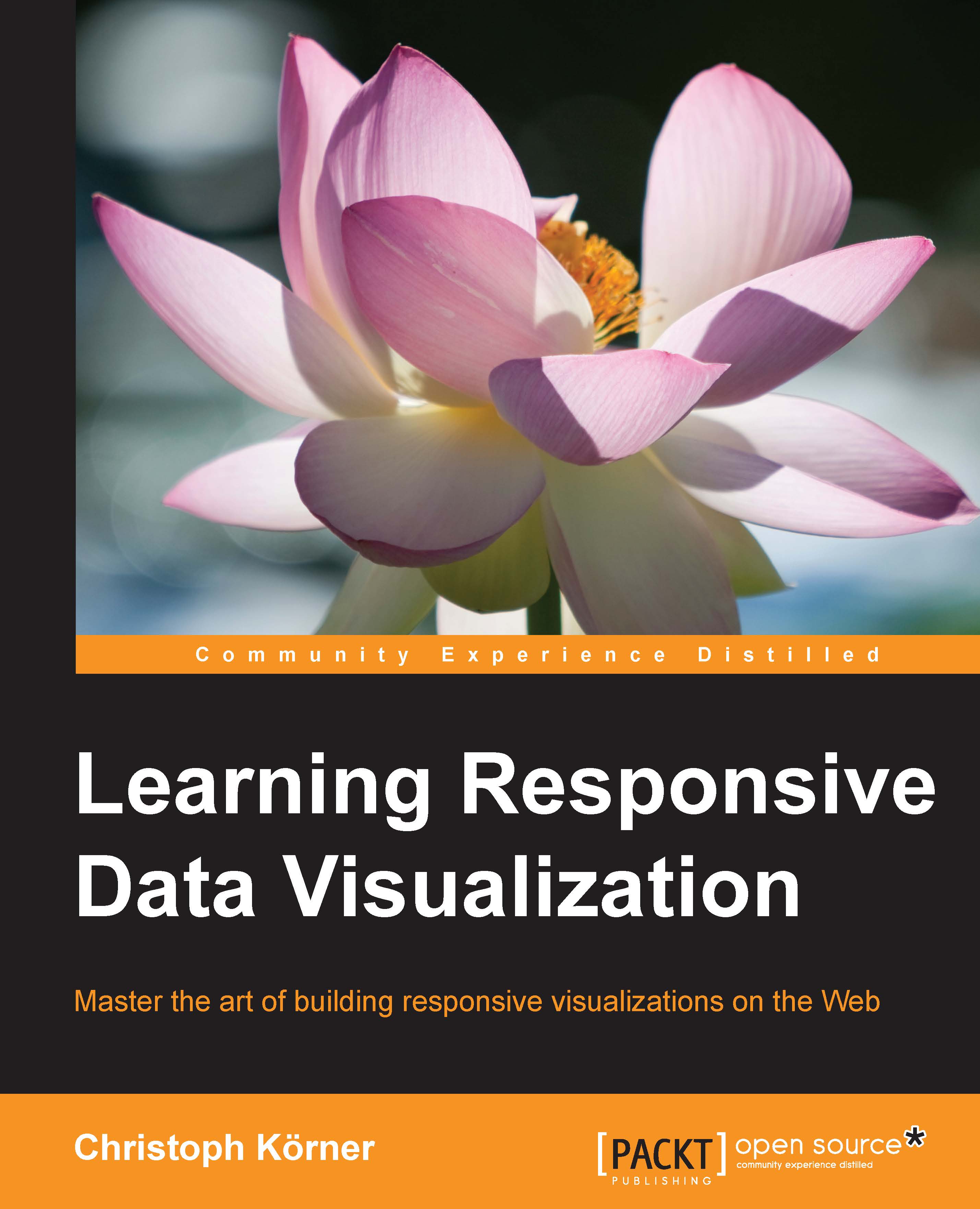
Learning Responsive Data Visualization

Learning Responsive Data Visualization

By : Hanchett, Körner
4.3 (3)
close
close
Learning Responsive Data Visualization

Learning Responsive Data Visualization

4.3 (3)
By: Hanchett, Körner

Overview of this book

Using D3.js and Responsive Design principles, you will not just be able to implement visualizations that look and feel awesome across all devices and screen resolutions, but you will also boost your productivity and reduce development time by making use of Bootstrap—the most popular framework for developing responsive web applications. This book teaches the basics of scalable vector graphics (SVG), D3.js, and Bootstrap while focusing on Responsive Design as well as mobile-first visualizations; the reader will start by discovering Bootstrap and how it can be used for creating responsive applications, and then implement a basic bar chart in D3.js. You will learn about loading, parsing, and filtering data in JavaScript and then dive into creating a responsive visualization by using Media Queries, responsive interactions for Mobile and Desktop devices, and transitions to bring the visualization to life. In the following chapters, we build a fully responsive interactive map to display geographic data using GeoJSON and set up integration testing with Protractor to test the application across real devices using a mobile API gateway such as AWS Device Farm. You will finish the journey by discovering the caveats of mobile-first applications and learn how to master cross-browser complications.
Table of Contents (11 chapters)
close
close
10
Index

Creating graphics with D3.js

D3.js (abbreviation for Data-Driven Documents) is a JavaScript library built by Mike Bostock and other members of the Stanford Visualization Group for DOM manipulation, data transformation, and graphic creation. It uses a jQuery-like, data-driven approach and leverages all the capabilities of modern browsers and underlying web standards (such as HTML, CSS, and SVG).

D3.js is open source and hosted on GitHub (https://github.com/mbostock/d3) under a slightly modified BSD 3-clause license; therefore, it can be used in open source and commercial products without being required to release any modifications. GitHub itself uses D3.js to visualize the contribution history of repositories.

Throughout this book, we will use the stable version 3.5.6, but most examples should also work with different minor versions.

Including D3.js

There are multiple ways to include D3.js to your project:

  • Using the package manager called bower (recommended), fetch the library by running the bower install d3#3.5.6 command from the terminal. Then, link the minified CSS file from the bower_components/ directory in the head section of the web page: <link rel="stylesheet" href="bower_components/d3/d3.min.css">.
  • Using a CDN, such as cdnjs (this requires an active Internet connection while developing), include the minified CSS file from the CDN in the head section of the web page: <link rel="stylesheet" href="https://cdnjs.cloudflare.com/ajax/libs/d3/3.5.6/d3.min.js">.
  • Manually download the 3.5.6 release from GitHub (https://github.com/mbostock/d3/releases) and unzip it into the libs/ directory. Then, link the minified CSS file from the libs/ directory in the head section of the web page <link rel="stylesheet" href="libs/d3/d3.min.css">.

I strongly recommend using the package manager called bower to manage your frontend dependencies. However, in the examples of the book, we will link D3.js directly from cdnjs for simplicity reasons; therefore, all the examples in the source of the book require an active Internet connection.

Finding additional resources

The ultimate resource for D3.js is the WIKI page of the GitHub project, which can be found at https://github.com/mbostock/d3/wiki. Here, you will also find examples and a detailed description of the API.

Another great resource for examples is Mike Bostock's page at http://bl.ocks.org/mbostock and his blog at http://bost.ocks.org/mike/.

For more detailed information and examples, I recommend reading the Mastering D3.js book by Pablo Navarro Castillo.

Visually different images
CONTINUE READING
83
Tech Concepts
36
Programming languages
73
Tech Tools
Icon Unlimited access to the largest independent learning library in tech of over 8,000 expert-authored tech books and videos.
Icon Innovative learning tools, including AI book assistants, code context explainers, and text-to-speech.
Icon 50+ new titles added per month and exclusive early access to books as they are being written.
Learning Responsive Data Visualization
notes
bookmark Notes and Bookmarks search Search in title playlist Add to playlist font-size Font size

Change the font size

margin-width Margin width

Change margin width

day-mode Day/Sepia/Night Modes

Change background colour

Close icon Search
Country selected

Close icon Your notes and bookmarks

Confirmation

Modal Close icon
claim successful

Buy this book with your credits?

Modal Close icon
Are you sure you want to buy this book with one of your credits?
Close
YES, BUY

Submit Your Feedback

Modal Close icon
Modal Close icon
Modal Close icon