Sign In Start Free Trial
Account

Add to playlist

Create a Playlist

Modal Close icon
You need to login to use this feature.
  • Book Overview & Buying Java Data Science Cookbook
  • Table Of Contents Toc
  • Feedback & Rating feedback
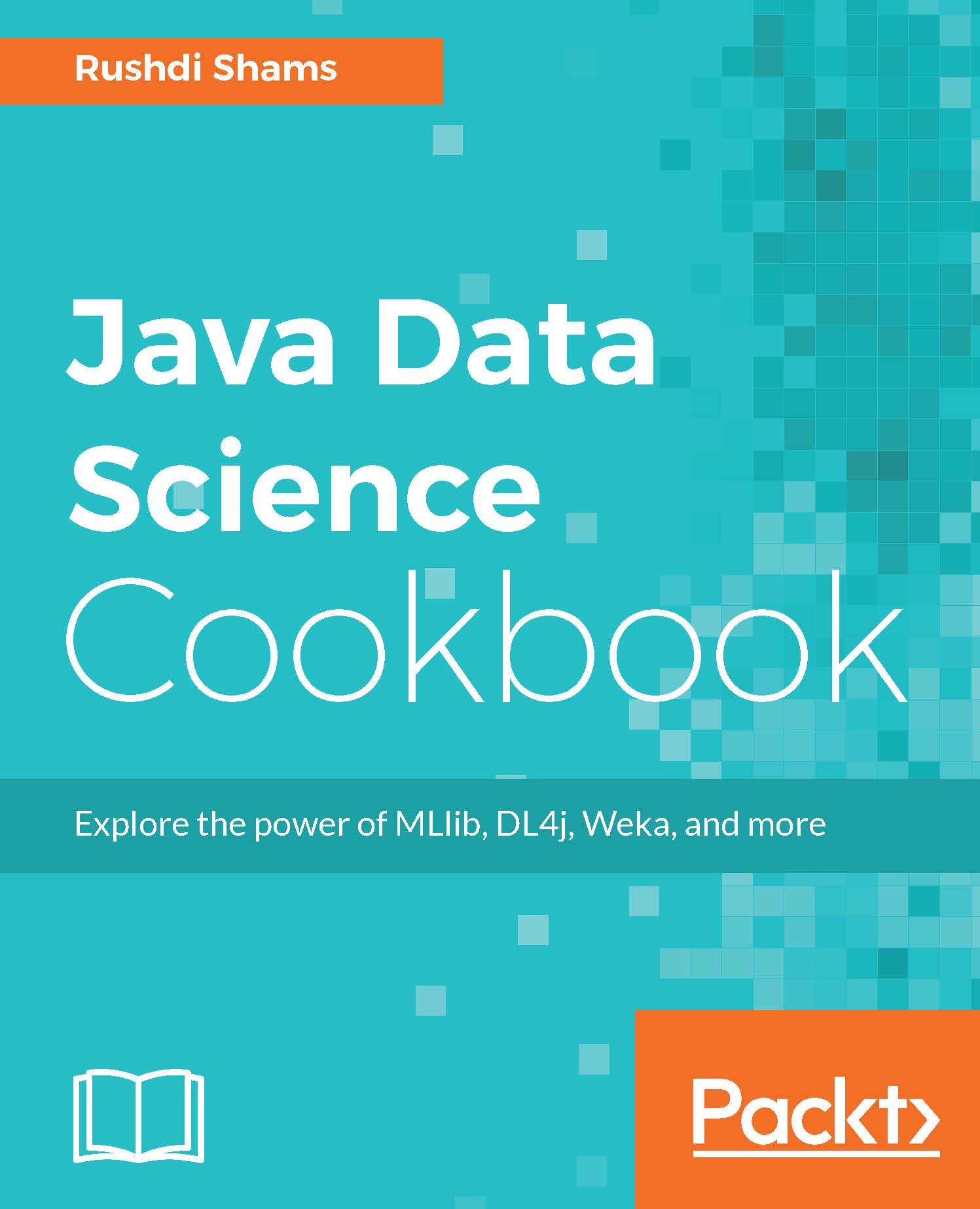
Java Data Science Cookbook

Java Data Science Cookbook

By : Shams
close
close
Java Data Science Cookbook

Java Data Science Cookbook

By: Shams

Overview of this book

If you are looking to build data science models that are good for production, Java has come to the rescue. With the aid of strong libraries such as MLlib, Weka, DL4j, and more, you can efficiently perform all the data science tasks you need to. This unique book provides modern recipes to solve your common and not-so-common data science-related problems. We start with recipes to help you obtain, clean, index, and search data. Then you will learn a variety of techniques to analyze, learn from, and retrieve information from data. You will also understand how to handle big data, learn deeply from data, and visualize data. Finally, you will work through unique recipes that solve your problems while taking data science to production, writing distributed data science applications, and much more - things that will come in handy at work.
Table of Contents (10 chapters)
close
close

Parsing Comma Separated Value (CSV) Files using Univocity

Another very common file type that data scientists handle is Comma Separated Value (CSV) files, where data is separated by commas. CSV files are very popular because they can be read by most of the spreadsheet applications, such as MS Excel.

In this recipe, we will see how we can parse CSV files and handle data points retrieved from them.

Getting ready

In order to perform this recipe, we will require the following:

  1. Download the Univocity JAR file from http://oss.sonatype.org/content/repositories/releases/com/univocity/univocity-parsers/2.2.1/univocity-parsers-2.2.1.jar. Include the JAR file in your project in Eclipse as external library.
  2. Create a CSV file from the following data using Notepad. The extension of the file should be .csv. You save the file as C:/testCSV.csv:
            Year,Make,Model,Description,Price 
            1997,Ford,E350,"ac, abs, moon",3000.00 
            1999,Chevy,"Venture ""Extended Edition""","",4900.00 
            1996,Jeep,Grand Cherokee,"MUST SELL! 
            air, moon roof, loaded",4799.00 
            1999,Chevy,"Venture ""Extended Edition, Very Large""",,5000.00 
            ,,"Venture ""Extended Edition""","",4900.00 
    

How to do it...

  1. Create a method named parseCsv(String) that takes the name of the file as a String argument:
            public void parseCsv(String fileName){ 
    
  2. Then create a settings object. This object provides many configuration settings options:
            CsvParserSettings parserSettings = new CsvParserSettings(); 
    
  3. You can configure the parser to automatically detect what line separator sequence is in the input:
            parserSettings.setLineSeparatorDetectionEnabled(true); 
    
  4. Create a RowListProcessor that stores each parsed row in a list:
            RowListProcessor rowProcessor = new RowListProcessor(); 
    
  5. You can configure the parser to use a RowProcessor to process the values of each parsed row. You will find more RowProcessors in the com.univocity.parsers.common.processor package, but you can also create your own:
            parserSettings.setRowProcessor(rowProcessor); 
    
  6. If the CSV file that you are going to parse contains headers, you can consider the first parsed row as the headers of each column in the file:
            parserSettings.setHeaderExtractionEnabled(true); 
    
  7. Now, create a parser instance with the given settings:
            CsvParser parser = new CsvParser(parserSettings); 
    
  8. The parse() method will parse the file and delegate each parsed row to the RowProcessor you defined:
            parser.parse(new File(fileName)); 
    
  9. If you have parsed the headers, the headers can be found as follows:
            String[] headers = rowProcessor.getHeaders(); 
    
  10. You can then easily process this String array to get the header values.
  11. On the other hand, the row values can be found in a list. The list can be printed using a for loop as follows:
            List<String[]> rows = rowProcessor.getRows(); 
            for (int i = 0; i < rows.size(); i++){ 
               System.out.println(Arrays.asList(rows.get(i))); 
            } 
    
  12. Finally, close the method:
           } 
    

    The entire method can be written as follows:

    import java.io.File; 
    import java.util.Arrays; 
    import java.util.List; 
     
    import com.univocity.parsers.common.processor.RowListProcessor; 
    import com.univocity.parsers.csv.CsvParser; 
    import com.univocity.parsers.csv.CsvParserSettings; 
     
    public class TestUnivocity { 
          public void parseCSV(String fileName){ 
              CsvParserSettings parserSettings = new CsvParserSettings(); 
              parserSettings.setLineSeparatorDetectionEnabled(true); 
              RowListProcessor rowProcessor = new RowListProcessor(); 
              parserSettings.setRowProcessor(rowProcessor); 
              parserSettings.setHeaderExtractionEnabled(true); 
              CsvParser parser = new CsvParser(parserSettings); 
              parser.parse(new File(fileName)); 
     
              String[] headers = rowProcessor.getHeaders(); 
              List<String[]> rows = rowProcessor.getRows(); 
              for (int i = 0; i < rows.size(); i++){ 
                System.out.println(Arrays.asList(rows.get(i))); 
              } 
          } 
           
          public static void main(String[] args){ 
             TestUnivocity test = new TestUnivocity(); 
             test.parseCSV("C:/testCSV.csv"); 
          } 
    } 
    

Note

There are many CSV parsers that are written in Java. However, in a comparison, Univocity is found to be the fastest one. See the detailed comparison results here: https://github.com/uniVocity/csv-parsers-comparison

Visually different images
CONTINUE READING
83
Tech Concepts
36
Programming languages
73
Tech Tools
Icon Unlimited access to the largest independent learning library in tech of over 8,000 expert-authored tech books and videos.
Icon Innovative learning tools, including AI book assistants, code context explainers, and text-to-speech.
Icon 50+ new titles added per month and exclusive early access to books as they are being written.
Java Data Science Cookbook
notes
bookmark Notes and Bookmarks search Search in title playlist Add to playlist download Download options font-size Font size

Change the font size

margin-width Margin width

Change margin width

day-mode Day/Sepia/Night Modes

Change background colour

Close icon Search
Country selected

Close icon Your notes and bookmarks

Confirmation

Modal Close icon
claim successful

Buy this book with your credits?

Modal Close icon
Are you sure you want to buy this book with one of your credits?
Close
YES, BUY

Submit Your Feedback

Modal Close icon
Modal Close icon
Modal Close icon