Sign In Start Free Trial
Account

Add to playlist

Create a Playlist

Modal Close icon
You need to login to use this feature.
  • Book Overview & Buying Learning Elastic Stack 6.0
  • Table Of Contents Toc
Learning Elastic Stack 6.0

Learning Elastic Stack 6.0

By : Pranav Shukla, Sharath Kumar
4.5 (10)
close
close
Learning Elastic Stack 6.0

Learning Elastic Stack 6.0

4.5 (10)
By: Pranav Shukla, Sharath Kumar

Overview of this book

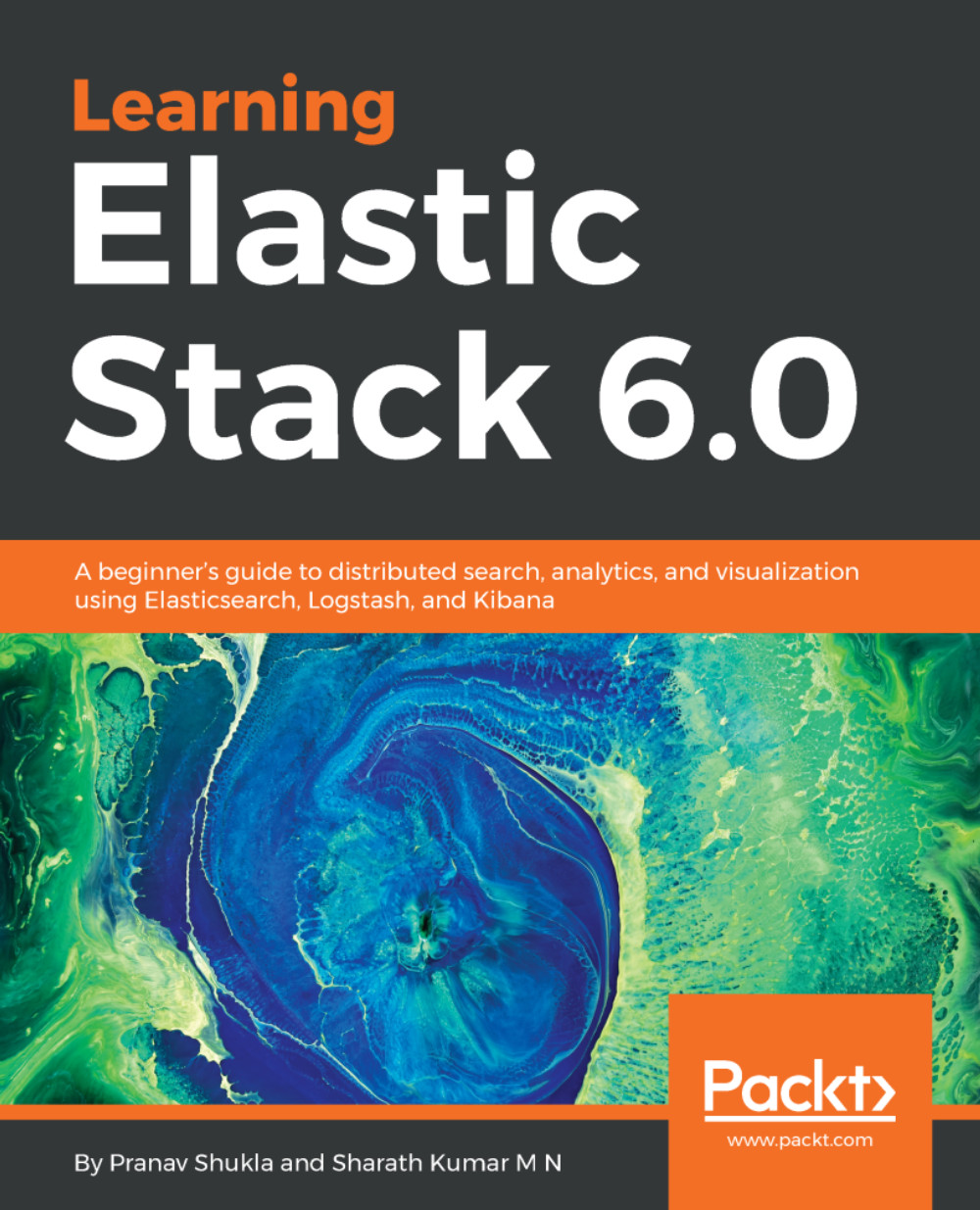
The Elastic Stack is a powerful combination of tools for distributed search, analytics, logging, and visualization of data from medium to massive data sets. The newly released Elastic Stack 6.0 brings new features and capabilities that empower users to find unique, actionable insights through these techniques. This book will give you a fundamental understanding of what the stack is all about, and how to use it efficiently to build powerful real-time data processing applications. After a quick overview of the newly introduced features in Elastic Stack 6.0, you’ll learn how to set up the stack by installing the tools, and see their basic configurations. Then it shows you how to use Elasticsearch for distributed searching and analytics, along with Logstash for logging, and Kibana for data visualization. It also demonstrates the creation of custom plugins using Kibana and Beats. You’ll find out about Elastic X-Pack, a useful extension for effective security and monitoring. We also provide useful tips on how to use the Elastic Cloud and deploy the Elastic Stack in production environments. On completing this book, you’ll have a solid foundational knowledge of the basic Elastic Stack functionalities. You’ll also have a good understanding of the role of each component in the stack to solve different data processing problems.
Table of Contents (12 chapters)
close
close

Setting up the metadata database


We need to have a database that has metadata about the sensors. This database will hold the tables that we discussed in the Introduction to the application section.

We are storing the data in a relational database MySQL, but you can use any other relational database equally well. Since we are using MySQL, we will be using the MySQL JDBC driver to connect to the database. Please ensure that you have following things set up on your system:

  1. MySQL database community version 5.5, 5.6, or 5.7. You can use an existing database if you already have it on your system.
  2. Install the downloaded MySQL database and log in with the root user. Execute the script at this path: https://github.com/pranav-shukla/learningelasticstack/tree/master/chapter-10/files/create_sensor_metadata.sql.
  3. Log in to the newly created sensor_metadata database and verify that the three tables—sensor_type, locations, and sensors—exist in the database.

You can verify that the database was created and populated...

CONTINUE READING
83
Tech Concepts
36
Programming languages
73
Tech Tools
Icon Unlimited access to the largest independent learning library in tech of over 8,000 expert-authored tech books and videos.
Icon Innovative learning tools, including AI book assistants, code context explainers, and text-to-speech.
Icon 50+ new titles added per month and exclusive early access to books as they are being written.
Learning Elastic Stack 6.0
notes
bookmark Notes and Bookmarks search Search in title playlist Add to playlist download Download options font-size Font size

Change the font size

margin-width Margin width

Change margin width

day-mode Day/Sepia/Night Modes

Change background colour

Close icon Search
Country selected

Close icon Your notes and bookmarks

Confirmation

Modal Close icon
claim successful

Buy this book with your credits?

Modal Close icon
Are you sure you want to buy this book with one of your credits?
Close
YES, BUY

Submit Your Feedback

Modal Close icon
Modal Close icon
Modal Close icon