
Sign In Start Free Trial
Account

Add to playlist

Create a Playlist

Modal Close icon
You need to login to use this feature.
  • Book Overview & Buying Learning Pentaho Data Integration 8 CE
  • Table Of Contents Toc
  • Feedback & Rating feedback
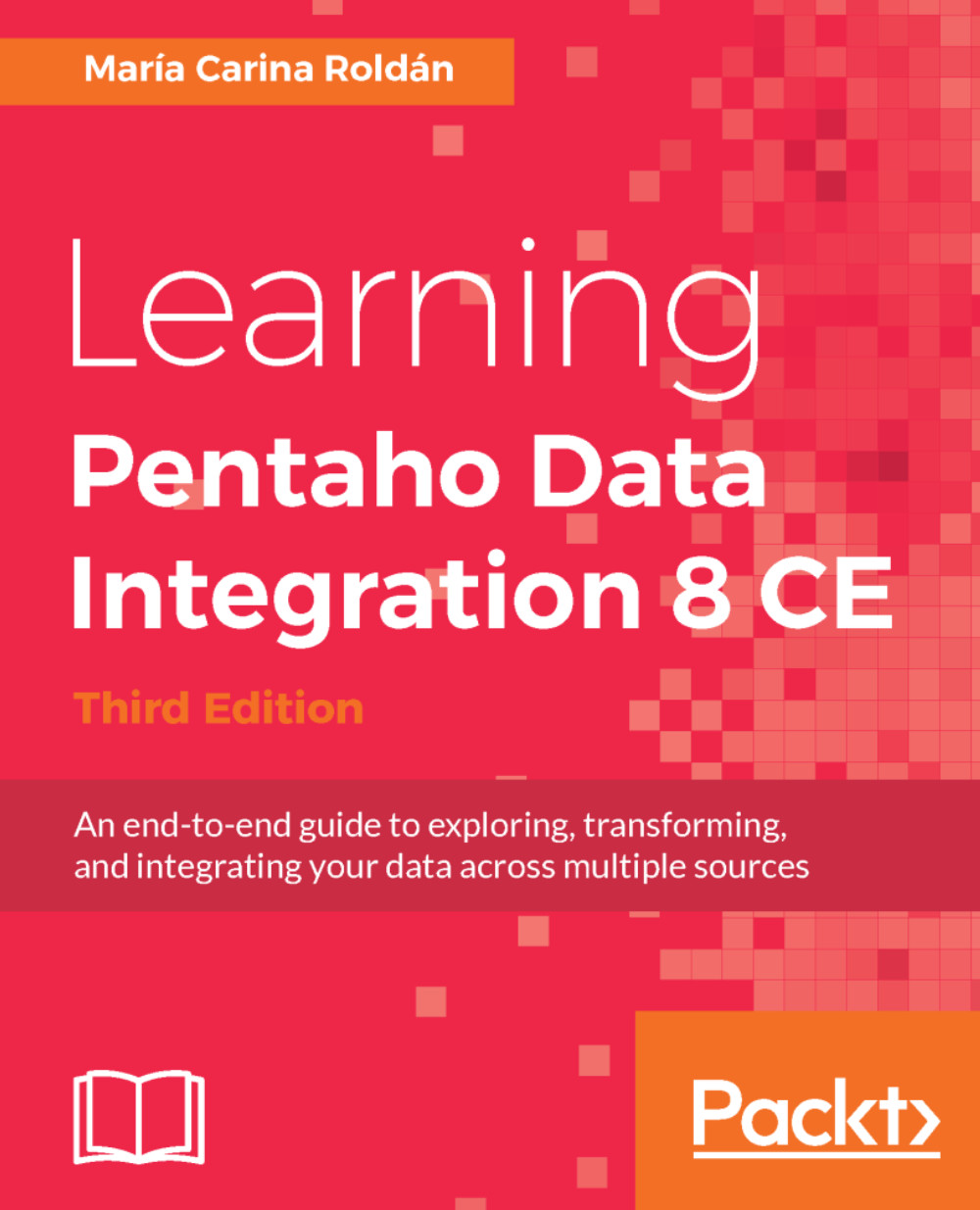
Learning Pentaho Data Integration 8 CE

Learning Pentaho Data Integration 8 CE - Third Edition

By : Carina Roldán
5 (5)
close
close
Learning Pentaho Data Integration 8 CE

Learning Pentaho Data Integration 8 CE

5 (5)
By: Carina Roldán

Overview of this book

Pentaho Data Integration(PDI) is an intuitive and graphical environment packed with drag-and-drop design and powerful Extract-Tranform-Load (ETL) capabilities. This book shows and explains the new interactive features of Spoon, the revamped look and feel, and the newest features of the tool including transformations and jobs Executors and the invaluable Metadata Injection capability. We begin with the installation of PDI software and then move on to cover all the key PDI concepts. Each of the chapter introduces new features, enabling you to gradually get practicing with the tool. First, you will learn to do all kind of data manipulation and work with simple plain files. Then, the book teaches you how you can work with relational databases inside PDI. Moreover, you will be given a primer on data warehouse concepts and you will learn how to load data in a data warehouse. During the course of this book, you will be familiarized with its intuitive, graphical and drag-and-drop design environment. By the end of this book, you will learn everything you need to know in order to meet your data manipulation requirements. Besides, your will be given best practices and advises for designing and deploying your projects.
Table of Contents (17 chapters)
close
close

Manipulating Data by Coding

Whatever Transformation you need to do on your data, you have a good chance of finding Pentaho Data Integration (PDI) steps able to do the Job. Despite that, it may be that there are no proper steps that serve your requirements or that an apparently minor Transformation consumes a lot of steps linked in a very confusing arrangement that is difficult to test or understand. Dropping colorful icons here and there and making notes to clarify a Transformation can be practical to a point, but there are some situations like the ones described here where you inevitably will have to code.

This chapter explains how to insert code into your transformations. Specifically, you will learn the following topics:

  • Doing simple tasks with the JavaScript step
  • Parsing unstructured files with JavaScript
  • Doing simple tasks with the JavaScript step
  • Avoiding coding using...
Visually different images
CONTINUE READING
83
Tech Concepts
36
Programming languages
73
Tech Tools
Icon Unlimited access to the largest independent learning library in tech of over 8,000 expert-authored tech books and videos.
Icon Innovative learning tools, including AI book assistants, code context explainers, and text-to-speech.
Icon 50+ new titles added per month and exclusive early access to books as they are being written.
Learning Pentaho Data Integration 8 CE
notes
bookmark Notes and Bookmarks search Search in title playlist Add to playlist download Download options font-size Font size

Change the font size

margin-width Margin width

Change margin width

day-mode Day/Sepia/Night Modes

Change background colour

Close icon Search
Country selected

Close icon Your notes and bookmarks

Confirmation

Modal Close icon
claim successful

Buy this book with your credits?

Modal Close icon
Are you sure you want to buy this book with one of your credits?
Close
YES, BUY

Submit Your Feedback

Modal Close icon
Modal Close icon
Modal Close icon