Sign In Start Free Trial
Account

Add to playlist

Create a Playlist

Modal Close icon
You need to login to use this feature.
  • Book Overview & Buying Implementing Splunk 7, Third Edition
  • Table Of Contents Toc
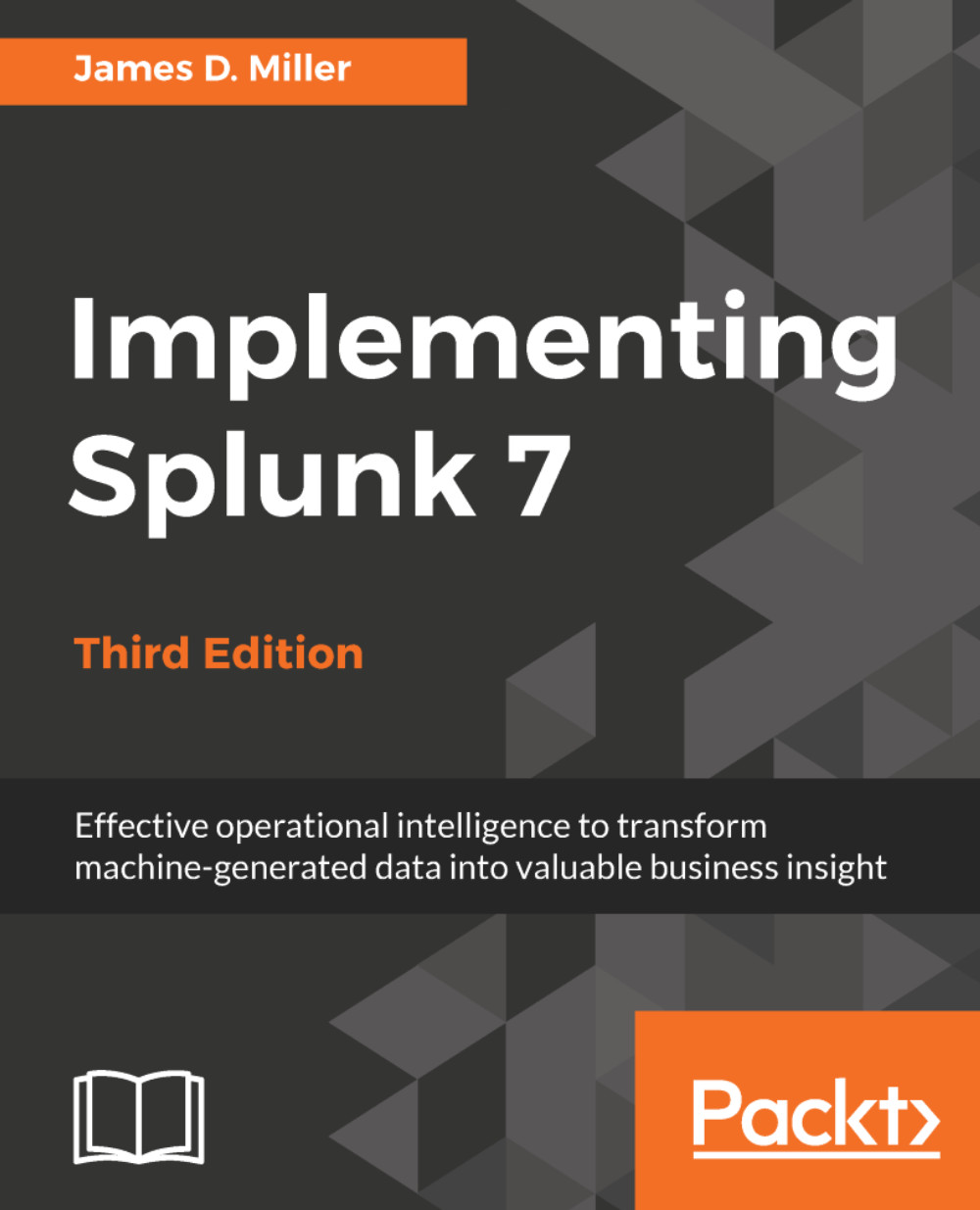
Implementing Splunk 7, Third Edition

Implementing Splunk 7, Third Edition - Third Edition

5 (4)
close
close
Implementing Splunk 7, Third Edition

Implementing Splunk 7, Third Edition

5 (4)

Overview of this book

Splunk is the leading platform that fosters an efficient methodology and delivers ways to search, monitor, and analyze growing amounts of big data. This book will allow you to implement new services and utilize them to quickly and efficiently process machine-generated big data. We introduce you to all the new features, improvements, and offerings of Splunk 7. We cover the new modules of Splunk: Splunk Cloud and the Machine Learning Toolkit to ease data usage. Furthermore, you will learn to use search terms effectively with Boolean and grouping operators. You will learn not only how to modify your search to make your searches fast but also how to use wildcards efficiently. Later you will learn how to use stats to aggregate values, a chart to turn data, and a time chart to show values over time; you'll also work with fields and chart enhancements and learn how to create a data model with faster data model acceleration. Once this is done, you will learn about XML Dashboards, working with apps, building advanced dashboards, configuring and extending Splunk, advanced deployments, and more. Finally, we teach you how to use the Machine Learning Toolkit and best practices and tips to help you implement Splunk services effectively and efficiently. By the end of this book, you will have learned about the Splunk software as a whole and implemented Splunk services in your tasks at projects

Table of Contents (15 chapters)
close
close

Tables, Charts, and Fields

Up to this point, we have learned how to search for and retrieve raw events, but you will most likely want to create tables and charts to expose useful patterns. Thankfully, the reporting commands in Splunk make short work of most reporting tasks. We will step through a few common use cases in this chapter. Later in the chapter, we will learn how to create custom fields for even more custom reports.

Specifically, in this chapter, we will cover the following topics:

  • The pipe symbol
  • Using top to show common field values
  • Using stats to aggregate values
  • Using chart to turn data
  • Using timechart to show values over time
  • Working with fields
  • Acceleration
  • Chart enhancements in version 7.0
Visually different images
CONTINUE READING
83
Tech Concepts
36
Programming languages
73
Tech Tools
Icon Unlimited access to the largest independent learning library in tech of over 8,000 expert-authored tech books and videos.
Icon Innovative learning tools, including AI book assistants, code context explainers, and text-to-speech.
Icon 50+ new titles added per month and exclusive early access to books as they are being written.
Implementing Splunk 7, Third Edition
notes
bookmark Notes and Bookmarks search Search in title playlist Add to playlist download Download options font-size Font size

Change the font size

margin-width Margin width

Change margin width

day-mode Day/Sepia/Night Modes

Change background colour

Close icon Search
Country selected

Close icon Your notes and bookmarks

Confirmation

Modal Close icon
claim successful

Buy this book with your credits?

Modal Close icon
Are you sure you want to buy this book with one of your credits?
Close
YES, BUY

Submit Your Feedback

Modal Close icon
Modal Close icon
Modal Close icon