
Sign In Start Free Trial
Account

Add to playlist

Create a Playlist

Modal Close icon
You need to login to use this feature.
  • Book Overview & Buying Apache Superset Quick Start Guide
  • Table Of Contents Toc
  • Feedback & Rating feedback
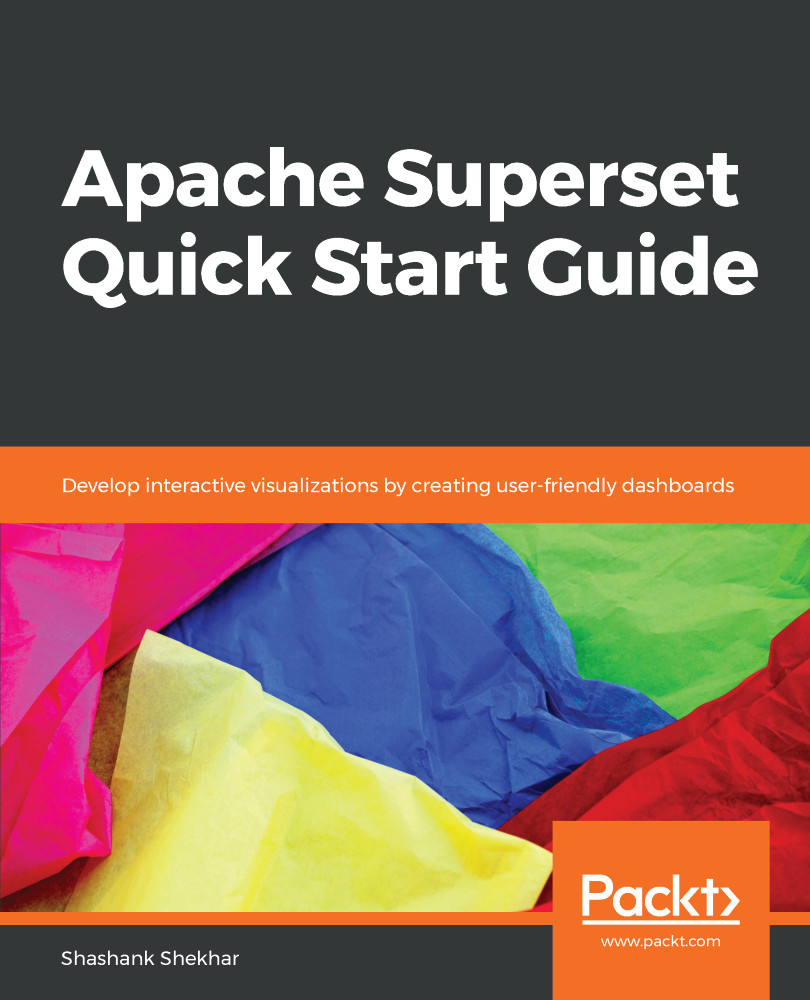
Apache Superset Quick Start Guide

Apache Superset Quick Start Guide

By : Shekhar
3.5 (2)
close
close
Apache Superset Quick Start Guide

Apache Superset Quick Start Guide

3.5 (2)
By: Shekhar

Overview of this book

Apache Superset is a modern, open source, enterprise-ready business intelligence (BI) web application. With the help of this book, you will see how Superset integrates with popular databases like Postgres, Google BigQuery, Snowflake, and MySQL. You will learn to create real time data visualizations and dashboards on modern web browsers for your organization using Superset. First, we look at the fundamentals of Superset, and then get it up and running. You'll go through the requisite installation, configuration, and deployment. Then, we will discuss different columnar data types, analytics, and the visualizations available. You'll also see the security tools available to the administrator to keep your data safe. You will learn how to visualize relationships as graphs instead of coordinates on plain orthogonal axes. This will help you when you upload your own entity relationship dataset and analyze the dataset in new, different ways. You will also see how to analyze geographical regions by working with location data. Finally, we cover a set of tutorials on dashboard designs frequently used by analysts, business intelligence professionals, and developers.
Table of Contents (10 chapters)
close
close

Configuring Superset and Using SQL Lab

Superset has a flexible software architecture. This means that a Superset setup can be made for many different production environment needs. The production environment at Airbnb runs Superset inside Kubernetes and serves 600+ daily users, rendering over 100,000 charts every day.

At the same time, Superset can be set up with default settings for most users. When launching our first dashboard on a Google Compute Instance, we did not have to make any changes to the default parameters.

In this chapter, we will learn about the following:

  • Setting the web server
  • Metadata database
  • Web server
  • Setting up an NGINX reverse proxy
  • Setting up HTTPS or SSL certification
  • Flask-AppBuilder permissions
  • Securing session data
  • Caching queries
  • Mapbox access token
  • Long-running queries
  • Upgrading Superset
  • Main configuration file
  • SQL Lab
...
Visually different images
CONTINUE READING
83
Tech Concepts
36
Programming languages
73
Tech Tools
Icon Unlimited access to the largest independent learning library in tech of over 8,000 expert-authored tech books and videos.
Icon Innovative learning tools, including AI book assistants, code context explainers, and text-to-speech.
Icon 50+ new titles added per month and exclusive early access to books as they are being written.
Apache Superset Quick Start Guide
notes
bookmark Notes and Bookmarks search Search in title playlist Add to playlist font-size Font size

Change the font size

margin-width Margin width

Change margin width

day-mode Day/Sepia/Night Modes

Change background colour

Close icon Search
Country selected

Close icon Your notes and bookmarks

Confirmation

Modal Close icon
claim successful

Buy this book with your credits?

Modal Close icon
Are you sure you want to buy this book with one of your credits?
Close
YES, BUY

Submit Your Feedback

Modal Close icon
Modal Close icon
Modal Close icon
