
Sign In Start Free Trial
Account

Add to playlist

Create a Playlist

Modal Close icon
You need to login to use this feature.
  • Book Overview & Buying Become a Python Data Analyst
  • Table Of Contents Toc
  • Feedback & Rating feedback
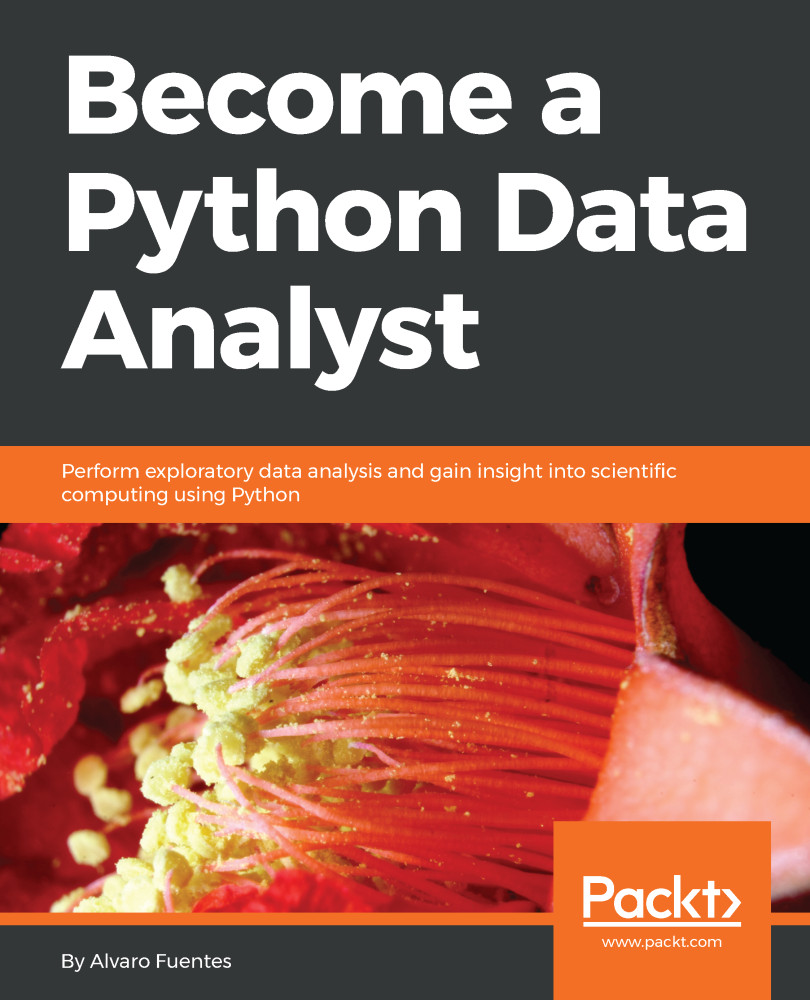
Become a Python Data Analyst

Become a Python Data Analyst

By : Alvaro Fuentes
4.3 (510)
close
close
Become a Python Data Analyst

Become a Python Data Analyst

4.3 (510)
By: Alvaro Fuentes

Overview of this book

Python is one of the most common and popular languages preferred by leading data analysts and statisticians for working with massive datasets and complex data visualizations. Become a Python Data Analyst introduces Python’s most essential tools and libraries necessary to work with the data analysis process, right from preparing data to performing simple statistical analyses and creating meaningful data visualizations. In this book, we will cover Python libraries such as NumPy, pandas, matplotlib, seaborn, SciPy, and scikit-learn, and apply them in practical data analysis and statistics examples. As you make your way through the chapters, you will learn to efficiently use the Jupyter Notebook to operate and manipulate data using NumPy and the pandas library. In the concluding chapters, you will gain experience in building simple predictive models and carrying out statistical computation and analysis using rich Python tools and proven data analysis techniques. By the end of this book, you will have hands-on experience performing data analysis with Python.
Table of Contents (8 chapters)
close
close

Object-oriented interface

We will now look into what object-oriented interface matplotlib is. We will discuss the following topics:

  • The object-oriented interface
  • Creating figures with a grid of subplots
  • Plotting using methods

In the object-oriented interface, what we need to do is create the object and call methods for every object in order to make changes specifically to that object. Let's look at a simple example, where a plot is created using the object-oriented interface. We usually use the plt.subplots function to create two objects at the same time. When we create a figure object, we usually call it fig, and an axis object is usually called an ax. In this case, the default function would be to produce a figure with one axis object, or one subplot. As we create our objects, some changes are involved. In order to make changes to our objects, namely, the plot, the title...

Visually different images
CONTINUE READING
83
Tech Concepts
36
Programming languages
73
Tech Tools
Icon Unlimited access to the largest independent learning library in tech of over 8,000 expert-authored tech books and videos.
Icon Innovative learning tools, including AI book assistants, code context explainers, and text-to-speech.
Icon 50+ new titles added per month and exclusive early access to books as they are being written.
Become a Python Data Analyst
notes
bookmark Notes and Bookmarks search Search in title playlist Add to playlist download Download options font-size Font size

Change the font size

margin-width Margin width

Change margin width

day-mode Day/Sepia/Night Modes

Change background colour

Close icon Search
Country selected

Close icon Your notes and bookmarks

Confirmation

Modal Close icon
claim successful

Buy this book with your credits?

Modal Close icon
Are you sure you want to buy this book with one of your credits?
Close
YES, BUY

Submit Your Feedback

Modal Close icon
Modal Close icon
Modal Close icon