Sign In Start Free Trial
Account

Add to playlist

Create a Playlist

Modal Close icon
You need to login to use this feature.
  • Book Overview & Buying Beginning Data Science with Python and Jupyter
  • Table Of Contents Toc
  • Feedback & Rating feedback
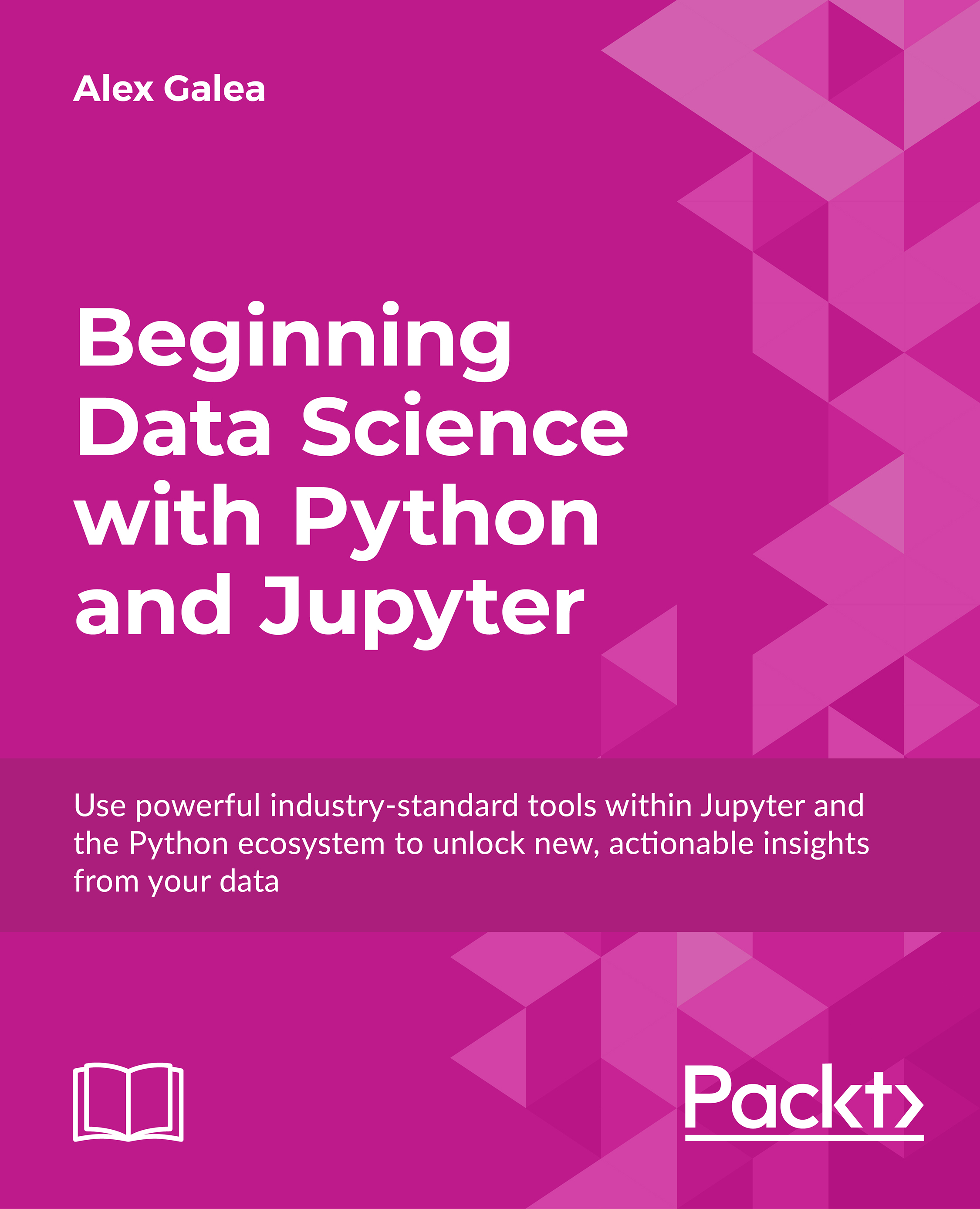
Beginning Data Science with Python and Jupyter

Beginning Data Science with Python and Jupyter

By : Galea
4 (5)
close
close
Beginning Data Science with Python and Jupyter

Beginning Data Science with Python and Jupyter

4 (5)
By: Galea

Overview of this book

Get to grips with the skills you need for entry-level data science in this hands-on Python and Jupyter course. You'll learn about some of the most commonly used libraries that are part of the Anaconda distribution, and then explore machine learning models with real datasets to give you the skills and exposure you need for the real world. We'll finish up by showing you how easy it can be to scrape and gather your own data from the open web, so that you can apply your new skills in an actionable context.
Table of Contents (5 chapters)
close
close

Chapter 1. Jupyter Fundamentals

Jupyter Notebooks are one of the most important tools for data scientists using Python. This is because they're an ideal environment for developing reproducible data analysis pipelines. Data can be loaded, transformed, and modeled all inside a single Notebook, where it's quick and easy to test out code and explore ideas along the way. Furthermore, all of this can be documented "inline" using formatted text, so you can make notes for yourself or even produce a structured report.

Other comparable platforms - for example, RStudio or Spyder - present the user with multiple windows, which promote arduous tasks such as copy and pasting code around and rerunning code that has already been executed. These tools also tend to involve Read Eval Prompt Loops (REPLs) where code is run in a terminal session that has saved memory. This type of development environment is bad for reproducibility and not ideal for development either. Jupyter Notebooks solve all these issues by giving the user a single window where code snippets are executed and outputs are displayed inline. This lets users develop code efficiently and allows them to look back at previous work for reference, or even to make alterations.

We'll start the lesson by explaining exactly what Jupyter Notebooks are and continue to discuss why they are so popular among data scientists. Then, we'll open a Notebook together and go through some exercises to learn how the platform is used. Finally, we'll dive into our first analysis and perform an exploratory analysis in Basic Functionality and Features.

Visually different images
CONTINUE READING
83
Tech Concepts
36
Programming languages
73
Tech Tools
Icon Unlimited access to the largest independent learning library in tech of over 8,000 expert-authored tech books and videos.
Icon Innovative learning tools, including AI book assistants, code context explainers, and text-to-speech.
Icon 50+ new titles added per month and exclusive early access to books as they are being written.
Beginning Data Science with Python and Jupyter
notes
bookmark Notes and Bookmarks search Search in title playlist Add to playlist font-size Font size

Change the font size

margin-width Margin width

Change margin width

day-mode Day/Sepia/Night Modes

Change background colour

Close icon Search
Country selected

Close icon Your notes and bookmarks

Confirmation

Modal Close icon
claim successful

Buy this book with your credits?

Modal Close icon
Are you sure you want to buy this book with one of your credits?
Close
YES, BUY

Submit Your Feedback

Modal Close icon
Modal Close icon
Modal Close icon