
Sign In Start Free Trial
Account

Add to playlist

Create a Playlist

Modal Close icon
You need to login to use this feature.
  • Book Overview & Buying Python Data Analysis
  • Table Of Contents Toc
Python Data Analysis

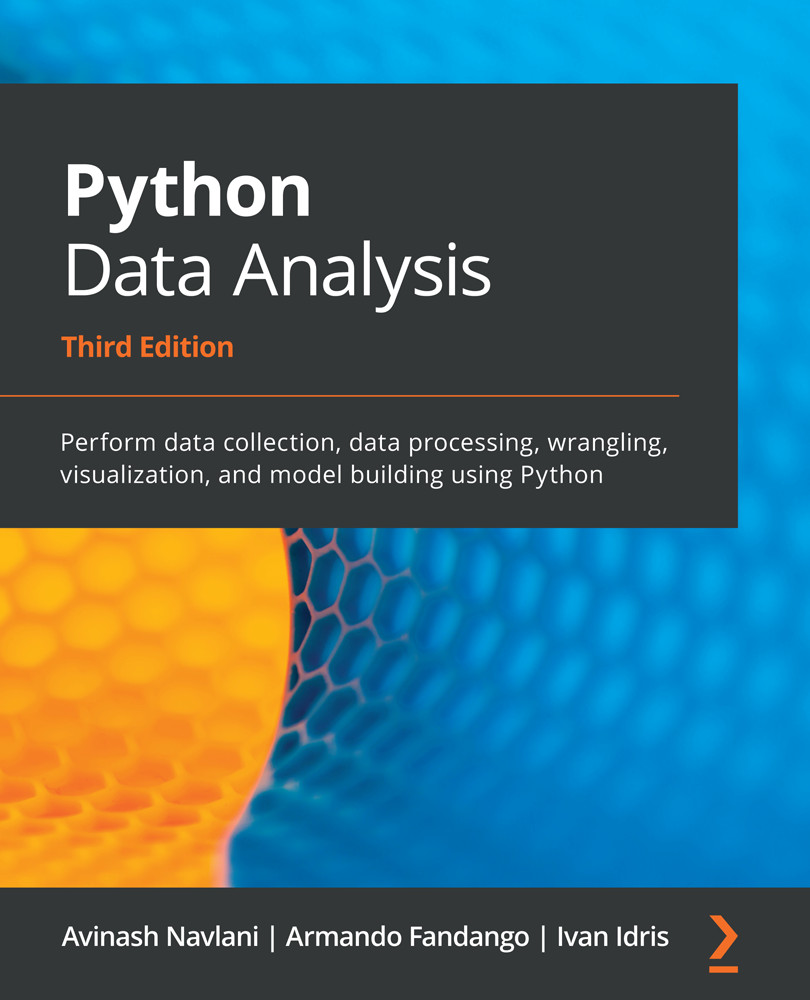
Python Data Analysis - Third Edition

By : Avinash Navlani, Ivan Idris
4.5 (13)
close
close
Python Data Analysis

Python Data Analysis

4.5 (13)
By: Avinash Navlani, Ivan Idris

Overview of this book

Data analysis enables you to generate value from small and big data by discovering new patterns and trends, and Python is one of the most popular tools for analyzing a wide variety of data. With this book, you’ll get up and running using Python for data analysis by exploring the different phases and methodologies used in data analysis and learning how to use modern libraries from the Python ecosystem to create efficient data pipelines. Starting with the essential statistical and data analysis fundamentals using Python, you’ll perform complex data analysis and modeling, data manipulation, data cleaning, and data visualization using easy-to-follow examples. You’ll then understand how to conduct time series analysis and signal processing using ARMA models. As you advance, you’ll get to grips with smart processing and data analytics using machine learning algorithms such as regression, classification, Principal Component Analysis (PCA), and clustering. In the concluding chapters, you’ll work on real-world examples to analyze textual and image data using natural language processing (NLP) and image analytics techniques, respectively. Finally, the book will demonstrate parallel computing using Dask. By the end of this data analysis book, you’ll be equipped with the skills you need to prepare data for analysis and create meaningful data visualizations for forecasting values from data.
Table of Contents (20 chapters)
close
close
1
Section 1: Foundation for Data Analysis
6
Section 2: Exploratory Data Analysis and Data Cleaning
11
Section 3: Deep Dive into Machine Learning
15
Section 4: NLP, Image Analytics, and Parallel Computing

Exploring data

In this section, we will explore data by performing Exploratory Data Analysis (EDA). EDA is the most critical and most important component of the data analysis process. EDA offers the following benefits:

  • It provides an initial glimpse of data and its context.
  • It captures quick insights and identifies the potential drivers from the data for predictive analysis. It finds the queries and questions that can be answered for decision-making purposes.
  • It assesses the quality of the data and helps us build the road map for data cleaning and preprocessing.
  • It finds missing values, outliers, and the importance of features for analysis.
  • EDA uses descriptive statistics and visualization techniques to explore data.

In EDA, the first step is to read the dataset. We can read the dataset using pandas. The pandas library offers various options for reading data. It can read files in various formats, such as CSV, Excel, JSON, parquet, HTML, and pickle. All these methods were covered in...

CONTINUE READING
83
Tech Concepts
36
Programming languages
73
Tech Tools
Icon Unlimited access to the largest independent learning library in tech of over 8,000 expert-authored tech books and videos.
Icon Innovative learning tools, including AI book assistants, code context explainers, and text-to-speech.
Icon 50+ new titles added per month and exclusive early access to books as they are being written.
Python Data Analysis
notes
bookmark Notes and Bookmarks search Search in title playlist Add to playlist download Download options font-size Font size

Change the font size

margin-width Margin width

Change margin width

day-mode Day/Sepia/Night Modes

Change background colour

Close icon Search
Country selected

Close icon Your notes and bookmarks

Confirmation

Modal Close icon
claim successful

Buy this book with your credits?

Modal Close icon
Are you sure you want to buy this book with one of your credits?
Close
YES, BUY

Submit Your Feedback

Modal Close icon
Modal Close icon
Modal Close icon