


-
Book Overview & Buying
-
Table Of Contents

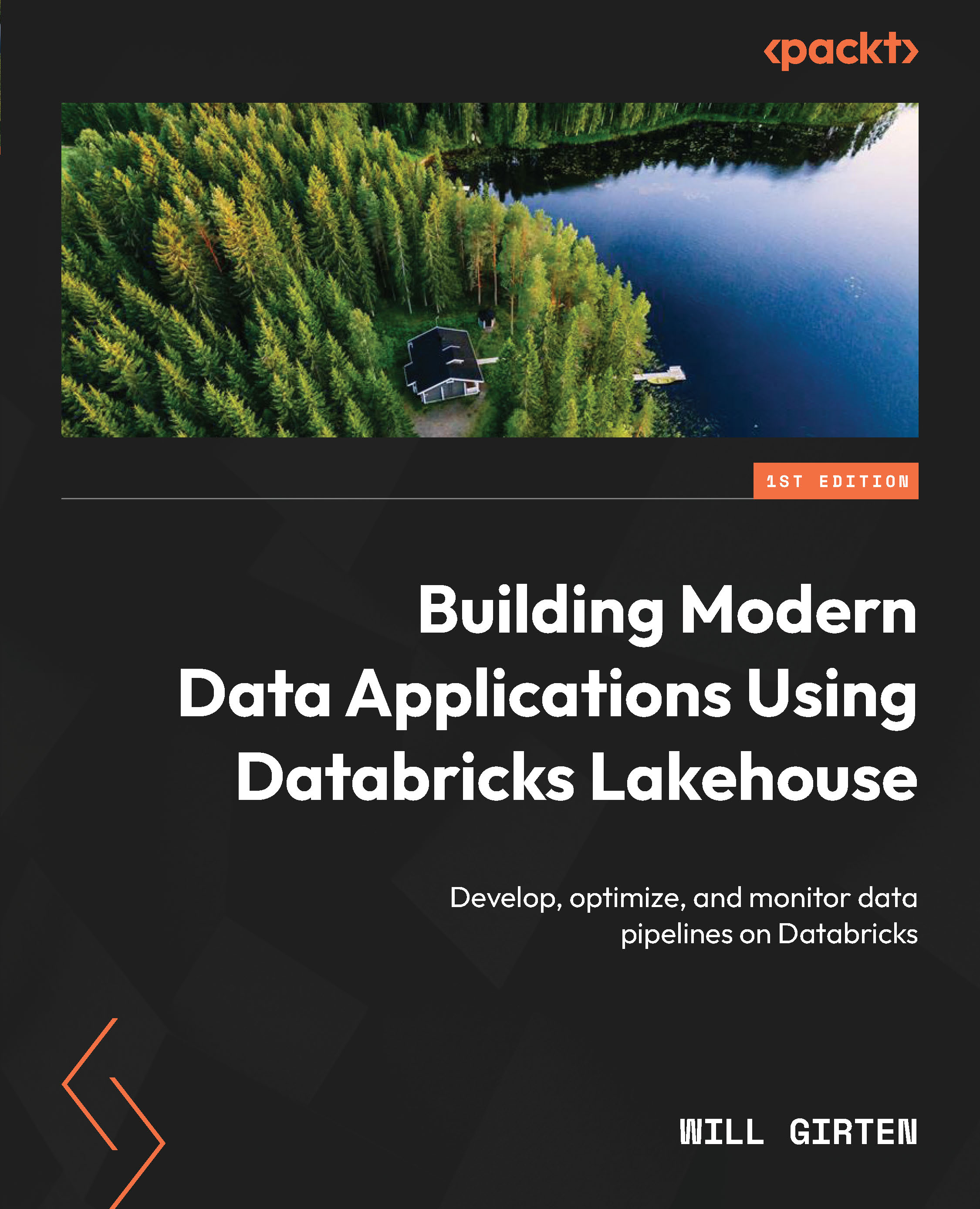
Building Modern Data Applications Using Databricks Lakehouse
By :


Building Modern Data Applications Using Databricks Lakehouse
By:
Overview of this book
With so many tools to choose from in today’s data engineering development stack as well as operational complexity, this often overwhelms data engineers, causing them to spend less time gleaning value from their data and more time maintaining complex data pipelines. Guided by a lead specialist solutions architect at Databricks with 10+ years of experience in data and AI, this book shows you how the Delta Live Tables framework simplifies data pipeline development by allowing you to focus on defining input data sources, transformation logic, and output table destinations.
This book gives you an overview of the Delta Lake format, the Databricks Data Intelligence Platform, and the Delta Live Tables framework. It teaches you how to apply data transformations by implementing the Databricks medallion architecture and continuously monitor the data quality of your pipelines. You’ll learn how to handle incoming data using the Databricks Auto Loader feature and automate real-time data processing using Databricks workflows. You’ll master how to recover from runtime errors automatically.
By the end of this book, you’ll be able to build a real-time data pipeline from scratch using Delta Live Tables, leverage CI/CD tools to deploy data pipeline changes automatically across deployment environments, and monitor, control, and optimize cloud costs.
Table of Contents (16 chapters)
Preface


 Free Chapter
Part 1:Near-Real-Time Data Pipelines for the Lakehouse
Chapter 1: An Introduction to Delta Live Tables
Chapter 2: Applying Data Transformations Using Delta Live Tables
Chapter 3: Managing Data Quality Using Delta Live Tables
Chapter 4: Scaling DLT Pipelines
Part 2:Securing the Lakehouse Using the Unity Catalog
Chapter 5: Mastering Data Governance in the Lakehouse with Unity Catalog

Chapter 6: Managing Data Locations in Unity Catalog
Chapter 7: Viewing Data Lineage Using Unity Catalog
Part 3:Continuous Integration, Continuous Deployment, and Continuous Monitoring
Chapter 8: Deploying, Maintaining, and Administrating DLT Pipelines Using Terraform
Chapter 9: Leveraging Databricks Asset Bundles to Streamline Data Pipeline Deployment
Chapter 10: Monitoring Data Pipelines in Production
Index


