Sign In Start Free Trial
Account

Add to playlist

Create a Playlist

Modal Close icon
You need to login to use this feature.
  • Book Overview & Buying Data Analytics Made Easy
  • Table Of Contents Toc
Data Analytics Made Easy

Data Analytics Made Easy

By : De Mauro
4.7 (12)
close
close
Data Analytics Made Easy

Data Analytics Made Easy

4.7 (12)
By: De Mauro

Overview of this book

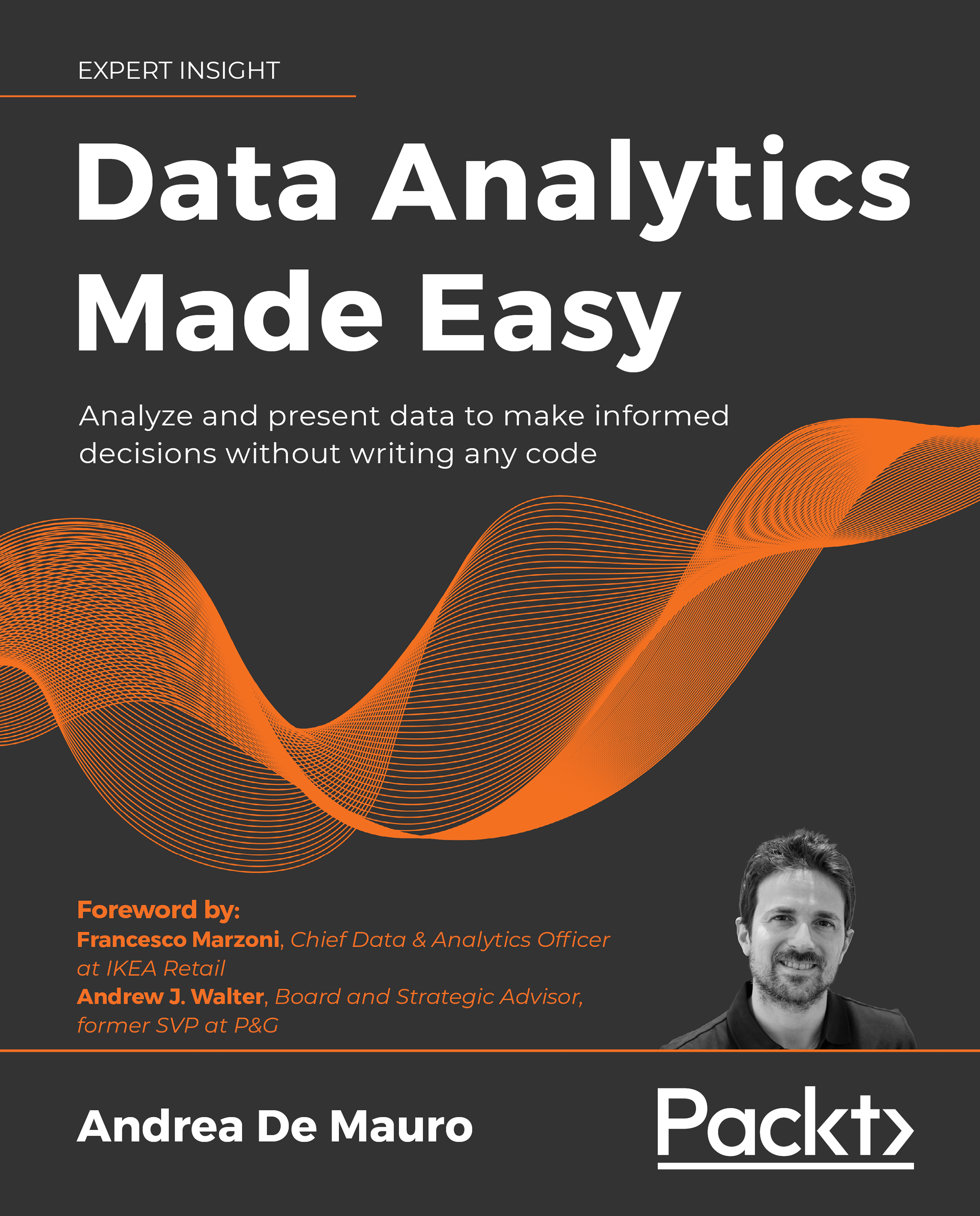
Data Analytics Made Easy is an accessible beginner’s guide for anyone working with data. The book interweaves four key elements: Data visualizations and storytelling – Tired of people not listening to you and ignoring your results? Don’t worry; chapters 7 and 8 show you how to enhance your presentations and engage with your managers and co-workers. Learn to create focused content with a well-structured story behind it to captivate your audience. Automating your data workflows – Improve your productivity by automating your data analysis. This book introduces you to the open-source platform, KNIME Analytics Platform. You’ll see how to use this no-code and free-to-use software to create a KNIME workflow of your data processes just by clicking and dragging components. Machine learning – Data Analytics Made Easy describes popular machine learning approaches in a simplified and visual way before implementing these machine learning models using KNIME. You’ll not only be able to understand data scientists’ machine learning models; you’ll be able to challenge them and build your own. Creating interactive dashboards – Follow the book’s simple methodology to create professional-looking dashboards using Microsoft Power BI, giving users the capability to slice and dice data and drill down into the results.
Table of Contents (14 chapters)
close
close
10
And now?
12
Other Books You May Enjoy
13
Index

Modeling your data

Data tables are hardly useful when they lie apart. In fact, by organizing them together in a database, we amplify their overall value as we unveil patterns and connections across data points. That is why data is typically stored in an ensemble of different tables connected with each other to virtually form a single body called a Data Model. When you work with multiple tables, it is beneficial to "visualize" what the underlying data model looks like: this gives you the ability to anticipate ways to leverage the data and interpret it correctly.

We shall bring the concept of a data model to life by going through a business example. Let's imagine that we own a small store selling musical instruments. Our business model is pretty simple: we order instruments from manufacturers and store them in a warehouse. Customers call at our shop and get the chance to try a few instruments before deciding whether to purchase or not. Our most loyal customers sign...

CONTINUE READING
83
Tech Concepts
36
Programming languages
73
Tech Tools
Icon Unlimited access to the largest independent learning library in tech of over 8,000 expert-authored tech books and videos.
Icon Innovative learning tools, including AI book assistants, code context explainers, and text-to-speech.
Icon 50+ new titles added per month and exclusive early access to books as they are being written.
Data Analytics Made Easy
notes
bookmark Notes and Bookmarks search Search in title playlist Add to playlist download Download options font-size Font size

Change the font size

margin-width Margin width

Change margin width

day-mode Day/Sepia/Night Modes

Change background colour

Close icon Search
Country selected

Close icon Your notes and bookmarks

Confirmation

Modal Close icon
claim successful

Buy this book with your credits?

Modal Close icon
Are you sure you want to buy this book with one of your credits?
Close
YES, BUY

Submit Your Feedback

Modal Close icon
Modal Close icon
Modal Close icon