Sign In Start Free Trial
Account

Add to playlist

Create a Playlist

Modal Close icon
You need to login to use this feature.
  • Book Overview & Buying Intelligent Document Processing with AWS AI/ML
  • Table Of Contents Toc
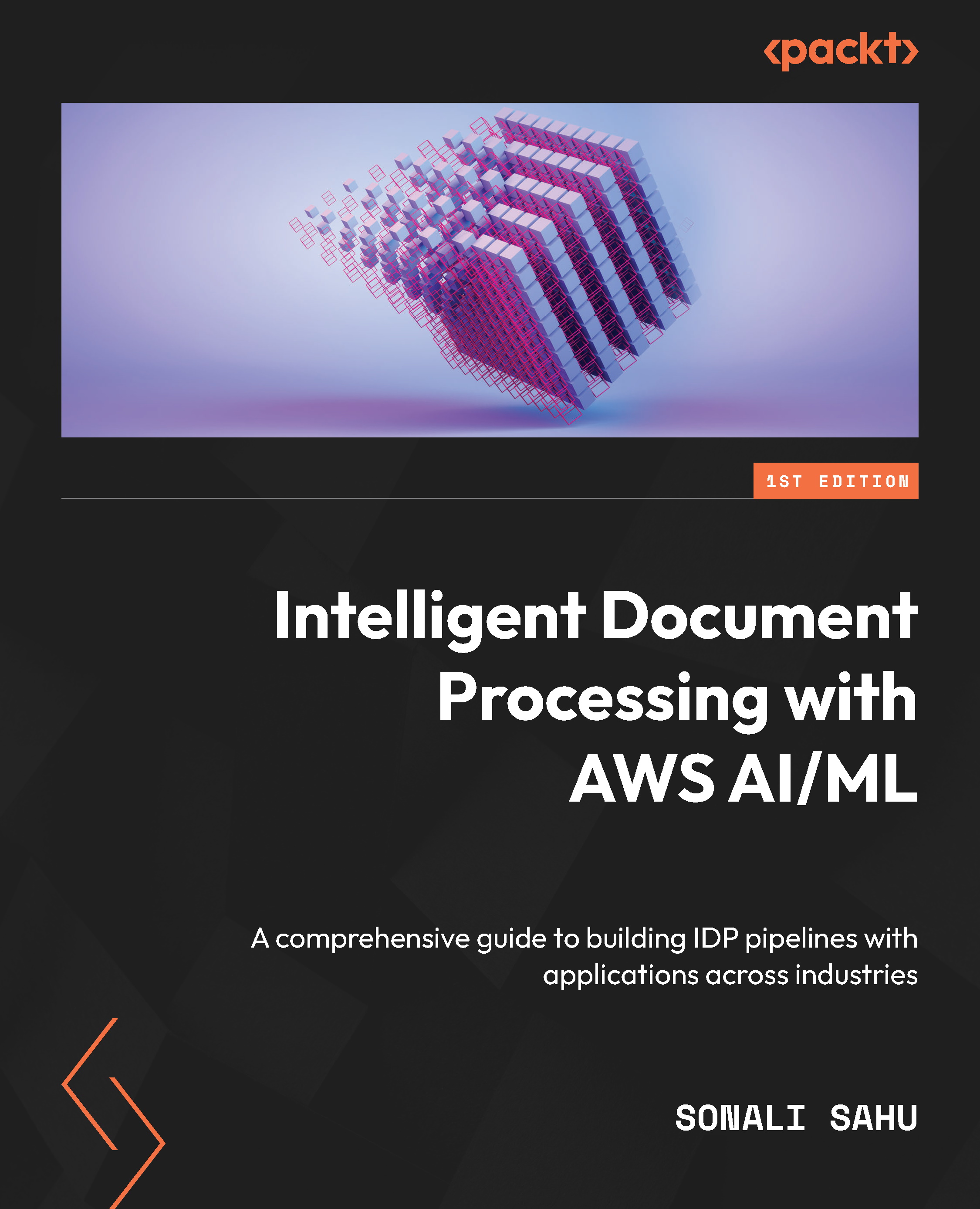
Intelligent Document Processing with AWS AI/ML

Intelligent Document Processing with AWS AI/ML

By : Sonali Sahu
4.8 (4)
close
close
Intelligent Document Processing with AWS AI/ML

Intelligent Document Processing with AWS AI/ML

4.8 (4)
By: Sonali Sahu

Overview of this book

With the volume of data growing exponentially in this digital era, it has become paramount for professionals to process this data in an accelerated and cost-effective manner to get value out of it. Data that organizations receive is usually in raw document format, and being able to process these documents is critical to meeting growing business needs. This book is a comprehensive guide to helping you get to grips with AI/ML fundamentals and their application in document processing use cases. You’ll begin by understanding the challenges faced in legacy document processing and discover how you can build end-to-end document processing pipelines with AWS AI services. As you advance, you'll get hands-on experience with popular Python libraries to process and extract insights from documents. This book starts with the basics, taking you through real industry use cases for document processing to deliver value-based care in the healthcare industry and accelerate loan application processing in the financial industry. Throughout the chapters, you'll find out how to apply your skillset to solve practical problems. By the end of this AWS book, you’ll have mastered the fundamentals of document processing with machine learning through practical implementation.
Table of Contents (16 chapters)
close
close
1
Part 1: Accurate Extraction of Documents and Categorization
6
Part 2: Enrichment of Data and Post-Processing of Data
10
Part 3: Intelligent Document Processing in Industry Use Cases

Intelligent Document Processing with AWS AI and ML

It was a Wednesday evening – I was busy collecting all my receipts and filling out my insurance claim document. I wanted my health insurance to provide reimbursement for the COVID-19 test kits that I had purchased. The next day, I went to the post office to send the documents through postal mail to my insurance provider. This made me think how we are still working with physical documents in the 21st century. With my approximate math, this month alone, we will use 650 million documents per month, considering that 2% of the entire US population buys a test kit and applies for reimbursement using a paper-based application. This is a ton of documents in this instance. In addition to physical copies, we may have tons of documents that might just be scanned documents – we are looking at manual processing for these documents too. Can we do any better in the 21st century to automate the processing of these documents?

Besides this particular instance, we use documents for many other use cases across industries, such as claims processing in the insurance industry, loan, and mortgage documents in the financial industry, and legal and contract documents. If you have bought a house or refinanced a house, you will already be aware of the number of documents that you need to use for loan processing. IDC predicts worldwide data to exceed 175 zettabytes by 2025. The volume of data is huge. On top of the volume of data, we are talking about data of different formats and unstructured – some are forms, as with insurance claims, and some can be dense text, as with legal contractual documents. The volume and varying formats of documents make manual processing time-consuming, error-prone, and expensive. According to IDC, there is a 23% growth in data every year. The immense scale and format of documents make it a challenge to process them. Moreover, the legacy or traditional document extraction technologies can work well for pristine documents, but when document quality varies, the performance of those early-generation systems frequently does not meet customer needs. Manual document extraction carried out by a human workforce introduces variability into the process since people make mistakes and double-checking all work is not cost-effective. The most important of these factors is the ability to get the key information from the documents into your decision-making systems to make high-quality decisions more quickly and based on accurate information. Hence, we are all looking for efficient, less time-consuming, cost-effective ways to process our documents for better insights.

In this introductory chapter, we will be establishing the basic context to familiarize you with some of the underlying concepts of document processing, the challenges in document processing, and how AWS Artificial Intelligence (AI)/Machine Learning (ML) services can help solve these problems.

We will be covering the following topics in this chapter:

  • Understanding common document processing use cases across industries
  • Understanding the AWS ML and AI stack
  • Introducing Intelligent Document Processing pipeline
CONTINUE READING
83
Tech Concepts
36
Programming languages
73
Tech Tools
Icon Unlimited access to the largest independent learning library in tech of over 8,000 expert-authored tech books and videos.
Icon Innovative learning tools, including AI book assistants, code context explainers, and text-to-speech.
Icon 50+ new titles added per month and exclusive early access to books as they are being written.
Intelligent Document Processing with AWS AI/ML
notes
bookmark Notes and Bookmarks search Search in title playlist Add to playlist download Download options font-size Font size

Change the font size

margin-width Margin width

Change margin width

day-mode Day/Sepia/Night Modes

Change background colour

Close icon Search
Country selected

Close icon Your notes and bookmarks

Confirmation

Modal Close icon
claim successful

Buy this book with your credits?

Modal Close icon
Are you sure you want to buy this book with one of your credits?
Close
YES, BUY

Submit Your Feedback

Modal Close icon
Modal Close icon
Modal Close icon