


-
Book Overview & Buying
-
Table Of Contents

Animating SwiftUI Applications
By :


Animating SwiftUI Applications
By:
Overview of this book
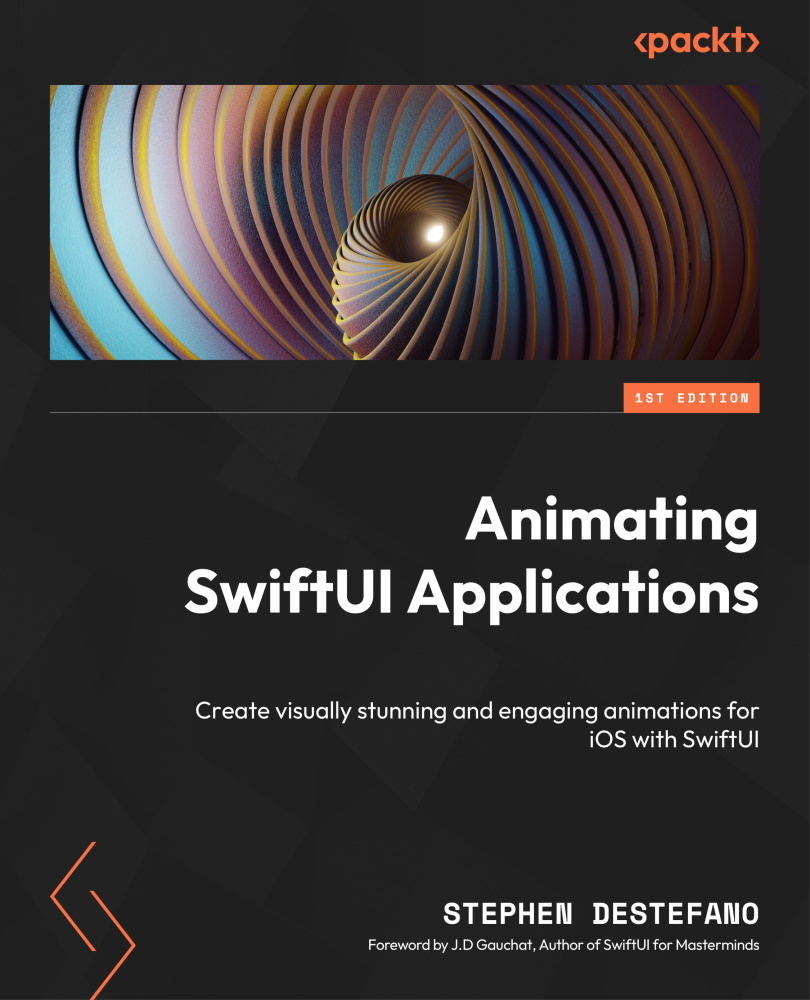
Swift and SwiftUI are the backbone of Apple application development, making them a crucial skill set to learn. Animating SwiftUI Applications focuses on the creation of stunning animations, making you proficient in this declarative language and employing a minimal code approach.
In this book, you'll start by exploring the fundamentals of SwiftUI and animation, before jumping into various projects that will cement these skills in practice. You will explore some simple projects, like animating circles, creating color spectrums with hueRotation, animating individual parts of an image, as well as combining multiple views together to produce dynamic creations. The book will then transition into more advanced animation projects that employ the GeometryReader, which helps align your animations across different devices, as well as creating word and color games. Finally, you will learn how to integrate the SpriteKit framework into our SwiftUI code to create scenes with wind, fire, rain, and or snow scene, along with adding physics, gravity, collisions, and particle emitters to your animations.
By the end of this book, you’ll have created a number of different animation projects, and will have gained a deep understanding of SwiftUI that can be used for your own creations.
Table of Contents (18 chapters)
Preface


Chapter 1: Exploring the Fundamentals of SwiftUI
 Free Chapter
Chapter 2: Understanding Animation with SwiftUI
Chapter 3: Creating a Breathing App
Chapter 4: Building a Record Player
Chapter 5: Animating Colorful Kaleidoscope Effects
Chapter 6: Animating a Girl on a Swing
Chapter 7: Building a Series of Belts and Gears
Chapter 8: Animating a Bouquet of Flowers
Chapter 9: Animating Strokes around Shapes
Chapter 10: Creating an Ocean Scene
Chapter 11: Animating an Elevator
Chapter 12: Creating a Word Game (Part 1)
Chapter 13: Creating a Word Game (Part 2)
Chapter 14: Creating a Color Game

Chapter 15: Integrating SpriteKit into Your SwiftUI Projects
Index


