


-
Book Overview & Buying
-
Table Of Contents

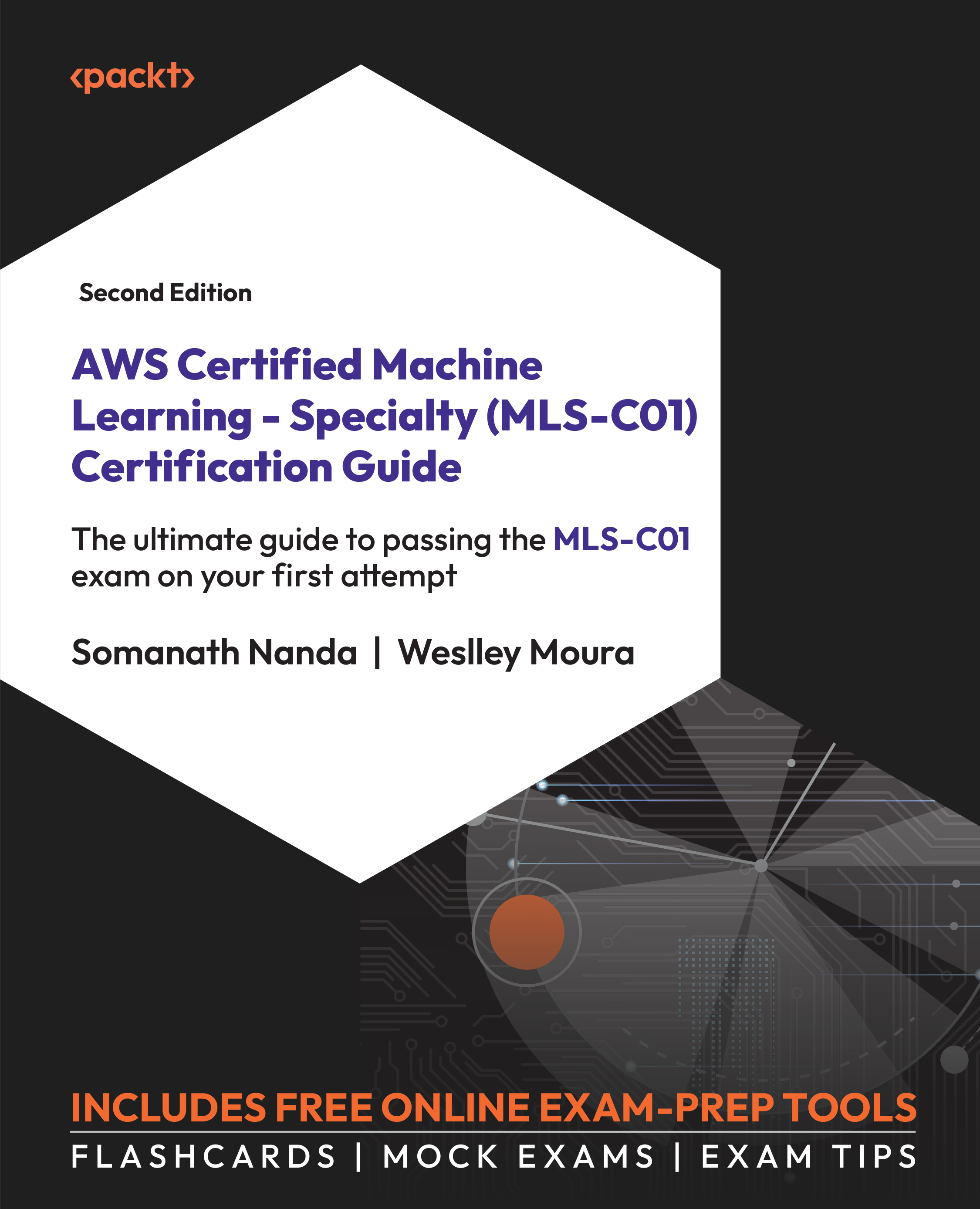
AWS Certified Machine Learning - Specialty (MLS-C01) Certification Guide - Second Edition
By :


AWS Certified Machine Learning - Specialty (MLS-C01) Certification Guide
By:
Overview of this book
The AWS Certified Machine Learning Specialty (MLS-C01) exam evaluates your ability to execute machine learning tasks on AWS infrastructure. This comprehensive book aligns with the latest exam syllabus, offering practical examples to support your real-world machine learning projects on AWS. Additionally, you'll get lifetime access to supplementary online resources, including mock exams with exam-like timers, detailed solutions, interactive flashcards, and invaluable exam tips, all accessible across various devices—PCs, tablets, and smartphones.
Throughout the book, you’ll learn data preparation techniques for machine learning, covering diverse methods for data manipulation and transformation across different variable types. Addressing challenges such as missing data and outliers, the book guides you through an array of machine learning tasks including classification, regression, clustering, forecasting, anomaly detection, text mining, and image processing, accompanied by requisite machine learning algorithms essential for exam success. The book helps you master the deployment of models in production environments and their subsequent monitoring.
Equipped with insights from this book and the accompanying mock exams, you'll be fully prepared to achieve the AWS MLS-C01 certification.
Table of Contents (13 chapters)
Preface


 Free Chapter
Chapter 1: Machine Learning Fundamentals
Chapter 2: AWS Services for Data Storage
Chapter 3: AWS Services for Data Migration and Processing

Chapter 4: Data Preparation and Transformation
Chapter 5: Data Understanding and Visualization
Chapter 6: Applying Machine Learning Algorithms
Chapter 7: Evaluating and Optimizing Models
Chapter 8: AWS Application Services for AI/ML
Chapter 9: Amazon SageMaker Modeling
Chapter 10: Model Deployment
Chapter 11: Accessing the Online Practice Resources
Other Books You May Enjoy


