


-
Book Overview & Buying
-
Table Of Contents

Generative AI on Google Cloud with LangChain
By :


Generative AI on Google Cloud with LangChain
By:
Overview of this book
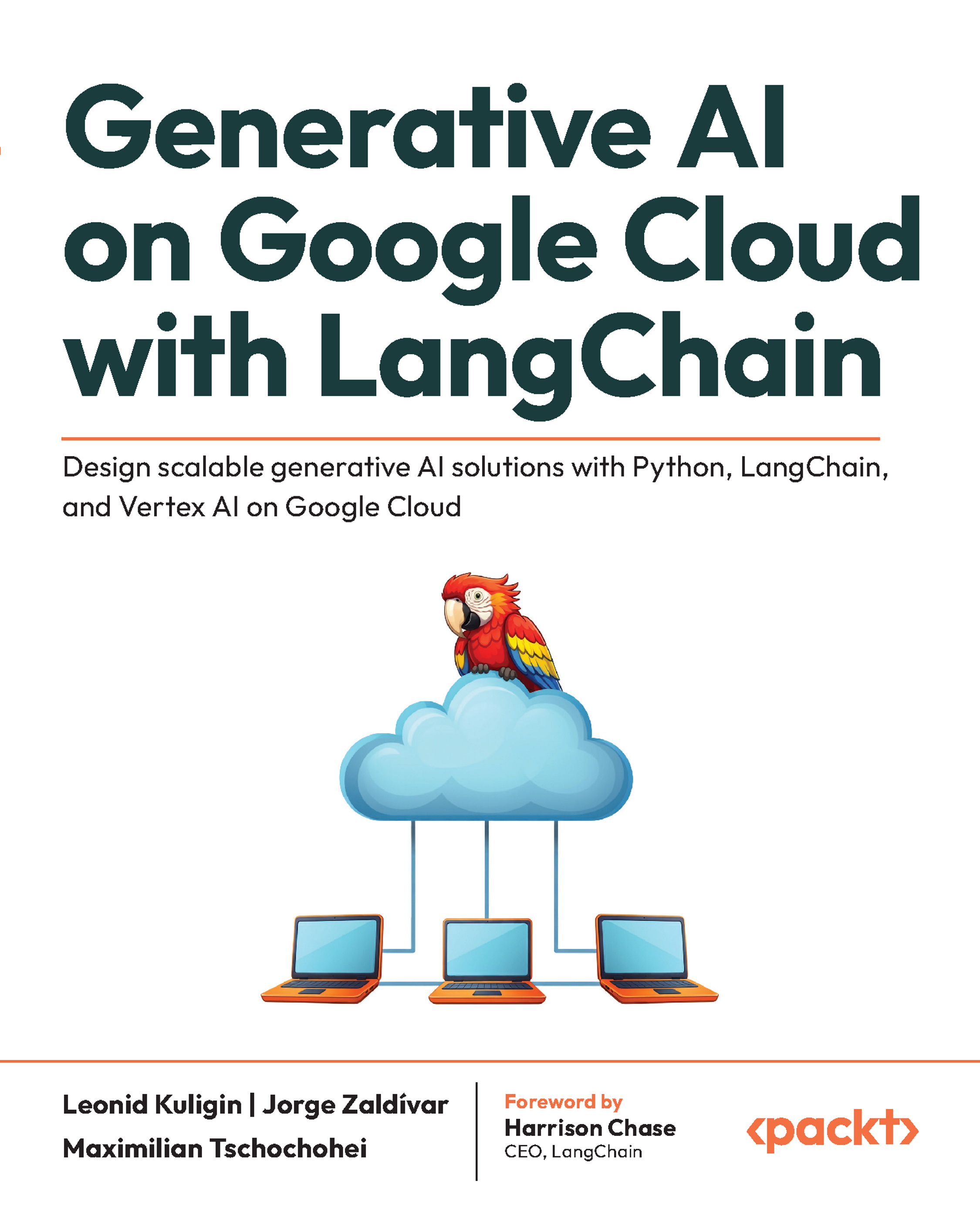
The rapid transformation and enterprise adoption of GenAI has created an urgent demand for developers to quickly build and deploy AI applications that deliver real value. Written by three distinguished Google AI engineers and LangChain contributors who have shaped Google Cloud’s integration with LangChain and implemented AI solutions for Fortune 500 companies, this book bridges the gap between concept and implementation, exploring LangChain and Google Cloud’s enterprise-ready tools for scalable AI solutions.
You'll start by exploring the fundamentals of LLMs and how LangChain simplifies the development of AI workflows by connecting LLMs with external data and services. This book guides you through using essential tools like the Gemini and PaLM 2 APIs, Vertex AI, and Vertex AI Search to create sophisticated, production-ready GenAI applications. You'll also overcome the context limitations of LLMs by mastering advanced techniques like RAG and external memory layers.
Through practical patterns and real-world examples, you’ll gain everything you need to harness Google Cloud’s AI ecosystem, reducing the time to market while ensuring enterprise scalability. You’ll have the expertise to build robust GenAI applications that can be tailored to solve real-world business challenges.
*Email sign-up and proof of purchase required
Table of Contents (22 chapters)
Preface


 Free Chapter
Part 1: Intro to LangChain and Generative AI on Google Cloud
Chapter 1: Using LangChain with Google Cloud
Chapter 2: Foundational Models on Google Cloud
Part 2: Hallucinations and Grounding Responses
Chapter 3: Grounding Responses
Chapter 4: Vector Search on Google Cloud
Chapter 5: Ingesting Documents
Chapter 6: Multimodality
Part 3: Common Generative AI Architectures
Chapter 7: Working with Long Context
Chapter 8: Building Chatbots
Chapter 9: Tools and Function Calling
Chapter 10: Agents
Chapter 11: Agentic Workflows

Part 4: Designing Generative AI Applications
Chapter 12: Evaluating GenAI Applications
Chapter 13: Generative AI System Design
Index
Other Books You May Enjoy
Appendix 1: Overview of Generative AI
Appendix 2: Google Cloud Foundations


