


-
Book Overview & Buying
-
Table Of Contents

Learn Microsoft Power BI - Third Edition
By :


Learn Microsoft Power BI
By:
Overview of this book
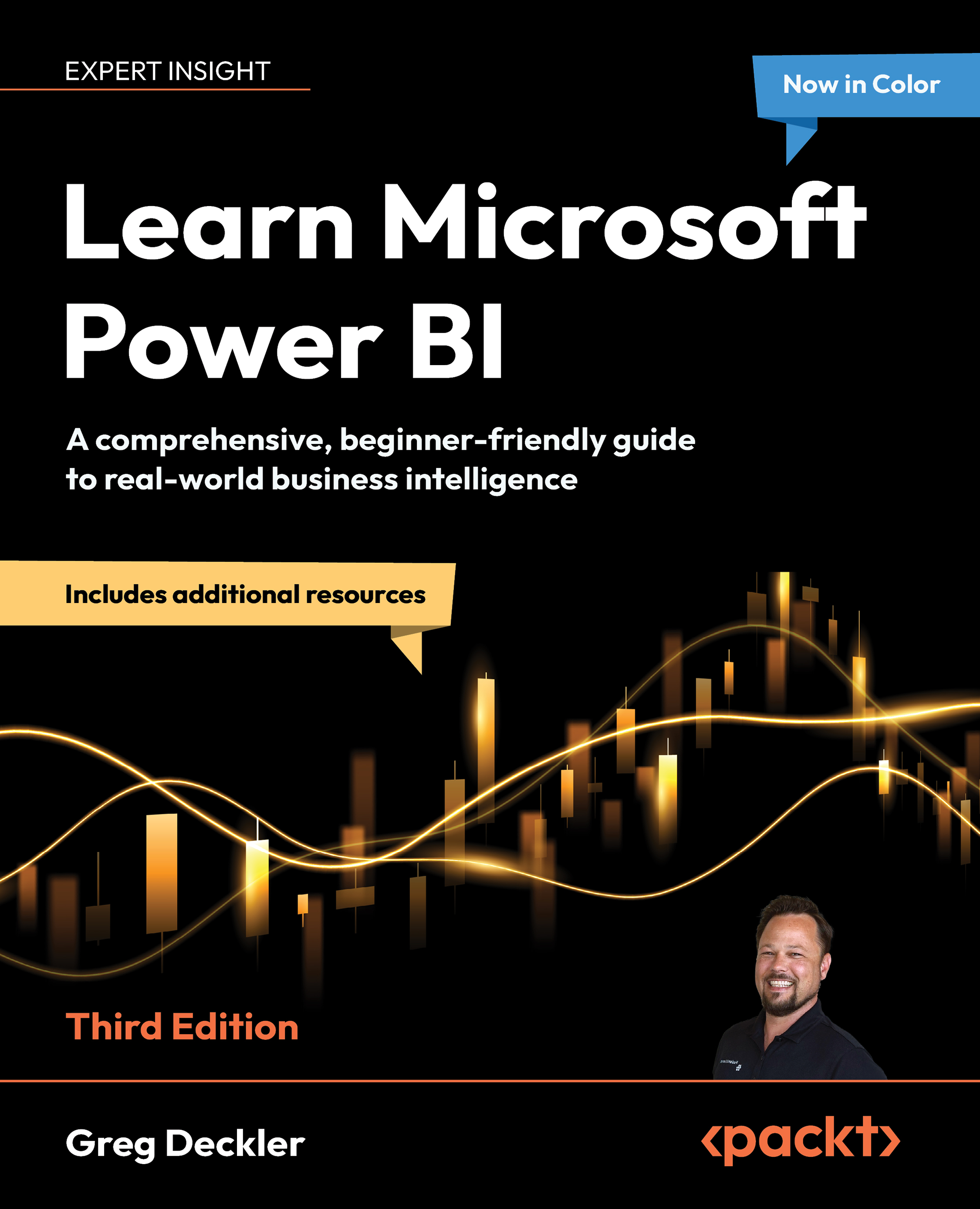
Everyone’s swimming in data. The ones who thrive? They know how to make sense of it with the right tools quickly and effectively. Learn Microsoft Power BI, Third Edition is your essential guide to mastering one of the most powerful platforms for data analysis and visualization. In this newly revised and expanded edition, Greg Deckler, a 7-time Microsoft MVP and Power BI expert, takes you on a journey of data exploration and discovery using Microsoft Power BI to ingest, cleanse, and organize data and uncover key business insights that can be shared effectively.
Covering the latest features and interface changes, including Microsoft Fabric and Copilot, this book guides you through deploying, adopting, and governing Power BI within your organization. You’ll get to grips with the fundamentals of business intelligence projects and learn how to leverage your expertise in the broader Power BI ecosystem. From ingesting and cleansing your data to transforming it into stunning visualizations, reports, and dashboards that speak to business decision-makers, this book will fully prepare you to become the data analysis hero of your organization or kickstart a rewarding career in business intelligence.
*Email sign-up and proof of purchase required
Table of Contents (21 chapters)
Preface


Understanding Business Intelligence and Power BI
Planning Projects with Power BI
Part 2: The Desktop
Up and Running with Power BI Desktop

Connecting to and Transforming Data
Creating Semantic Models and Calculations
Unlocking Insights
Creating the Final Report
Part 3: The Service
Publishing and Sharing
Using Reports in the Power BI Service
Understanding Dashboards, Apps, Metrics, and Security
Refreshing Content
Part 4: The Future
Deploying, Governing, and Adopting Power BI
Working with Microsoft Fabric and Copilot
Putting Your Knowledge to Use
Other Books You May Enjoy
Index


