Sign In Start Free Trial
Account

Add to playlist

Create a Playlist

Modal Close icon
You need to login to use this feature.
  • Book Overview & Buying Practical Machine Learning with R
  • Table Of Contents Toc
  • Feedback & Rating feedback
Practical Machine Learning with R

Practical Machine Learning with R

By : Jeyaraman, Olsen, Wambugu
5 (1)
close
close
Practical Machine Learning with R

Practical Machine Learning with R

5 (1)
By: Jeyaraman, Olsen, Wambugu

Overview of this book

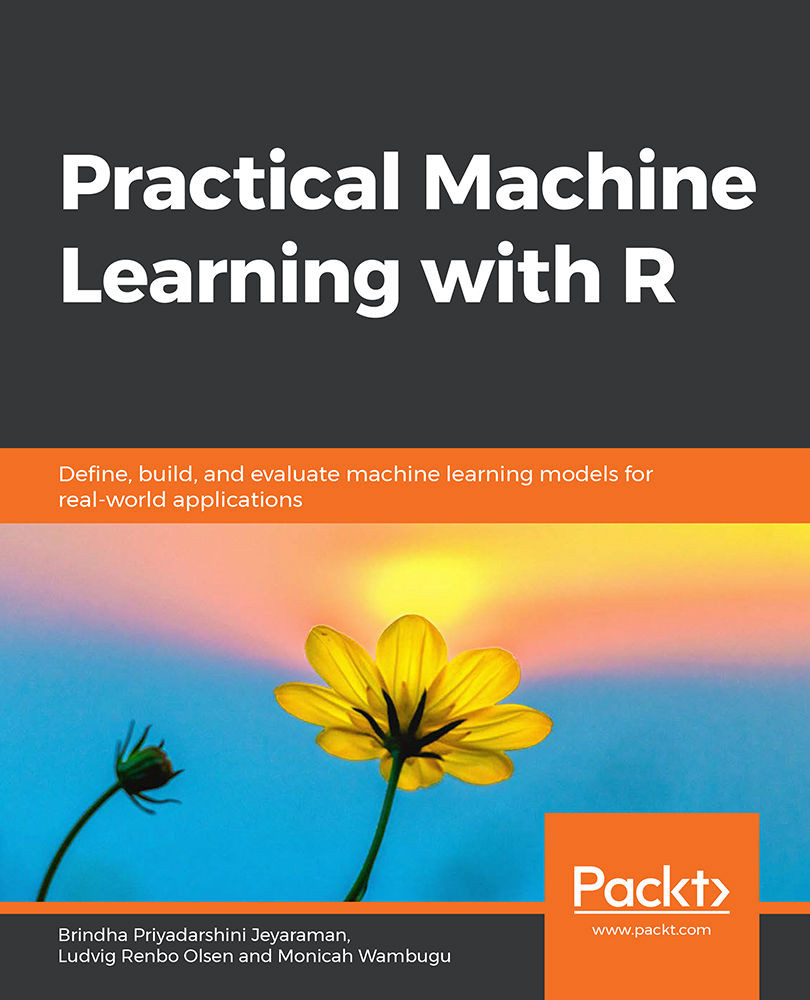
With huge amounts of data being generated every moment, businesses need applications that apply complex mathematical calculations to data repeatedly and at speed. With machine learning techniques and R, you can easily develop these kinds of applications in an efficient way. Practical Machine Learning with R begins by helping you grasp the basics of machine learning methods, while also highlighting how and why they work. You will understand how to get these algorithms to work in practice, rather than focusing on mathematical derivations. As you progress from one chapter to another, you will gain hands-on experience of building a machine learning solution in R. Next, using R packages such as rpart, random forest, and multiple imputation by chained equations (MICE), you will learn to implement algorithms including neural net classifier, decision trees, and linear and non-linear regression. As you progress through the book, you’ll delve into various machine learning techniques for both supervised and unsupervised learning approaches. In addition to this, you’ll gain insights into partitioning the datasets and mechanisms to evaluate the results from each model and be able to compare them. By the end of this book, you will have gained expertise in solving your business problems, starting by forming a good problem statement, selecting the most appropriate model to solve your problem, and then ensuring that you do not overtrain it.
Table of Contents (8 chapters)
close
close

Summary

In this chapter, we learned about the machine learning process. The various steps are iterative in nature and ensure that the data is processed in a systematic manner. We explored the various evaluation metrics for evaluating a trained model. We also covered two types of variables: categorical and numeric.

We covered the different ways to view the summary of the data. We also delved into the various plots available in R for visualizing the data and for performing EDA. We looked at the German Credit, Boston Housing, and Diabetes datasets and performed some visualization on these datasets to understand them better. We also learned how to plot correlations for the features in the data and the ways to interpret them.

We looked into the common machine learning models used by data scientists. We also came to understand some of the types of models that can be used for numeric prediction and categorical prediction. Furthermore, we implemented a classifier in R and interpreted the results. We explored built-in datasets for building linear regression and classifier models.

Visually different images
CONTINUE READING
83
Tech Concepts
36
Programming languages
73
Tech Tools
Icon Unlimited access to the largest independent learning library in tech of over 8,000 expert-authored tech books and videos.
Icon Innovative learning tools, including AI book assistants, code context explainers, and text-to-speech.
Icon 50+ new titles added per month and exclusive early access to books as they are being written.
Practical Machine Learning with R
notes
bookmark Notes and Bookmarks search Search in title playlist Add to playlist download Download options font-size Font size

Change the font size

margin-width Margin width

Change margin width

day-mode Day/Sepia/Night Modes

Change background colour

Close icon Search
Country selected

Close icon Your notes and bookmarks

Confirmation

Modal Close icon
claim successful

Buy this book with your credits?

Modal Close icon
Are you sure you want to buy this book with one of your credits?
Close
YES, BUY

Submit Your Feedback

Modal Close icon
Modal Close icon
Modal Close icon