
Sign In Start Free Trial
Account

Add to playlist

Create a Playlist

Modal Close icon
You need to login to use this feature.
  • Book Overview & Buying Learn Grafana 7.0
  • Table Of Contents Toc
Learn Grafana 7.0

Learn Grafana 7.0

By : Eric Salituro
3 (2)
close
close
Learn Grafana 7.0

Learn Grafana 7.0

3 (2)
By: Eric Salituro

Overview of this book

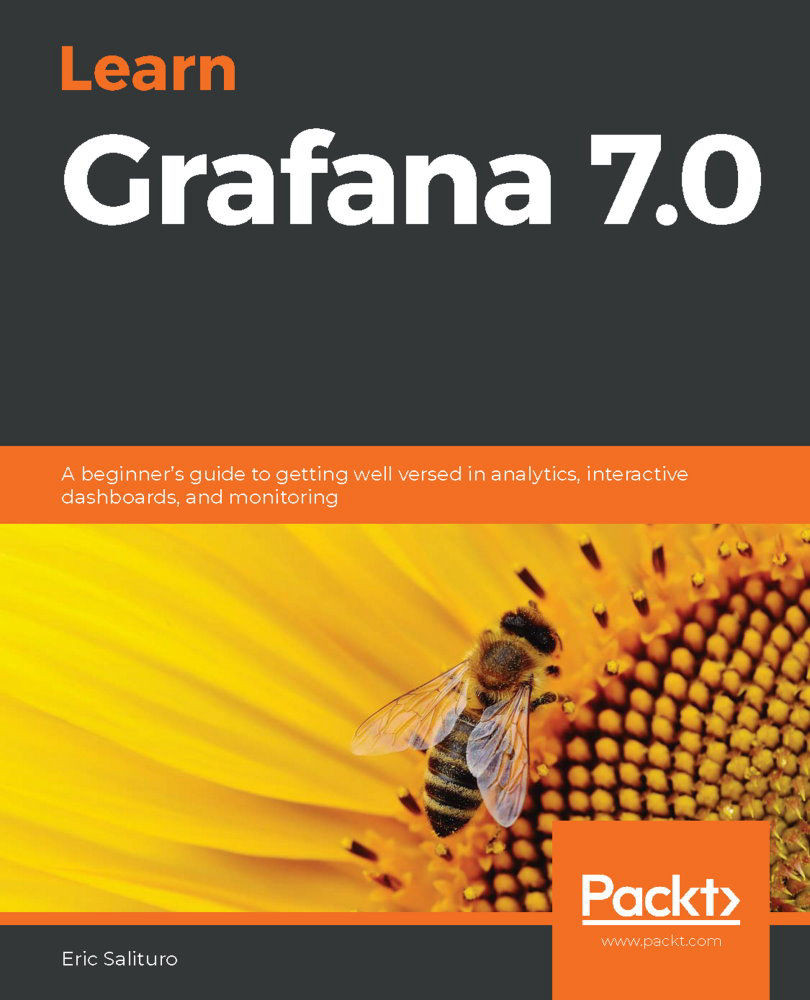
Grafana is an open-source analytical platform used to analyze and monitoring time-series data. This beginner's guide will help you get to grips with Grafana's new features for querying, visualizing, and exploring metrics and logs no matter where they are stored. The book begins by showing you how to install and set up the Grafana server. You'll explore the working mechanism of various components of the Grafana interface along with its security features, and learn how to visualize and monitor data using, InfluxDB, Prometheus, Logstash, and Elasticsearch. This Grafana book covers the advanced features of the Graph panel and shows you how Stat, Table, Bar Gauge, and Text are used. You'll build dynamic dashboards to perform end-to-end analytics and label and organize dashboards into folders to make them easier to find. As you progress, the book delves into the administrative aspects of Grafana by creating alerts, setting permissions for teams, and implementing user authentication. Along with exploring Grafana's multi-cloud monitoring support, you'll also learn about Grafana Loki, which is a backend logger for users running Prometheus and Kubernetes. By the end of this book, you'll have gained all the knowledge you need to start building interactive dashboards.
Table of Contents (19 chapters)
close
close
1
Getting Started with Grafana
5
Real-World Grafana
13
Managing Grafana
A Tour of the Grafana Interface

By this point, you've successfully installed and run Grafana; so next, we're going to familiarize ourselves with the Grafana User Interface (UI). In this chapter, we will take a general tour of the default Home dashboard, mostly concentrating on the sidebar menu. While you will spend the majority of your time interacting directly with dashboards and panels, you will find the side menu is a helpful navigation hub, providing both quick access to simple creation pages and links to more complex functions, including data source creation,Explore mode, alert management, and server administration.

This chapter is intended to provide a mostly high-level tour of these major functions; we will go into more detail about each function later in the book. I'll point out which chapters correspond to the topics covered. If you're already somewhat familiar with Grafana, this chapter should...
CONTINUE READING
83
Tech Concepts
36
Programming languages
73
Tech Tools
Icon Unlimited access to the largest independent learning library in tech of over 8,000 expert-authored tech books and videos.
Icon Innovative learning tools, including AI book assistants, code context explainers, and text-to-speech.
Icon 50+ new titles added per month and exclusive early access to books as they are being written.
Learn Grafana 7.0
notes
bookmark Notes and Bookmarks search Search in title playlist Add to playlist download Download options font-size Font size

Change the font size

margin-width Margin width

Change margin width

day-mode Day/Sepia/Night Modes

Change background colour

Close icon Search
Country selected

Close icon Your notes and bookmarks

Confirmation

Modal Close icon
claim successful

Buy this book with your credits?

Modal Close icon
Are you sure you want to buy this book with one of your credits?
Close
YES, BUY

Submit Your Feedback

Modal Close icon
Modal Close icon
Modal Close icon