Sign In Start Free Trial
Account

Add to playlist

Create a Playlist

Modal Close icon
You need to login to use this feature.
  • Book Overview & Buying The Data Science Workshop
  • Table Of Contents Toc
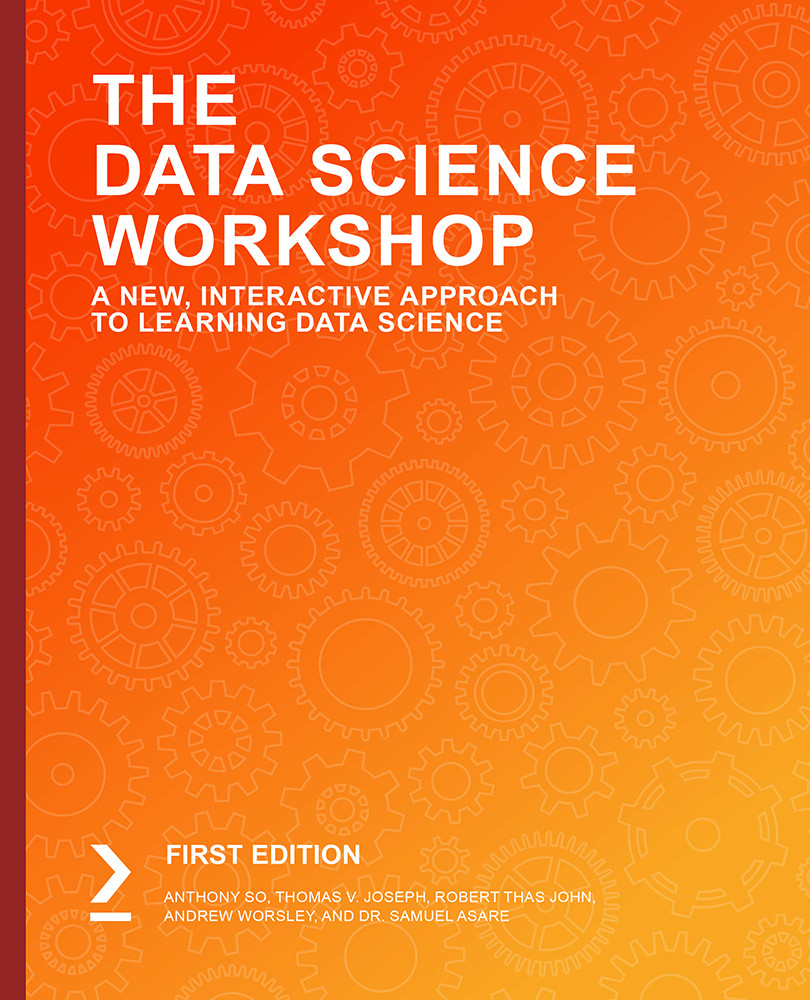
The Data Science Workshop

The Data Science Workshop

By : Anthony So , Thomas Joseph, Robert Thas John, Andrew Worsley , Dr. Samuel Asare , Ivan Liu, Tiffany Ford, Barbora stetinova, Pritesh Tiwari
3.3 (4)
close
close
The Data Science Workshop

The Data Science Workshop

3.3 (4)
By: Anthony So , Thomas Joseph, Robert Thas John, Andrew Worsley , Dr. Samuel Asare , Ivan Liu, Tiffany Ford, Barbora stetinova, Pritesh Tiwari

Overview of this book

You already know you want to learn data science, and a smarter way to learn data science is to learn by doing. The Data Science Workshop focuses on building up your practical skills so that you can understand how to develop simple machine learning models in Python or even build an advanced model for detecting potential bank frauds with effective modern data science. You'll learn from real examples that lead to real results. Throughout The Data Science Workshop, you'll take an engaging step-by-step approach to understanding data science. You won't have to sit through any unnecessary theory. If you're short on time you can jump into a single exercise each day or spend an entire weekend training a model using sci-kit learn. It's your choice. Learning on your terms, you'll build up and reinforce key skills in a way that feels rewarding. Every physical print copy of The Data Science Workshop unlocks access to the interactive edition. With videos detailing all exercises and activities, you'll always have a guided solution. You can also benchmark yourself against assessments, track progress, and receive content updates. You'll even earn a secure credential that you can share and verify online upon completion. It's a premium learning experience that's included with your printed copy. To redeem, follow the instructions located at the start of your data science book. Fast-paced and direct, The Data Science Workshop is the ideal companion for data science beginners. You'll learn about machine learning algorithms like a data scientist, learning along the way. This process means that you'll find that your new skills stick, embedded as best practice. A solid foundation for the years ahead.
Table of Contents (18 chapters)
close
close

Summary

This chapter introduced the topic of linear regression analysis using Python. We learned that regression analysis, in general, is a supervised machine learning or data science problem. We learned about the fundamentals of linear regression analysis, including the ideas behind the method of least squares. We also learned about how to use the pandas Python module to load and prepare data for exploration and analysis.

We explored how to create scatter graphs of bivariate data and how to fit a line of best fit through them. Along the way, we discovered the power of the statsmodels module in Python. We explored how to use it to define simple linear regression models and to solve the model for the relevant parameters. We also learned how to extend that to situations where the number of independent variables is more than one – multiple linear regressions. We investigated approaches by which we can transform a non-linear relation between a dependent and independent variable so that a non-linear problem can be handled using linear regression, introduced because of the transformation. We took a closer look at the statsmodels formula language. We learned how to use it to define a variety of linear models and to solve for their respective model parameters.

We continued to learn about the ideas underpinning model goodness of fit. We discussed the R-squared statistic as a measure of the goodness of fit for regression models. We followed our discussions with the basic concepts of statistical significance. We learned about how to validate a regression model globally using the F-statistic, which Python calculates for us. We also examined how to check for the statistical significance of individual model coefficients using t-tests and their associated p-values. We reviewed the assumptions of linear regression analysis and how they impact on the validity of any regression analysis work.

We will now move on from regression analysis, and Chapter 3, Binary Classification, and Chapter 4, Multiclass Classification with RandomForest, will discuss binary and multi-label classification, respectively. These chapters will introduce the techniques needed to handle supervised data science problems where the dependent variable is of the categorical data type.

Regression analysis will be revisited when the important topics of model performance improvement and interpretation are given a closer look later in the book. In Chapter 8, Hyperparameter Tuning, we will see how to use k-nearest neighbors and as another method for carrying out regression analysis. We will also be introduced to ridge regression, a linear regression method that is useful for situations where there are a large number of parameters.

CONTINUE READING
83
Tech Concepts
36
Programming languages
73
Tech Tools
Icon Unlimited access to the largest independent learning library in tech of over 8,000 expert-authored tech books and videos.
Icon Innovative learning tools, including AI book assistants, code context explainers, and text-to-speech.
Icon 50+ new titles added per month and exclusive early access to books as they are being written.
The Data Science Workshop
notes
bookmark Notes and Bookmarks search Search in title playlist Add to playlist download Download options font-size Font size

Change the font size

margin-width Margin width

Change margin width

day-mode Day/Sepia/Night Modes

Change background colour

Close icon Search
Country selected

Close icon Your notes and bookmarks

Confirmation

Modal Close icon
claim successful

Buy this book with your credits?

Modal Close icon
Are you sure you want to buy this book with one of your credits?
Close
YES, BUY

Submit Your Feedback

Modal Close icon
Modal Close icon
Modal Close icon