
Sign In Start Free Trial
Account

Add to playlist

Create a Playlist

Modal Close icon
You need to login to use this feature.
  • Book Overview & Buying Modern Computer Vision with PyTorch
  • Table Of Contents Toc
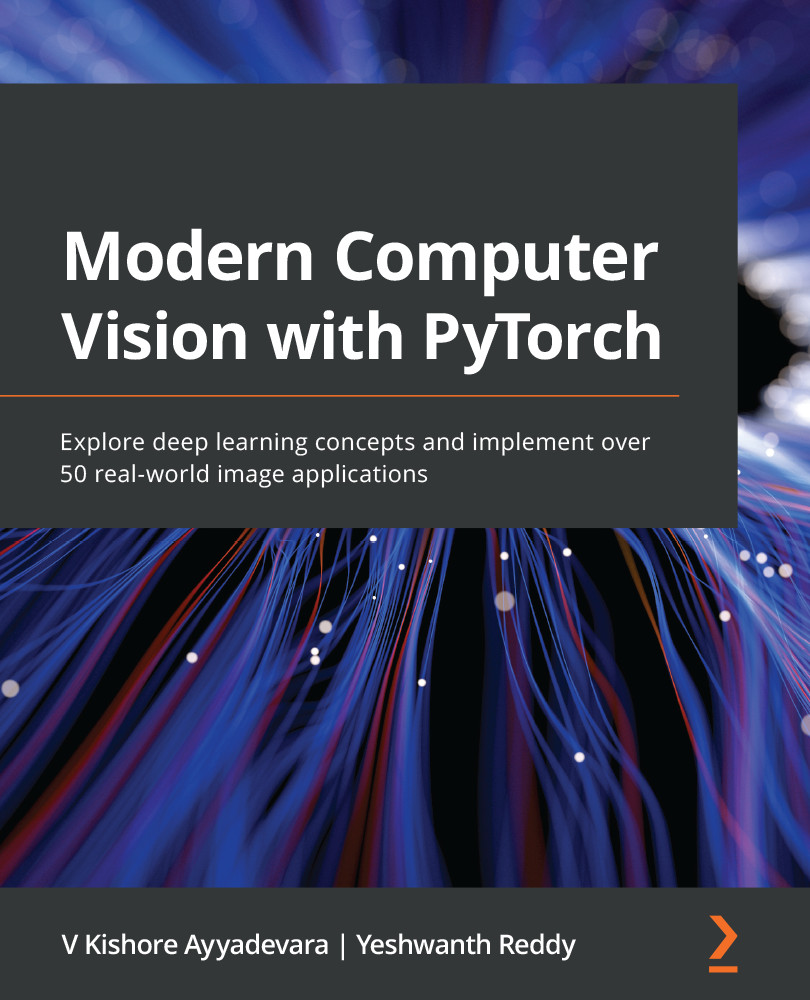
Modern Computer Vision with PyTorch

Modern Computer Vision with PyTorch

By : V Kishore Ayyadevara, Yeshwanth Reddy
4.7 (21)
close
close
Modern Computer Vision with PyTorch

Modern Computer Vision with PyTorch

4.7 (21)
By: V Kishore Ayyadevara, Yeshwanth Reddy

Overview of this book

Deep learning is the driving force behind many recent advances in various computer vision (CV) applications. This book takes a hands-on approach to help you to solve over 50 CV problems using PyTorch1.x on real-world datasets. You’ll start by building a neural network (NN) from scratch using NumPy and PyTorch and discover best practices for tweaking its hyperparameters. You’ll then perform image classification using convolutional neural networks and transfer learning and understand how they work. As you progress, you’ll implement multiple use cases of 2D and 3D multi-object detection, segmentation, human-pose-estimation by learning about the R-CNN family, SSD, YOLO, U-Net architectures, and the Detectron2 platform. The book will also guide you in performing facial expression swapping, generating new faces, and manipulating facial expressions as you explore autoencoders and modern generative adversarial networks. You’ll learn how to combine CV with NLP techniques, such as LSTM and transformer, and RL techniques, such as Deep Q-learning, to implement OCR, image captioning, object detection, and a self-driving car agent. Finally, you'll move your NN model to production on the AWS Cloud. By the end of this book, you’ll be able to leverage modern NN architectures to solve over 50 real-world CV problems confidently.
Table of Contents (25 chapters)
close
close
1
Section 1 - Fundamentals of Deep Learning for Computer Vision
5
Section 2 - Object Classification and Detection
13
Section 3 - Image Manipulation
17
Section 4 - Combining Computer Vision with Other Techniques

Object detection using DETR

In previous chapters on object detection, we learned about leveraging anchor boxes/region proposals to perform object classification and detection. However, it involved a pipeline of steps to come up with object detection. DETR is a technique that leverages transformers to come up with an end-to-end pipeline that simplifies the object detection network architecture considerably. Transformers are one of the more popular and more recent techniques to perform various tasks in NLP. In this section, we will learn about the working details of transformers, DETR, and code it up to perform our task of detecting trucks versus buses.

The working details of transformers

Transformers have proven to be a remarkable architecture for sequence-to-sequence problems. Almost all NLP tasks, as of the time of writing this book, have state-of-the-art implementations that come from transformers. This class of networks uses only linear layers and softmax to create self-attention ...

CONTINUE READING
83
Tech Concepts
36
Programming languages
73
Tech Tools
Icon Unlimited access to the largest independent learning library in tech of over 8,000 expert-authored tech books and videos.
Icon Innovative learning tools, including AI book assistants, code context explainers, and text-to-speech.
Icon 50+ new titles added per month and exclusive early access to books as they are being written.
Modern Computer Vision with PyTorch
notes
bookmark Notes and Bookmarks search Search in title playlist Add to playlist download Download options font-size Font size

Change the font size

margin-width Margin width

Change margin width

day-mode Day/Sepia/Night Modes

Change background colour

Close icon Search
Country selected

Close icon Your notes and bookmarks

Confirmation

Modal Close icon
claim successful

Buy this book with your credits?

Modal Close icon
Are you sure you want to buy this book with one of your credits?
Close
YES, BUY

Submit Your Feedback

Modal Close icon
Modal Close icon
Modal Close icon