


In this chapter, we learned about how RNNs work and specifically the variant of LSTM in detail. Furthermore, we learned about leveraging CNNs and RNNs together as we passed an image through a pre-trained model to extract features and passed the features as time steps to the RNN to extract the words one at a time, in our image captioning use case. We then took the combination of CNNs and RNNs a step further, where we leveraged the CTC loss function to transcribe handwritten images. The CTC loss function helped in ensuring that we squash the same character coming from subsequent time steps into a single character and also in ensuring that all possible combinations of output are considered, and then we evaluated the loss based on the combination resulting in the ground truth. Finally, we learned about leveraging transformers to perform object detection using DETR, during which we also understood how transformers work and how they can be leveraged in the context of object detection...
-
Book Overview & Buying
-
Table Of Contents

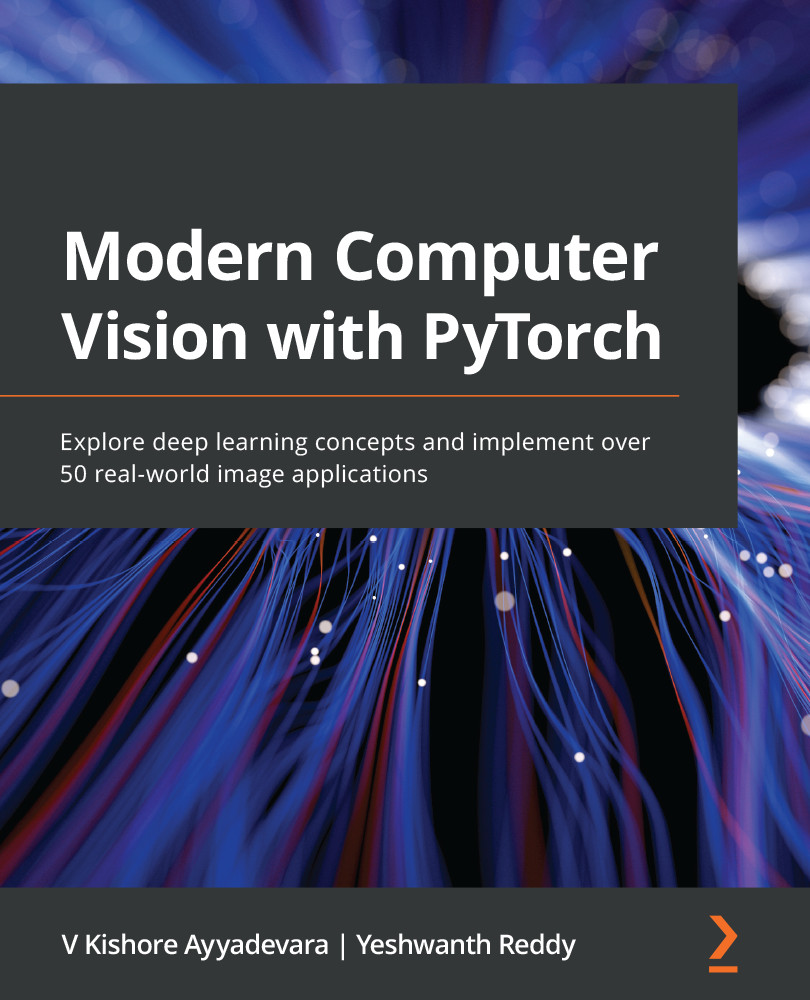
Modern Computer Vision with PyTorch
By :


Modern Computer Vision with PyTorch
By:
Overview of this book
Deep learning is the driving force behind many recent advances in various computer vision (CV) applications. This book takes a hands-on approach to help you to solve over 50 CV problems using PyTorch1.x on real-world datasets.
You’ll start by building a neural network (NN) from scratch using NumPy and PyTorch and discover best practices for tweaking its hyperparameters. You’ll then perform image classification using convolutional neural networks and transfer learning and understand how they work. As you progress, you’ll implement multiple use cases of 2D and 3D multi-object detection, segmentation, human-pose-estimation by learning about the R-CNN family, SSD, YOLO, U-Net architectures, and the Detectron2 platform. The book will also guide you in performing facial expression swapping, generating new faces, and manipulating facial expressions as you explore autoencoders and modern generative adversarial networks. You’ll learn how to combine CV with NLP techniques, such as LSTM and transformer, and RL techniques, such as Deep Q-learning, to implement OCR, image captioning, object detection, and a self-driving car agent. Finally, you'll move your NN model to production on the AWS Cloud.
By the end of this book, you’ll be able to leverage modern NN architectures to solve over 50 real-world CV problems confidently.
Table of Contents (25 chapters)
Preface

Section 1 - Fundamentals of Deep Learning for Computer Vision
 Free Chapter
Artificial Neural Network Fundamentals
PyTorch Fundamentals
Building a Deep Neural Network with PyTorch
Section 2 - Object Classification and Detection
Introducing Convolutional Neural Networks
Transfer Learning for Image Classification
Practical Aspects of Image Classification
Basics of Object Detection
Advanced Object Detection
Image Segmentation
Applications of Object Detection and Segmentation
Section 3 - Image Manipulation
Autoencoders and Image Manipulation
Image Generation Using GANs
Advanced GANs to Manipulate Images
Section 4 - Combining Computer Vision with Other Techniques
Training with Minimal Data Points
Combining Computer Vision and NLP Techniques

Combining Computer Vision and Reinforcement Learning
Moving a Model to Production
Using OpenCV Utilities for Image Analysis
Other Books You May Enjoy
Appendix


