Sign In Start Free Trial
Account

Add to playlist

Create a Playlist

Modal Close icon
You need to login to use this feature.
  • Book Overview & Buying OpenGL Game Development By Example
  • Table Of Contents Toc
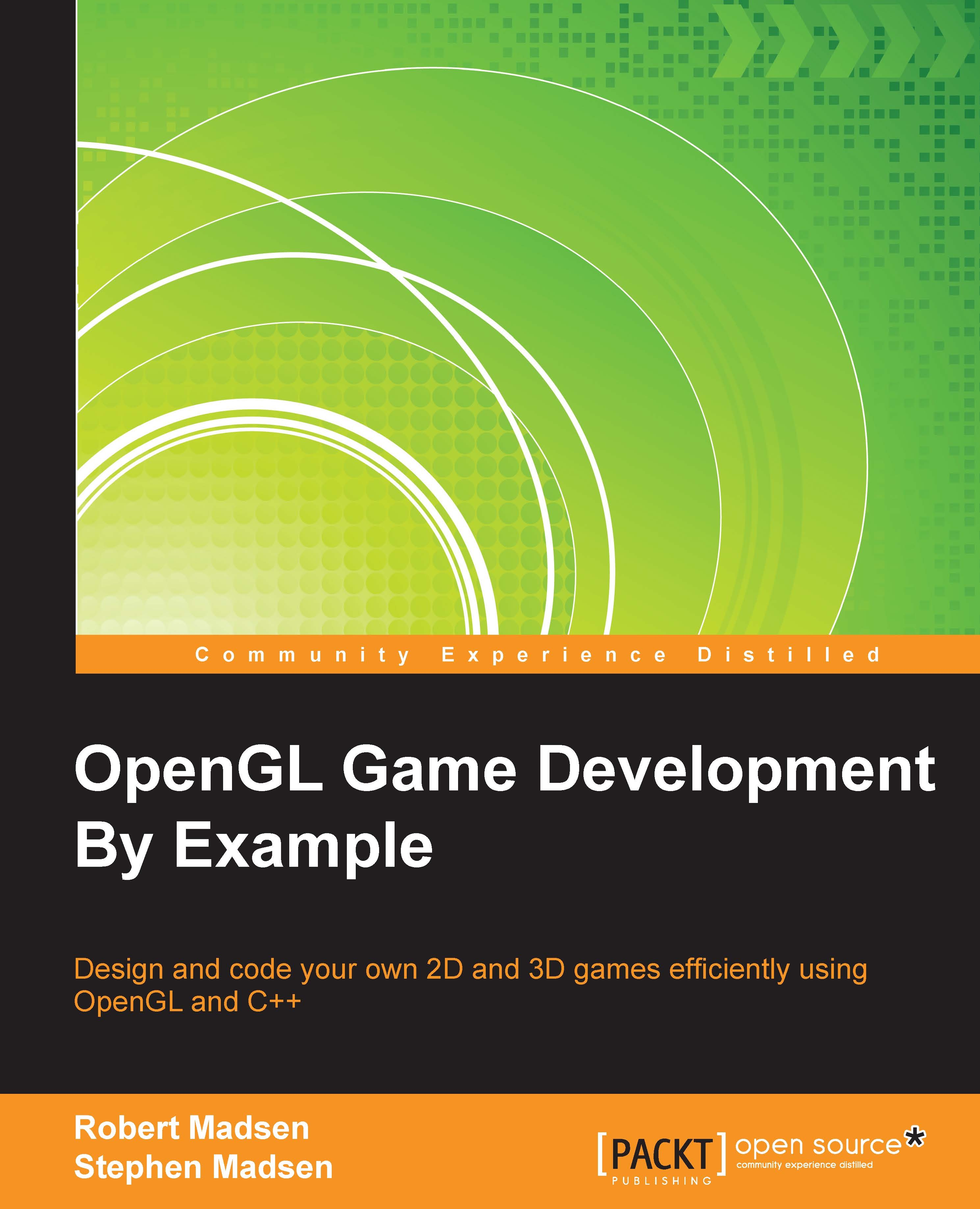
OpenGL Game Development By Example

OpenGL Game Development By Example

By : Madsen
2.7 (6)
close
close
OpenGL Game Development By Example

OpenGL Game Development By Example

2.7 (6)
By: Madsen

Overview of this book

OpenGL is one of the most popular rendering SDKs used to develop games. OpenGL has been used to create everything from 3D masterpieces running on desktop computers to 2D puzzles running on mobile devices. You will learn to apply both 2D and 3D technologies to bring your game idea to life. There is a lot more to making a game than just drawing pictures and that is where this book is unique! It provides a complete tutorial on designing and coding games from the setup of the development environment to final credits screen, through the creation of a 2D and 3D game. The book starts off by showing you how to set up a development environment using Visual Studio, and create a code framework for your game. It then walks you through creation of two games–a 2D platform game called Roboracer 2D and a 3D first-person space shooter game–using OpenGL to render both 2D and 3D graphics using a 2D coordinate system. You'll create sprite classes, render sprites and animation, and navigate and control the characters. You will also learn how to implement input, use audio, and code basic collision and physics systems. From setting up the development environment to creating the final credits screen, the book will take you through the complete journey of creating a game engine that you can extend to create your own games.
Table of Contents (14 chapters)
close
close
13
Index

Chapter 5. Hit and Run

You've already come a long way since beginning the book at the first chapter! You have managed to render moving images to the screen and control their movement. You are well on your way toward creating a great game. The next step is to code the interactions between various objects in the game.

This chapter will explain how to implement collision detection. Collision detection determines how objects interact with each other when they are in the same location. Topics will include:

  • Boundary detection: When an object reaches the top, bottom, left, or right edge of the screen, what should happen? There are a surprising number of choices and you get to choose what to do.
  • Collision detection: There are various scenarios that we often need to check to determine whether two objects have hit each other. We will cover circular and rectangular collision detection algorithms. We will also discuss when each type of collision detection is appropriate to use.
CONTINUE READING
83
Tech Concepts
36
Programming languages
73
Tech Tools
Icon Unlimited access to the largest independent learning library in tech of over 8,000 expert-authored tech books and videos.
Icon Innovative learning tools, including AI book assistants, code context explainers, and text-to-speech.
Icon 50+ new titles added per month and exclusive early access to books as they are being written.
OpenGL Game Development By Example
notes
bookmark Notes and Bookmarks search Search in title playlist Add to playlist font-size Font size

Change the font size

margin-width Margin width

Change margin width

day-mode Day/Sepia/Night Modes

Change background colour

Close icon Search
Country selected

Close icon Your notes and bookmarks

Confirmation

Modal Close icon
claim successful

Buy this book with your credits?

Modal Close icon
Are you sure you want to buy this book with one of your credits?
Close
YES, BUY

Submit Your Feedback

Modal Close icon
Modal Close icon
Modal Close icon