


-
Book Overview & Buying
-
Table Of Contents

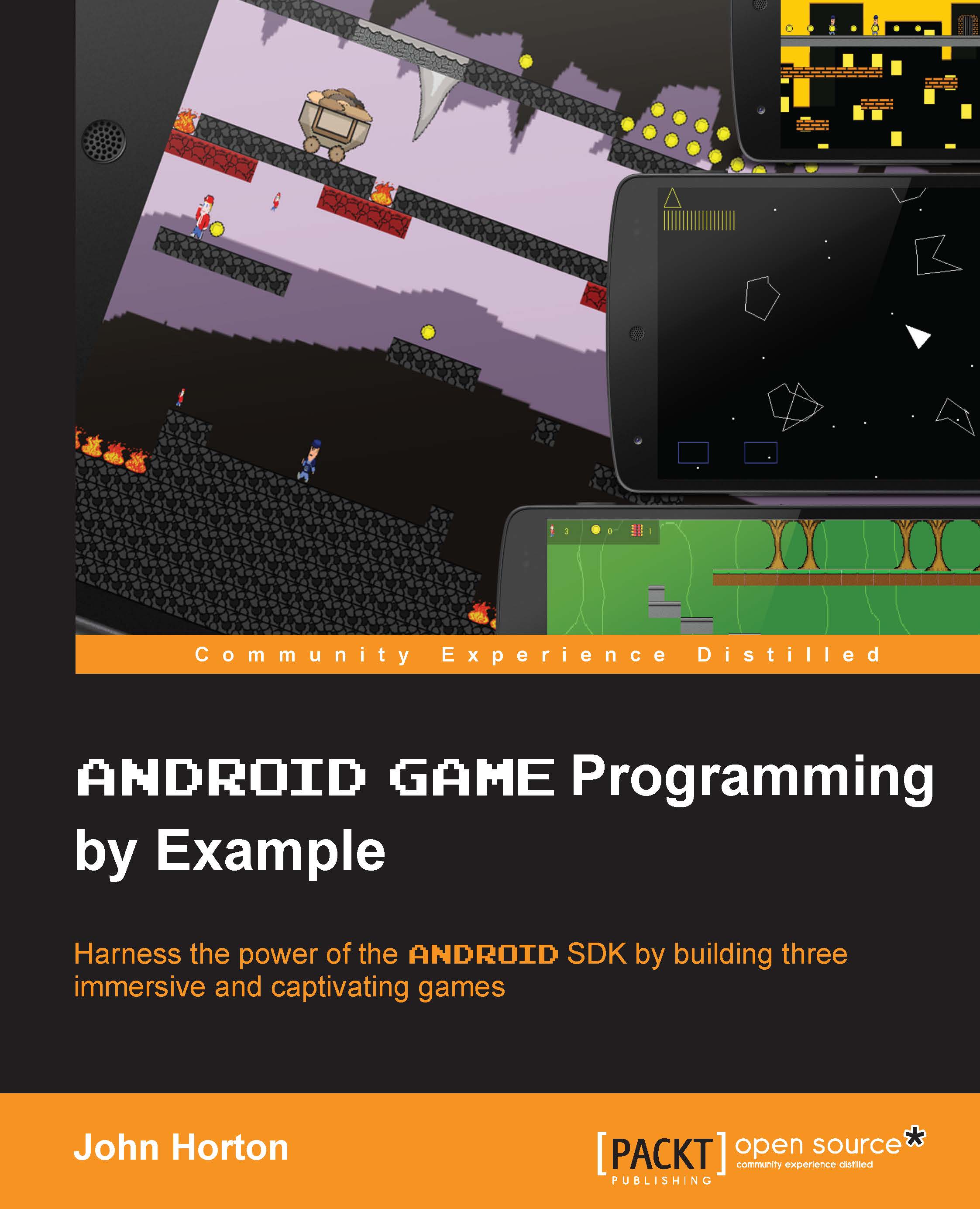
Android Game Programming By Example
By :


Android Game Programming By Example
By:
Overview of this book
The book is best suited for existing Android or Java programmers who want to adapt their skills to make exciting Android games.
The book is also for determined readers who might have no Android, game programming or even Java experience, but a reasonable understanding of object oriented programming knowledge is assumed.
Table of Contents (13 chapters)
Preface


 Free Chapter
1. Player 1 UP
2. Tappy Defender – First Step
3. Tappy Defender – Taking Flight
4. Tappy Defender – Going Home

5. Platformer – Upgrading the Game Engine
6. Platformer – Bob, Beeps, and Bumps
7. Platformer – Guns, Life, Money, and the Enemy
8. Platformer – Putting It All Together
9. Asteroids at 60 FPS with OpenGL ES 2
10. Move and Draw with OpenGL ES 2
11. Things That Go Bump – Part II
Index


