


-
Book Overview & Buying
-
Table Of Contents

-
Feedback & Rating

Blender 3D By Example
By :


Blender 3D By Example
By:
Overview of this book
Blender is a powerful tool, stable, with an integral workflow that will allow you to understand your learning of 3D creation with serenity. Today, it is considered to be one of the most complete 3D packages on the market and it is free and open source! It is very efficient for many types of productions, such as 3D animated or live action films, architecture, research, or even game creation with its integrated game engine and its use of the Python language. Moreover, Blender has an active community that contributes to expanding its functionalities. Today, it is used in many professional products and by many companies.
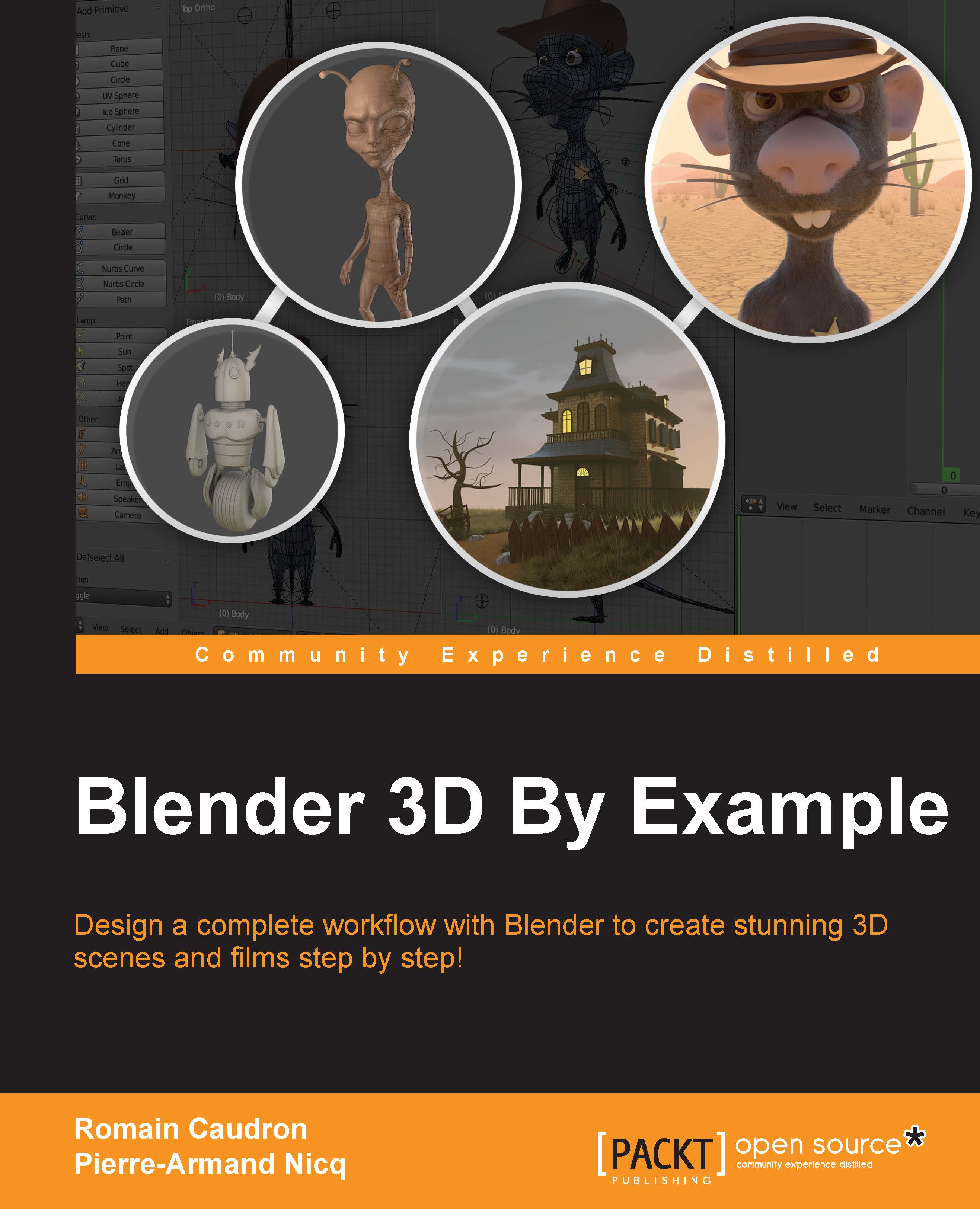
Through this book, you will create many types of concert projects using a step-by-step approach. You will start by getting to know the modeling tools available in Blender as you create a 3D robot toy. Then, you will discover more advanced techniques such as sculpting and re-topology by creating a funny alien character. After that, you will create a full haunted house scene.
For the last project, you will create a short film featuring a rat cowboy shooting cheese in a rat trap! This will be a more complex project in which you learn how to rig, animate, compose advanced material, composite, and edit a full sequence.
Each project in this book will give you more practice and increase your knowledge of the Blender tools. By the end of this book, you will master a workflow that you will be able to apply to your own creations.
Table of Contents (12 chapters)
Preface


 Free Chapter
1. Straight into Blender!
2. Robot Toy – Modeling of an Object
3. Alien Character – Base Mesh Creation and Sculpting
4. Alien Character – Creating a Proper Topology and Transferring the Sculpt Details
5. Haunted House – Modeling of the Scene
6. Haunted House – Putting Colors on It
7. Haunted House – Adding Materials and Lights in Cycles
8. Rat Cowboy – Learning To Rig a Character for Animation
9. Rat Cowboy – Animate a Full Sequence
10. Rat Cowboy – Rendering, Compositing, and Editing

Index
Customer Reviews



