Sign In Start Free Trial
Account

Add to playlist

Create a Playlist

Modal Close icon
You need to login to use this feature.
  • Book Overview & Buying Mastering Unity 2D Game  Development
  • Table Of Contents Toc
Mastering Unity 2D Game  Development

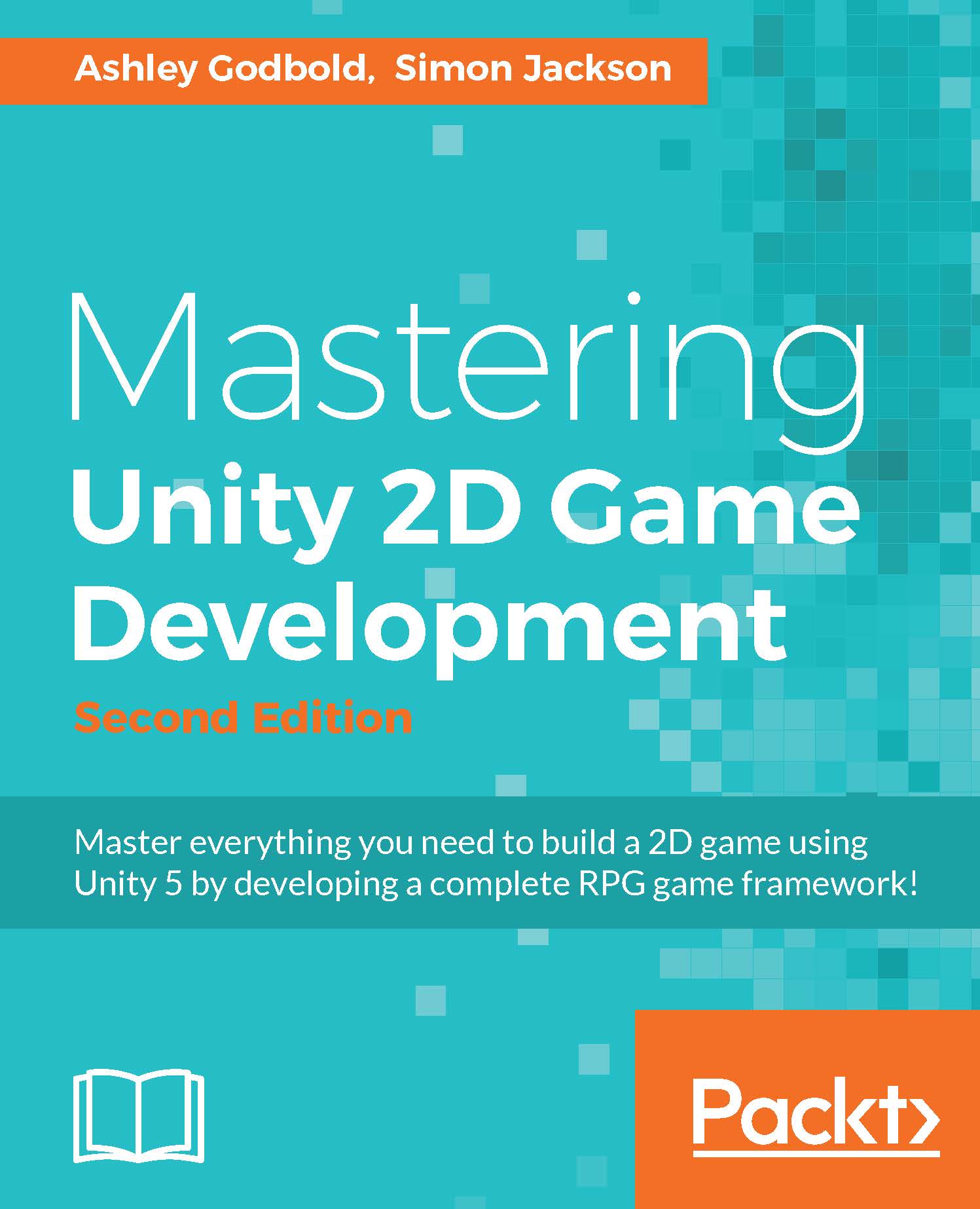
Mastering Unity 2D Game Development - Second Edition

By : Dr. Ashley Godbold, Jackson
3.9 (12)
close
close
Mastering Unity 2D Game  Development

Mastering Unity 2D Game Development

3.9 (12)
By: Dr. Ashley Godbold, Jackson

Overview of this book

The Unity engine has revolutionized the gaming industry, by making it easier than ever for indie game developers to create quality games on a budget. Hobbyists and students can use this powerful engine to build 2D and 3D games, to play, distribute, and even sell for free! This book will help you master the 2D features available in Unity 5, by walking you through the development of a 2D RPG framework. With fully explained and detailed C# scripts, this book will show you how to create and program animations, a NPC conversation system, an inventory system, random RPG map battles, and full game menus. After your core game is complete, you'll learn how to add finishing touches like sound and music, monetization strategies, and splash screens. You’ll then be guided through the process of publishing and sharing your game on multiple platforms. After completing this book, you will have the necessary knowledge to develop, build, and deploy 2D games of any genre!
Table of Contents (15 chapters)
close
close

Chapter 1. Overview

Arguably, the most important parts of any project are knowing where to start and what tools you have in your arsenal before setting out to make your game. In this chapter, we will give a brief overview of the 2D tools offered in Unity 5 and explore the new features available to Unity 5.

Since this is the first chapter, let's cover how this book is structured. The main aim of this book is to build a fully functional, retro-style, Role-Playing Game (RPG) framework and cover all the main aspects of any good and well-rounded RPG game, including the following features:

  • Character development and setup
  • Building your main game view
  • A wider world view
  • Events and encounters
  • Shopping and inventory systems
  • Battles

We will be visiting places such as the following:

  • Your home town, as shown in the following screenshot:

Overview

  • The local shop, as shown in the following screenshot:

Overview

  • The outside world, as shown in the following screenshot:

Overview

  • Battling dragons in the dark forest, as shown in the following screenshot:

Overview

In this chapter, we will walk through the key terms used when working in 2D, as well as the big changes made in Unity 5 relevant to 2D game creation. We will kick off the next chapter by building the foundations of our project with some of the best practices in the industry, including guidance from the Unity team themselves (either direct from team members or from responses in the forums).

The following topics will be covered in this chapter:

  • Overview of Unity's 2D system
  • Rundown of new features provided in Unity 5
CONTINUE READING
83
Tech Concepts
36
Programming languages
73
Tech Tools
Icon Unlimited access to the largest independent learning library in tech of over 8,000 expert-authored tech books and videos.
Icon Innovative learning tools, including AI book assistants, code context explainers, and text-to-speech.
Icon 50+ new titles added per month and exclusive early access to books as they are being written.
Mastering Unity 2D Game  Development
notes
bookmark Notes and Bookmarks search Search in title playlist Add to playlist font-size Font size

Change the font size

margin-width Margin width

Change margin width

day-mode Day/Sepia/Night Modes

Change background colour

Close icon Search
Country selected

Close icon Your notes and bookmarks

Confirmation

Modal Close icon
claim successful

Buy this book with your credits?

Modal Close icon
Are you sure you want to buy this book with one of your credits?
Close
YES, BUY

Submit Your Feedback

Modal Close icon
Modal Close icon
Modal Close icon