
Sign In Start Free Trial
Account

Add to playlist

Create a Playlist

Modal Close icon
You need to login to use this feature.
  • Book Overview & Buying Learning C# by Developing Games with Unity 2019
  • Table Of Contents Toc
Learning C# by Developing Games with Unity 2019

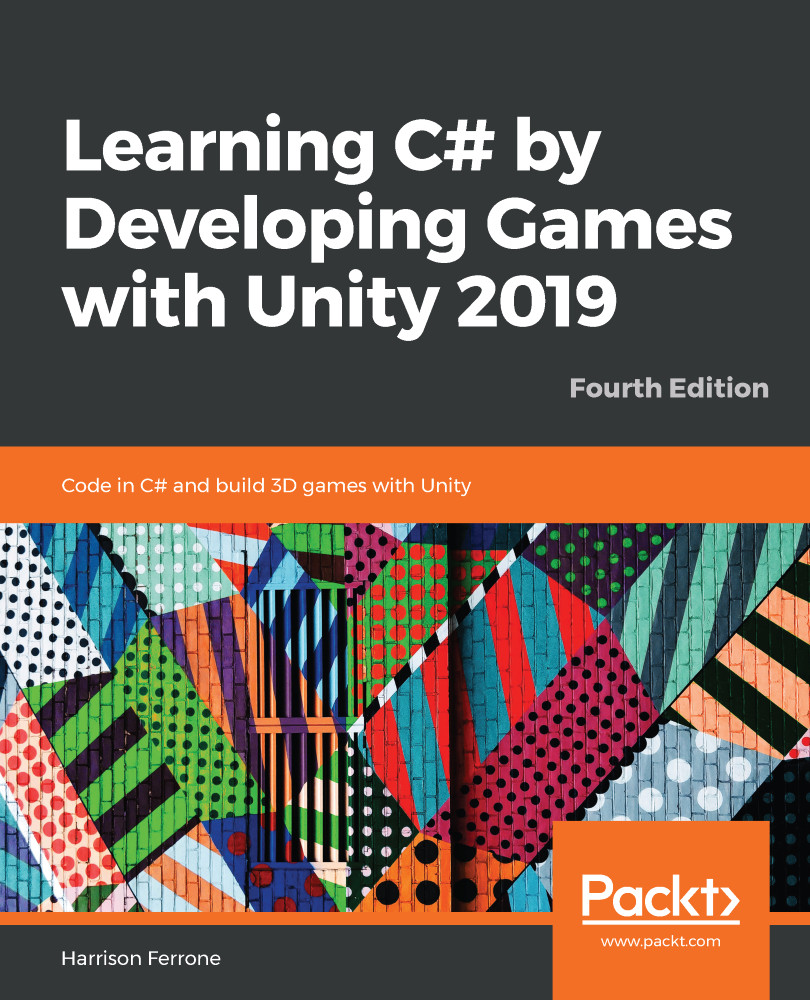
Learning C# by Developing Games with Unity 2019 - Fourth Edition

By : Harrison Ferrone
4 (23)
close
close
Learning C# by Developing Games with Unity 2019

Learning C# by Developing Games with Unity 2019

4 (23)
By: Harrison Ferrone

Overview of this book

Learning to program in today’s technical landscape can be a daunting task, especially when faced with the sheer number of languages you have to choose from. Luckily, Learning C# with Unity 2019 removes the guesswork and starts you off on the path to becoming a confident, and competent, programmer using game development with Unity. You’ll start off small by learning the building blocks of programming, from variables, methods, and conditional statements to classes and object-oriented systems. After you have the basics under your belt you’ll explore the Unity interface, creating C# scripts, and translating your newfound knowledge into simple game mechanics. Throughout this journey, you’ll get hands-on experience with programming best practices and macro-level topics such as manager classes and flexible application architecture. By the end of the book, you’ll be familiar with intermediate C# topics like generics, delegates, and events, setting you up to take on projects of your own.
Table of Contents (20 chapters)
close
close
Lock Free Chapter
1
Section 1: Programming Foundations and C#
7
Section 2: Scripting Game Mechanics in Unity
12
Section 3: Leveling Up Your C# Code

Summary

As we bring the chapter to a close, we should reflect on how much we've accomplished and what we can build with that new knowledge. We know how to make decisions in code using simple if-else checks and more complex switch statements. We can create variables that hold collections of values with arrays, lists, or key-value pairs with dictionaries. We can even choose the right looping statement for each collection type, while carefully avoiding infinite-loop crashes. If you're feeling overloaded, that's perfectly OK – logical, sequential thinking is all part of exercising your programming brain.

The next chapter will close out the basics of C# programming with a look into classes, structs, and object-oriented programming (more commonly known as OOP). We'll be putting everything we've learned so far into these topics, preparing for our first real dive into understanding and controlling objects...

CONTINUE READING
83
Tech Concepts
36
Programming languages
73
Tech Tools
Icon Unlimited access to the largest independent learning library in tech of over 8,000 expert-authored tech books and videos.
Icon Innovative learning tools, including AI book assistants, code context explainers, and text-to-speech.
Icon 50+ new titles added per month and exclusive early access to books as they are being written.
Learning C# by Developing Games with Unity 2019
notes
bookmark Notes and Bookmarks search Search in title playlist Add to playlist download Download options font-size Font size

Change the font size

margin-width Margin width

Change margin width

day-mode Day/Sepia/Night Modes

Change background colour

Close icon Search
Country selected

Close icon Your notes and bookmarks

Confirmation

Modal Close icon
claim successful

Buy this book with your credits?

Modal Close icon
Are you sure you want to buy this book with one of your credits?
Close
YES, BUY

Submit Your Feedback

Modal Close icon
Modal Close icon
Modal Close icon