


-
Book Overview & Buying
-
Table Of Contents

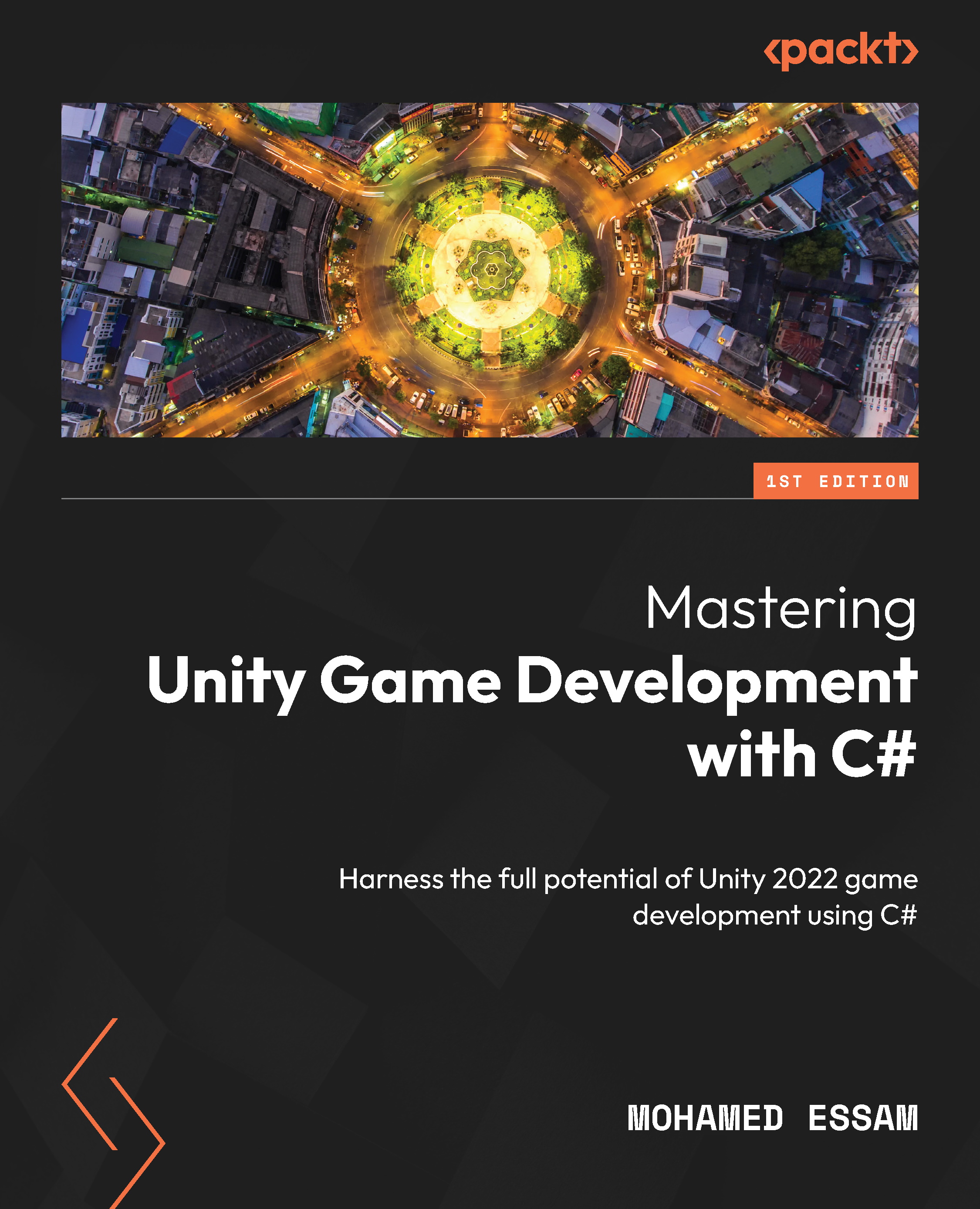
Mastering Unity Game Development with C#
By :


Mastering Unity Game Development with C#
By:
Overview of this book
Do you want to level up your Unity game development skills? Then look no further! This book is your one-stop solution to creating mesmerizing games with lifelike features and captivating gameplay.
Written by a highly experienced Unity developer, this book emphasizes project organization, clean C# code, and Unity plugins, including the new Input System and Cinemachine. Mastering Unity Game Development with C# shows you how to structure projects effectively, write clean and modular code, utilize the power of Unity plugins, and design engaging game mechanics. You’ll also understand how to optimize user interfaces for a seamless player experience, manage game data efficiently, contribute to existing code bases, integrate third-party assets and APIs, and apply optimization techniques to enhance game performance.
By the end of this book, you’ll have acquired the knowledge and skills that will empower you to create efficient and engaging games.
Table of Contents (17 chapters)
Preface


Chapter 1: An Introduction to Game Design and Project Management
Chapter 2: Writing Clean and Modular C# Code for Unity Game Development
Part 2: Advanced C# Game Development Techniques in Unity
Chapter 3: Extending Functionality with Unity Plugins
Chapter 4: Implementing Engaging Game Mechanics Using C# in Unity
Chapter 5: Designing Optimized User Interfaces with C# for Unity Games

Part 3: Data Management and Code Collaboration with C# in Unity
Chapter 6: Effective Game Data Handling and Management with C# in Unity
Chapter 7: Contributing to Existing Code Bases in Unity with C#
Part 4: Advanced Integration and External Assets with C# in Unity
Chapter 8: Implementing External Assets, APIs, and Pre-Built Components with C# in Unity
Chapter 9: Optimizing the Game Using Unity’s Profiler, Frame Debugger, and Memory Profiler
Chapter 10: Tips and Tricks in Unity
Index
Other Books You May Enjoy


