Sign In Start Free Trial
Account

Add to playlist

Create a Playlist

Modal Close icon
You need to login to use this feature.
  • Book Overview & Buying OUYA Game Development by Example
  • Table Of Contents Toc
  • Feedback & Rating feedback
OUYA Game Development by Example

OUYA Game Development by Example

By : John Donovan
4 (3)
close
close
OUYA Game Development by Example

OUYA Game Development by Example

4 (3)
By: John Donovan

Overview of this book

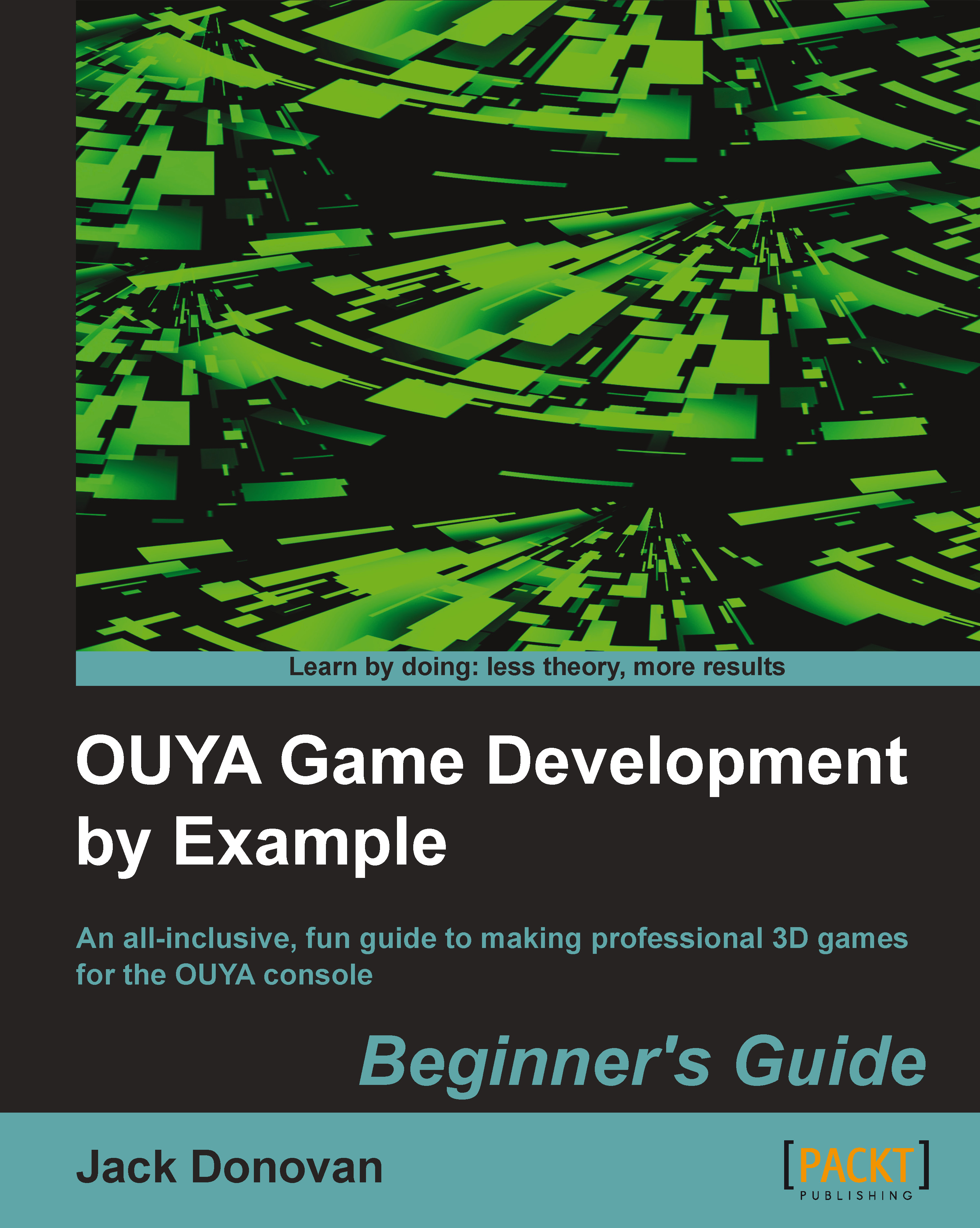
The OUYA console and development kit gives you the power to publish video games for the players, creating a console marketplace of the gamers, for the gamers, and by the gamers. Using the OUYA developer kit and the Unity3D game engine, even beginners with a captivating game idea can bring it to life with a hint of imagination. OUYA Game Development by Example uses a series of feature-based, step-by-step tutorials that teach beginners how to integrate essential elements into a game engine and then combine them to form a polished gaming experience.
Table of Contents (18 chapters)
close
close
OUYA Game Development by Example Beginner's Guide
Credits
About the Author
Acknowledgments
About the Reviewers
www.PacktPub.com
Preface
2
Index

Time for action – importing a Unity input script


The Unity API has values that we can read in a script to tell whether the buttons on a controller are being pressed down. If you were to just use the core OUYA package for Unity, you would have to program your own input manager to act based on those values, but for the purposes of getting the game up and running quickly, you can import an existing script into your game from the OUYA community.

There are several viable input systems that we could find on the Internet, but in this tutorial, we'll use the OuyaInput controller framework by Matthias Titze. Navigate to the GitHub page for the open source project at https://github.com/rendermat/OuyaInputFramework and click on the Download ZIP button to download the files you'll need. When the zipped folder downloads, unzip it and open it to view the contents.

Now that you've acquired all of the necessary files for integrating input into your game, you can put the files into your Unity project by performing...

Visually different images
CONTINUE READING
83
Tech Concepts
36
Programming languages
73
Tech Tools
Icon Unlimited access to the largest independent learning library in tech of over 8,000 expert-authored tech books and videos.
Icon Innovative learning tools, including AI book assistants, code context explainers, and text-to-speech.
Icon 50+ new titles added per month and exclusive early access to books as they are being written.
OUYA Game Development by Example
notes
bookmark Notes and Bookmarks search Search in title playlist Add to playlist font-size Font size

Change the font size

margin-width Margin width

Change margin width

day-mode Day/Sepia/Night Modes

Change background colour

Close icon Search
Country selected

Close icon Your notes and bookmarks

Confirmation

Modal Close icon
claim successful

Buy this book with your credits?

Modal Close icon
Are you sure you want to buy this book with one of your credits?
Close
YES, BUY

Submit Your Feedback

Modal Close icon
Modal Close icon
Modal Close icon