Sign In Start Free Trial
Account

Add to playlist

Create a Playlist

Modal Close icon
You need to login to use this feature.
  • Book Overview & Buying Autodesk AutoCAD 2013 Practical 3D Drafting and Design
  • Table Of Contents Toc
Autodesk AutoCAD 2013 Practical 3D Drafting and Design

Autodesk AutoCAD 2013 Practical 3D Drafting and Design

By : JOAO ANTONIO C DOS SANTOS
4.2 (6)
close
close
Autodesk AutoCAD 2013 Practical 3D Drafting and Design

Autodesk AutoCAD 2013 Practical 3D Drafting and Design

4.2 (6)
By: JOAO ANTONIO C DOS SANTOS

Overview of this book

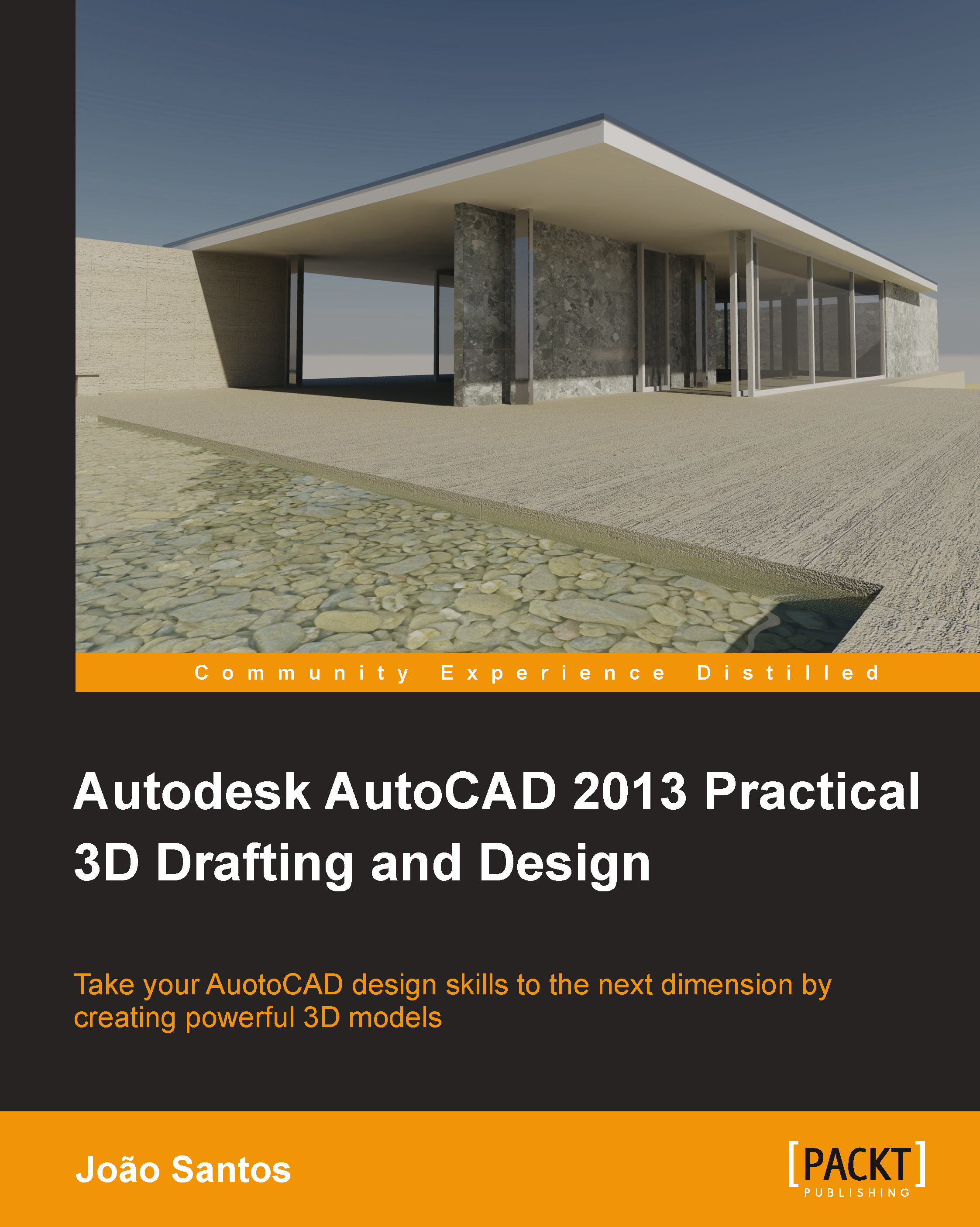
AutoCAD is a computer-aided design (CAD) and drafting software application. AutoCAD supports both 2D and 3D formats. AutoCAD is used in a range of industries and is utilized by architects, project managers, and engineers, among others."Autodesk AutoCAD 2013 Practical 3D Drafting and Design" will take you beyond the 2D frontier and help you create accurate 3D models that simulate reality. This book is crammed full of creative and practical tutorials which will help you master the third dimension. From exercises on coordinate systems to creating solids and surfaces from 2D, you will wonder how you ever designed without this resource by your side."Autodesk AutoCAD 2013 Practical 3D Drafting and Design" is full of hands-on studies and projects that will help develop your 3D skills. Starting from the assumption of only a very basic knowledge of AutoCAD, this book will help you master 3D visualization and coordinate systems, create 3D models from 2D drawings, and from basic shapes, measure volumes, and other information, obtain 2D construction drawings from 3D models as well as how to apply lights and materials to get photorealistic images.
Table of Contents (20 chapters)
close
close
Autodesk AutoCAD 2013 Practical 3D Drafting and Design
Credits
About the Author
About the Reviewers
www.PacktPub.com
Preface
2
Index

Rendering concepts and commands


We present all rendering concepts and commands to obtain photorealistic images from our 3D model.

General concepts

A fundamental output in all 3D models is the creation of photorealistic images, which represent how the model will look after building or fabricating it. A render is, thus, an image, which is defined in horizontal and vertical pixels obtained from a 3D model, where AutoCAD calculates the visible faces and all lighting in the scene and eventually includes indirect lighting, applied materials, and some effects such as background.

After creating the 3D scene with all commands and methods already seen, a typical rendering workflow is as follows:

  1. Apply the camera's simulating user location, point to look at (target), and perspective defining what we want to show.

  2. Apply the lighting conditions. For exterior scenes or interior scenes where outside light is important, light due to the Sun and the sky may be considered. For artificial lights, we apply point...

CONTINUE READING
83
Tech Concepts
36
Programming languages
73
Tech Tools
Icon Unlimited access to the largest independent learning library in tech of over 8,000 expert-authored tech books and videos.
Icon Innovative learning tools, including AI book assistants, code context explainers, and text-to-speech.
Icon 50+ new titles added per month and exclusive early access to books as they are being written.
Autodesk AutoCAD 2013 Practical 3D Drafting and Design
notes
bookmark Notes and Bookmarks search Search in title playlist Add to playlist font-size Font size

Change the font size

margin-width Margin width

Change margin width

day-mode Day/Sepia/Night Modes

Change background colour

Close icon Search
Country selected

Close icon Your notes and bookmarks

Confirmation

Modal Close icon
claim successful

Buy this book with your credits?

Modal Close icon
Are you sure you want to buy this book with one of your credits?
Close
YES, BUY

Submit Your Feedback

Modal Close icon
Modal Close icon
Modal Close icon