Sign In Start Free Trial
Account

Add to playlist

Create a Playlist

Modal Close icon
You need to login to use this feature.
  • Book Overview & Buying Mastering ROS for Robotics Programming
  • Table Of Contents Toc
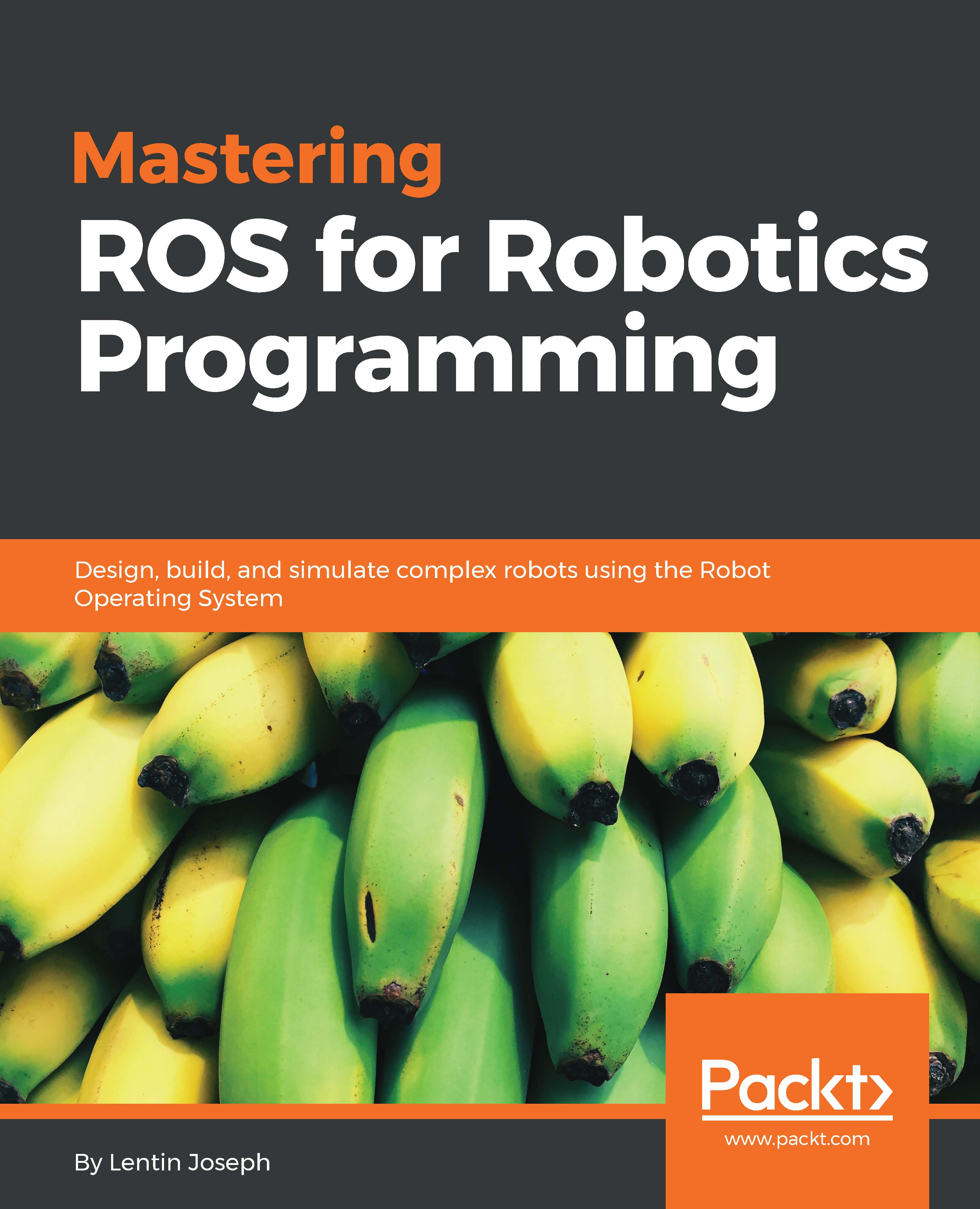
Mastering ROS for Robotics Programming

Mastering ROS for Robotics Programming

By : Lentin Joseph
4 (10)
close
close
Mastering ROS for Robotics Programming

Mastering ROS for Robotics Programming

4 (10)
By: Lentin Joseph

Overview of this book

The area of robotics is gaining huge momentum among corporate people, researchers, hobbyists, and students. The major challenge in robotics is its controlling software. The Robot Operating System (ROS) is a modular software platform to develop generic robotic applications. This book discusses the advanced concepts in robotics and how to program using ROS. It starts with deep overview of the ROS framework, which will give you a clear idea of how ROS really works. During the course of the book, you will learn how to build models of complex robots, and simulate and interface the robot using the ROS MoveIt motion planning library and ROS navigation stacks. After discussing robot manipulation and navigation in robots, you will get to grips with the interfacing I/O boards, sensors, and actuators of ROS. One of the essential ingredients of robots are vision sensors, and an entire chapter is dedicated to the vision sensor, its interfacing in ROS, and its programming. You will discuss the hardware interfacing and simulation of complex robot to ROS and ROS Industrial (Package used for interfacing industrial robots). Finally, you will get to know the best practices to follow when programming using ROS.
Table of Contents (14 chapters)
close
close
13
Index

Chapter 1. Introduction to ROS and Its Package Management

This is an introductory chapter that gives you an understanding of the core underlying concepts of ROS and how to work with ROS packages. We will also go through the ROS concepts such as ROS master, nodes, parameter server, topic, message, service, and actionlib to refresh your memory of the concepts you already know.

The basic building blocks of the ROS software framework are ROS packages. We will see how to create, build, and maintain a ROS package. We will also see how to create a wiki page for our package on the ROS website to contribute to the ROS community.

In this chapter, we will cover the following topics:

  • Why should we learn ROS?
  • Why we prefer ROS for robot
  • Why we do not prefer ROS for robot
  • Understanding the ROS file system level
  • Understanding the ROS computation graph level
  • Understanding ROS nodes, messages, topics, services, bags
  • Understanding ROS Master
  • Using ROS Parameter
  • Understanding ROS community level
  • Running ROS Master and ROS Parameter server
  • Creating a ROS package
  • Working with ROS topics
  • Adding custom msg and srv files
  • Working with ROS services
  • Working with ROS actionlib
  • Creating launch files
  • Applications of topics, services, and actionlib
  • Maintaining the ROS package
  • Releasing your ROS package
  • Creating a wiki page for your ROS package
CONTINUE READING
83
Tech Concepts
36
Programming languages
73
Tech Tools
Icon Unlimited access to the largest independent learning library in tech of over 8,000 expert-authored tech books and videos.
Icon Innovative learning tools, including AI book assistants, code context explainers, and text-to-speech.
Icon 50+ new titles added per month and exclusive early access to books as they are being written.
Mastering ROS for Robotics Programming
notes
bookmark Notes and Bookmarks search Search in title playlist Add to playlist font-size Font size

Change the font size

margin-width Margin width

Change margin width

day-mode Day/Sepia/Night Modes

Change background colour

Close icon Search
Country selected

Close icon Your notes and bookmarks

Confirmation

Modal Close icon
claim successful

Buy this book with your credits?

Modal Close icon
Are you sure you want to buy this book with one of your credits?
Close
YES, BUY

Submit Your Feedback

Modal Close icon
Modal Close icon
Modal Close icon