Sign In Start Free Trial
Account

Add to playlist

Create a Playlist

Modal Close icon
You need to login to use this feature.
  • Book Overview & Buying Apple Watch App Development
  • Table Of Contents Toc
  • Feedback & Rating feedback
Apple Watch App Development

Apple Watch App Development

By : Steven F. Daniel
3.5 (2)
close
close
Apple Watch App Development

Apple Watch App Development

3.5 (2)
By: Steven F. Daniel

Overview of this book

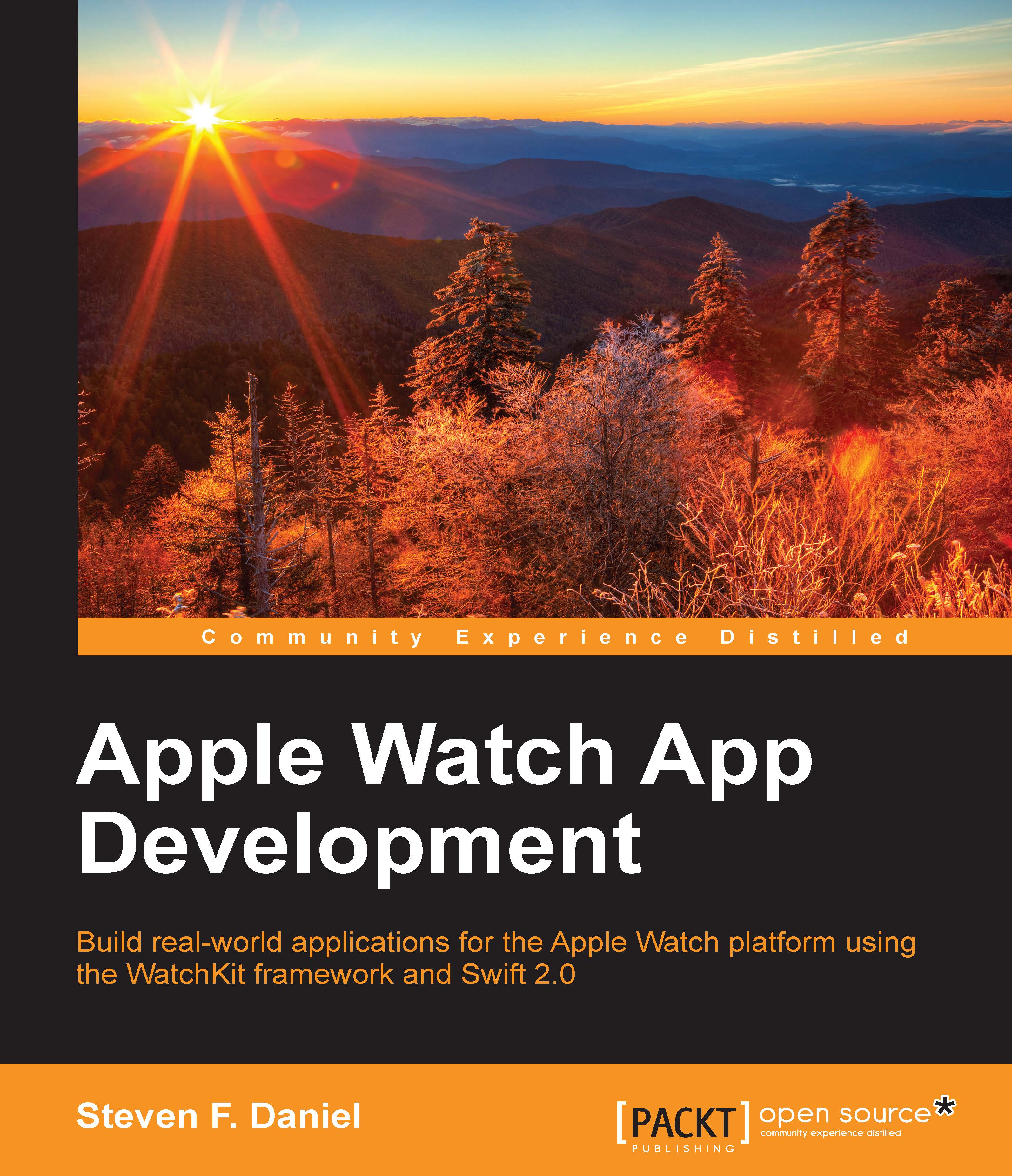
With the increasing amount of new wearable devices hitting the market, wearables are the next wave of mobile technology. With the release of Apple's WatchKit SDK, a whole new world of exciting development possibilities hasopened up. Apple Watch App Development introduces you to the architecture and limitations of the Apple Watch platform, followed by an in-depth look at how to work with Xcode playgrounds. Here, we'll introduce you to the Swift programming language so you can quickly begin developing apps for the Apple Watch platform with the WatchKit framework and the Xcode Development IDE. We then discuss more advanced topics such as Notifiations, Glances, Closures, Tuples, Protocols, Apple pay, and using Swift playgrounds, with each concept backed up with example code that demonstrates how to properly execute it. We also show you how to package and deploy your Watch application to the Apple AppStore. By the end of this book, you will have a good understanding of how to develop apps for Apple Watch platform using the WatchKit framework and Swift 2.0.
Table of Contents (13 chapters)
close
close
12
Index

Summary


In this chapter, you learned how to effectively debug your app, using Instruments to eliminate potential memory leaks. You also learned how to create and set up your iOS development team as well as the associated iOS development certificate that enables you to run and test your apps on an iOS device. After that, we moved on to describing the way to create App IDs for our apps; these App IDs are used within Xcode to associate your app with the one assigned as part of your provisioning profile.

Once we created all the necessary development certificates and provisioning profiles, we looked at how to profile our application using the Instruments application that comes as part of Xcode. You learned how to use the Leaks instrument to help detect any memory leaks within our Animation Example app; this instrument ensures that objects are allocated and released correctly.

Additionally, you learned how to package your app, deploy it to iTunes Connect in order to download and test your app on...

Visually different images
CONTINUE READING
83
Tech Concepts
36
Programming languages
73
Tech Tools
Icon Unlimited access to the largest independent learning library in tech of over 8,000 expert-authored tech books and videos.
Icon Innovative learning tools, including AI book assistants, code context explainers, and text-to-speech.
Icon 50+ new titles added per month and exclusive early access to books as they are being written.
Apple Watch App Development
notes
bookmark Notes and Bookmarks search Search in title playlist Add to playlist font-size Font size

Change the font size

margin-width Margin width

Change margin width

day-mode Day/Sepia/Night Modes

Change background colour

Close icon Search
Country selected

Close icon Your notes and bookmarks

Confirmation

Modal Close icon
claim successful

Buy this book with your credits?

Modal Close icon
Are you sure you want to buy this book with one of your credits?
Close
YES, BUY

Submit Your Feedback

Modal Close icon
Modal Close icon
Modal Close icon