


-
Book Overview & Buying
-
Table Of Contents

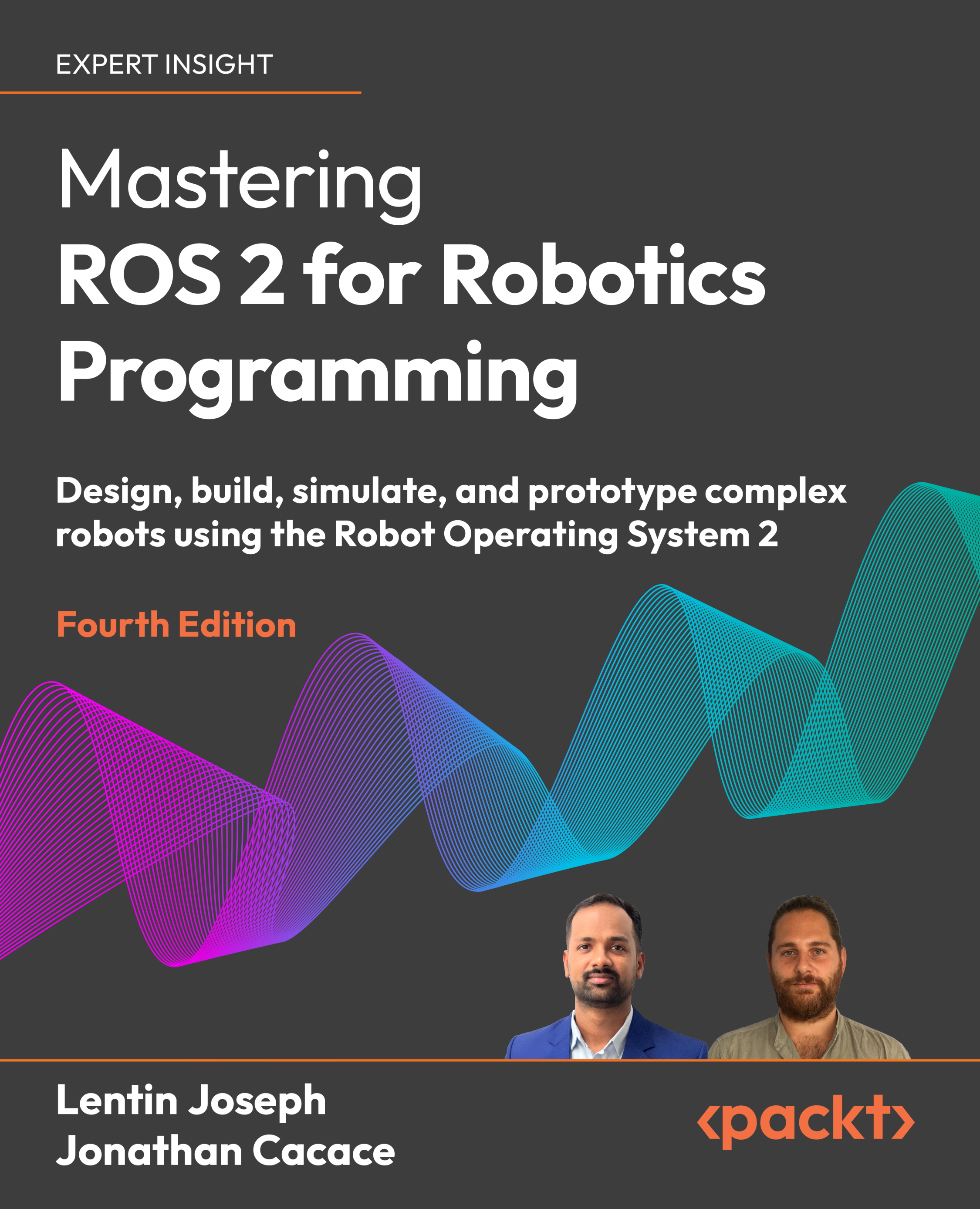
Mastering ROS 2 for Robotics Programming - Fourth Edition
By :


Mastering ROS 2 for Robotics Programming
By:
Overview of this book
The rising demand for advanced robotics software has made proficiency in frameworks like ROS 2 essential for engineers and enthusiasts alike.
Lentin Joseph, co-founder of RUNTIME Robotics, and Jonathan Cacace, PhD in robotics, help you grasp the foundational concepts and practical applications in this comprehensive fourth edition updated to cover the latest LTS release from 2024—ROS 2 Jazzy. Starting with a solid introduction to ROS 2, including core components and tools, the chapters get you ready to start programming and using its key features confidently. Building on this, the book focuses on 3D robot modeling and simulation with the new Gazebo Sim, supported by ROS 2 controllers. You’ll explore high-level features such as Nav2 for navigation and MoveIt 2 for manipulation, which are crucial for developing advanced systems. You'll also dive into aerial robotics with ROS 2 and learn how to build real-world robots using Micro-ROS. The concluding chapters cover advanced topics like CI/CD workflows, interfacing ROS 2 with large language model (LLM) agents for intelligent planning, and applying deep reinforcement learning for autonomy.
By the end of this book, you'll have a strong foundation in ROS 2, along with the skills needed to build sophisticated, real-world robotic applications.
Table of Contents (22 chapters)
Preface


Introduction to ROS 2
Getting Started with ROS 2 Programming
Implementing ROS 2 Concepts
Working with Robot 3D Modeling in ROS 2

Simulating Robots in a Realistic Environment
Part II: ROS 2 Applications: Navigation, Manipulation, and Control
Controlling Robots Using the ros2_control Package
Implementing ROS 2 Applications Using BehaviorTree.CPP
ROS 2 Navigation Stack: Nav2
Robot Manipulation Using MoveIt 2
Working with ROS 2 and Perception Stack
Part III: Advanced Applications and Machine Learning
Aerial Robotics and ROS 2
Designing and Programming a DIY Mobile Robot from Scratch
Testing, Continuous Integration, and Continuous Deployment with ROS 2
Interfacing Large Language Models with ROS 2
ROS 2 and Deep Reinforcement Learning
Implementing ROS 2 Visualization and Simulation Plugins
Other Books You May Enjoy
Index


