Sign In Start Free Trial
Account

Add to playlist

Create a Playlist

Modal Close icon
You need to login to use this feature.
  • Book Overview & Buying PhoneGap Beginners Guide (third edition)
  • Table Of Contents Toc
  • Feedback & Rating feedback
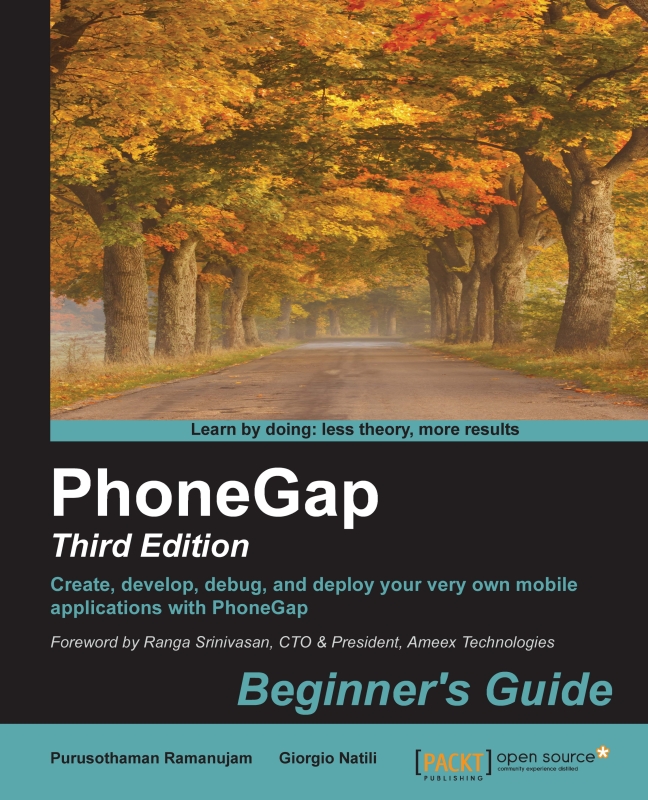
PhoneGap Beginners Guide (third edition)

PhoneGap Beginners Guide (third edition)

By : Ramanujam, Giorgio Natili
3.7 (6)
close
close
PhoneGap Beginners Guide (third edition)

PhoneGap Beginners Guide (third edition)

3.7 (6)
By: Ramanujam, Giorgio Natili

Overview of this book

This book is for web developers who want to be productive in the mobile market quickly. In fact, by using PhoneGap, it's possible to deploy native applications based on web standards. This book assumes a very small knowledge of HTML/CSS/JavaScript and mobile platforms, such as Android, BlackBerry, iOS, and Windows Phone, and takes the reader step-by-step into a deep overview of PhoneGap and its APIs.
Table of Contents (16 chapters)
close
close
13
C. Related Plugin Resources
15
Index

Getting started with iOS and Xcode

In order to start developing apps for iOS devices, it's mandatory to have a Mac and download the iOS SDK (Xcode), available on the Apple Developer Center at http://developer.apple.com. Complete the following steps to install Xcode:

  1. Install Xcode from the App Store.
  2. Install the Xcode command-line tools (Xcode Preferences | Downloads | Components | Command Line Tools | Install).

Now, let's create an iOS project using the command-line tools, as shown here:

$ phonegap create hello
$ cd hello
$ phonegap platform add ios
$ phonegap build

Once the preceding commands are executed, you will have the Xcode project created. You can see the hello/platforms/ios/hello.xcodeproj file and you can double-click on it to open it. With this, our project is already set up and ready to be debugged and deployed.

In order to deploy the app, change Target in the Scheme drop-down menu on the toolbar to Hello (or the current project name) and change Active SDK in the Scheme drop-down menu on the toolbar to iOS [version] Simulator. Once you have done this, click on the Run button.

Note

If you are searching for a tool for Objective-C with advanced refactoring features, better code completion, great support for unit tests, and powerful code inspection tools, you should consider buying AppCode from JetBrains. More information is available at http://www.jetbrains.com/objc/.

Visually different images
CONTINUE READING
83
Tech Concepts
36
Programming languages
73
Tech Tools
Icon Unlimited access to the largest independent learning library in tech of over 8,000 expert-authored tech books and videos.
Icon Innovative learning tools, including AI book assistants, code context explainers, and text-to-speech.
Icon 50+ new titles added per month and exclusive early access to books as they are being written.
PhoneGap Beginners Guide (third edition)
notes
bookmark Notes and Bookmarks search Search in title playlist Add to playlist font-size Font size

Change the font size

margin-width Margin width

Change margin width

day-mode Day/Sepia/Night Modes

Change background colour

Close icon Search
Country selected

Close icon Your notes and bookmarks

Confirmation

Modal Close icon
claim successful

Buy this book with your credits?

Modal Close icon
Are you sure you want to buy this book with one of your credits?
Close
YES, BUY

Submit Your Feedback

Modal Close icon
Modal Close icon
Modal Close icon