Sign In Start Free Trial
Account

Add to playlist

Create a Playlist

Modal Close icon
You need to login to use this feature.
  • Book Overview & Buying Hands-On Android UI Development
  • Table Of Contents Toc
  • Feedback & Rating feedback
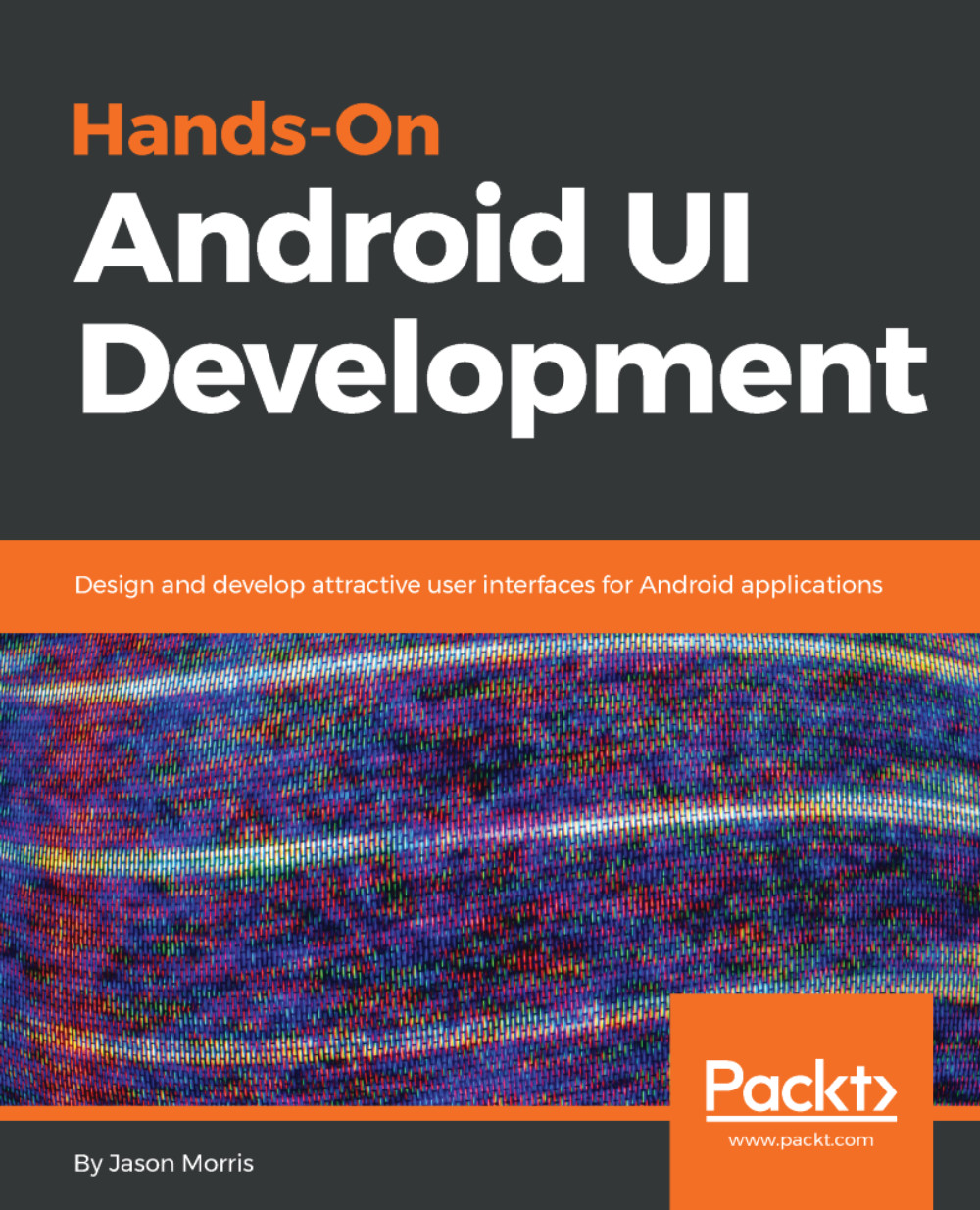
Hands-On Android UI Development

Hands-On Android UI Development

By : Jason Morris
3.8 (4)
close
close
Hands-On Android UI Development

Hands-On Android UI Development

3.8 (4)
By: Jason Morris

Overview of this book

A great user interface (UI) can spell the difference between success and failure for any new application. This book will show you not just how to code great UIs, but how to design them as well. It will take novice Android developers on a journey, showing them how to leverage the Android platform to produce stunning Android applications. Begin with the basics of creating Android applications and then move on to topics such as screen and layout design. Next, learn about techniques that will help improve performance for your application. Also, explore how to create reactive applications that are fast, animated, and guide the user toward their goals with minimal distraction. Understand Android architecture components and learn how to build your application to automatically respond to changes made by the user. Great platforms are not always enough, so this book also focuses on creating custom components, layout managers, and 2D graphics. Also, explore many tips and best practices to ease your UI development process. By the end, you'll be able to design and build not only amazing UIs, but also systems that provide the best possible user experience.
Table of Contents (15 chapters)
close
close
13
Activity Lifecycle

Summary


Building your own custom components can be a lot of work, but can also be extremely rewarding. Having complete control over the measurement, layout, and rendering cycle provides you with an amazing amount of power to virtually build any widget that you can imagine. Android also has some excellent defaults defined, allowing you to focus on how your widget should look and work, rather than getting stuck on the intricacies of the rendering pipeline.

The Drawable class is one of the most powerful graphics primitives Android has. It's difficult to call it a primitive due to how powerful they actually are. Wherever possible, use them instead of a Bitmap or Path, as they make future improvements much simpler, and easily integrate with the resources system.

Using the Handler class to animate a widget is also a very powerful and low-level mechanism. It's often a good idea to introduce a sense of real time into these sorts of animations so that frames that take slightly longer, or shorter, to...

Visually different images
CONTINUE READING
83
Tech Concepts
36
Programming languages
73
Tech Tools
Icon Unlimited access to the largest independent learning library in tech of over 8,000 expert-authored tech books and videos.
Icon Innovative learning tools, including AI book assistants, code context explainers, and text-to-speech.
Icon 50+ new titles added per month and exclusive early access to books as they are being written.
Hands-On Android UI Development
notes
bookmark Notes and Bookmarks search Search in title playlist Add to playlist download Download options font-size Font size

Change the font size

margin-width Margin width

Change margin width

day-mode Day/Sepia/Night Modes

Change background colour

Close icon Search
Country selected

Close icon Your notes and bookmarks

Confirmation

Modal Close icon
claim successful

Buy this book with your credits?

Modal Close icon
Are you sure you want to buy this book with one of your credits?
Close
YES, BUY

Submit Your Feedback

Modal Close icon
Modal Close icon
Modal Close icon